Maintenance 4. Backup and Restore
RC620 Rev.8 137
4.4 Restore
Restore the Controller status from the EPSON RC+ 6.0.
CAUTION
Make sure that the data used for restore was saved previously for same
Controller.
Do not edit the backup files. Otherwise, operation of the robot system after data
restoration to the
Controller is not assured.
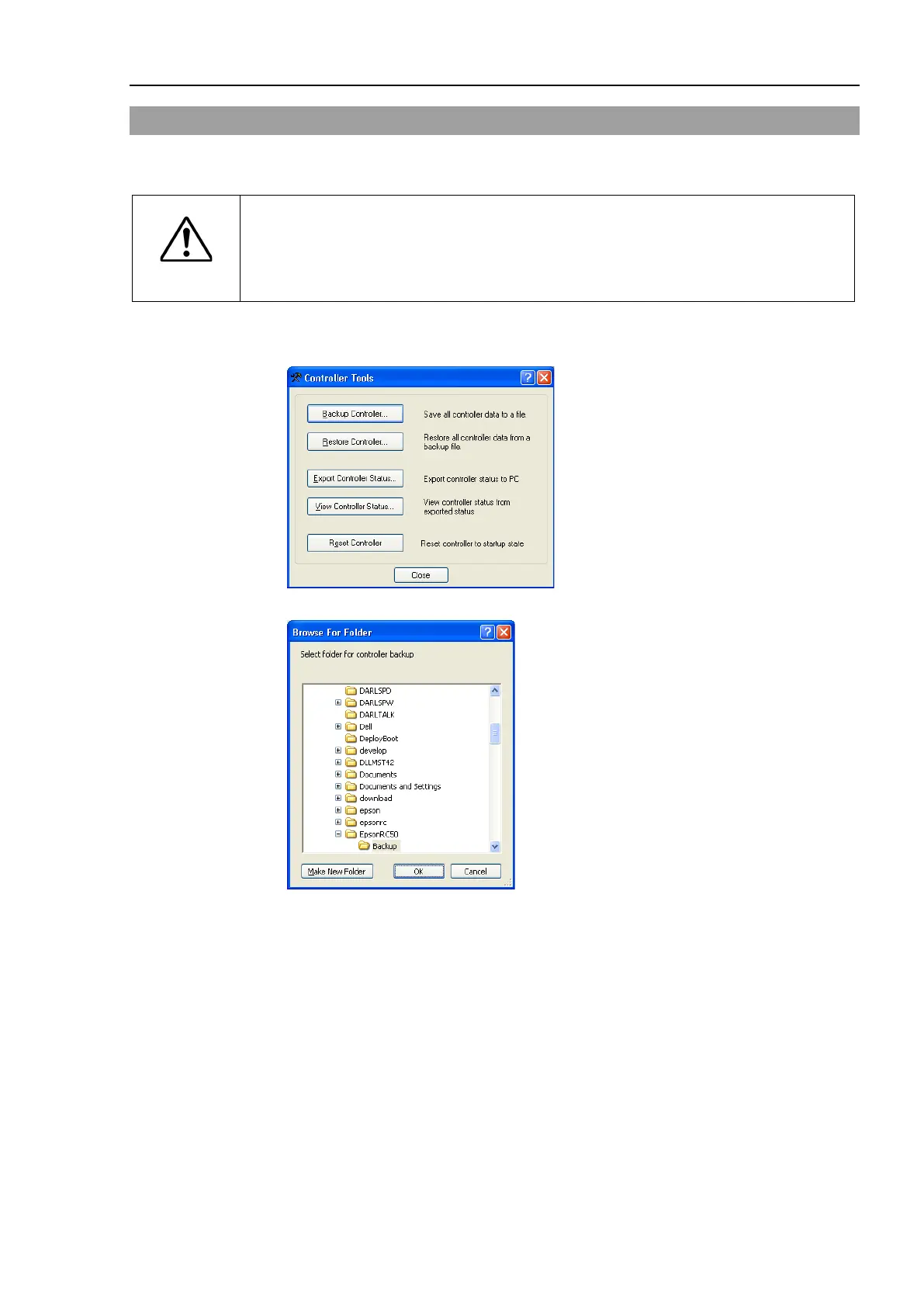
(1) Select the EPSON RC+ 6.0 menu-[Tools]-[Controller] to display the [Controller
Tools] dialog.
(2) Click the <Restore Controller…> button to display the [Browse For Folder] dialog.
(3) Specify the folder that contains the backup data. Backup data folders are named
using the following format:
B_serial number_date status was saved
→ Example: B_12345_200608074410
Data saved with the Controller status storage function can also be specified for restore.
Specify the following folder.
S_serial number_data status was saved
→ Example: S_12345_200608074410



 To Next Page