Setup & Operation 14. Option : Teach Pendant TP1
114 RC620 Rev.8
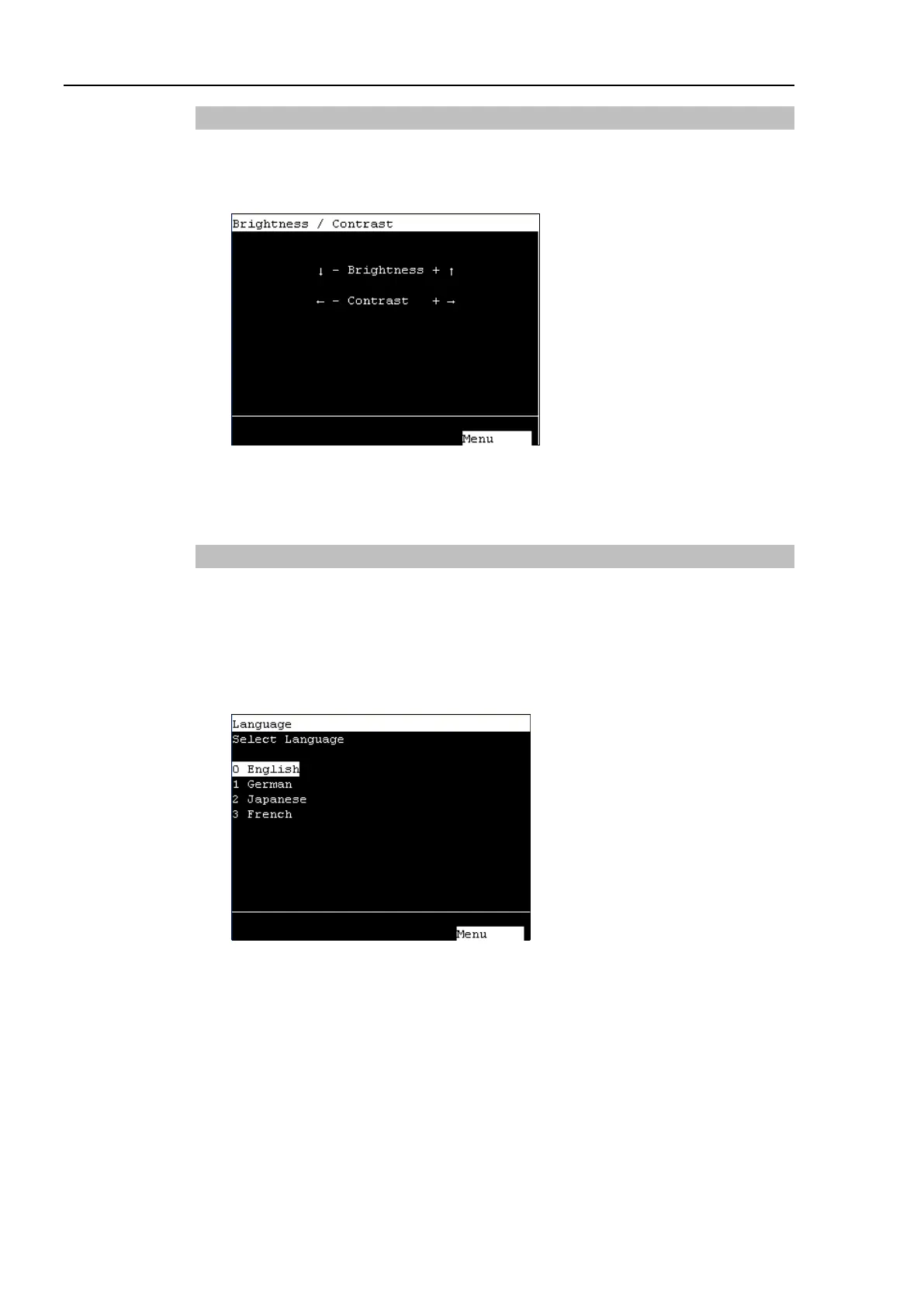
14.4.8 Brightness / Contrast
(1) In the [Main Menu] screen, move the cursor to [7 Brightness / Contrast], and press
the <OK> key.
(2) Adjust the brightness and contrast. Press the <OK> key to save the status.
↓
↑
These arrow keys can adjust the brightness.
←
→
These arrow keys can adjust the contrast.
Returns to the [Main Menu] screen.
14.4.9 Language
(1) In the [Program Mode] screen, move the cursor to the last line, and press the <↓> key.
The following screen appears.
In the [Main Menu] screen, move the cursor to [8 Language...] and press the <OK>
key.
(2) Move the cursor to the desired display language, and press the <OK> key.
The new display language setting is enabled after the next startup.
Returns to the [Main Menu] screen.



 To Next Page