Maintenance 6. Maintenance Parts Replacement Procedures
192 RC620 Rev.8
6.6.3 Switching Power Supply (ATX)
ATX)
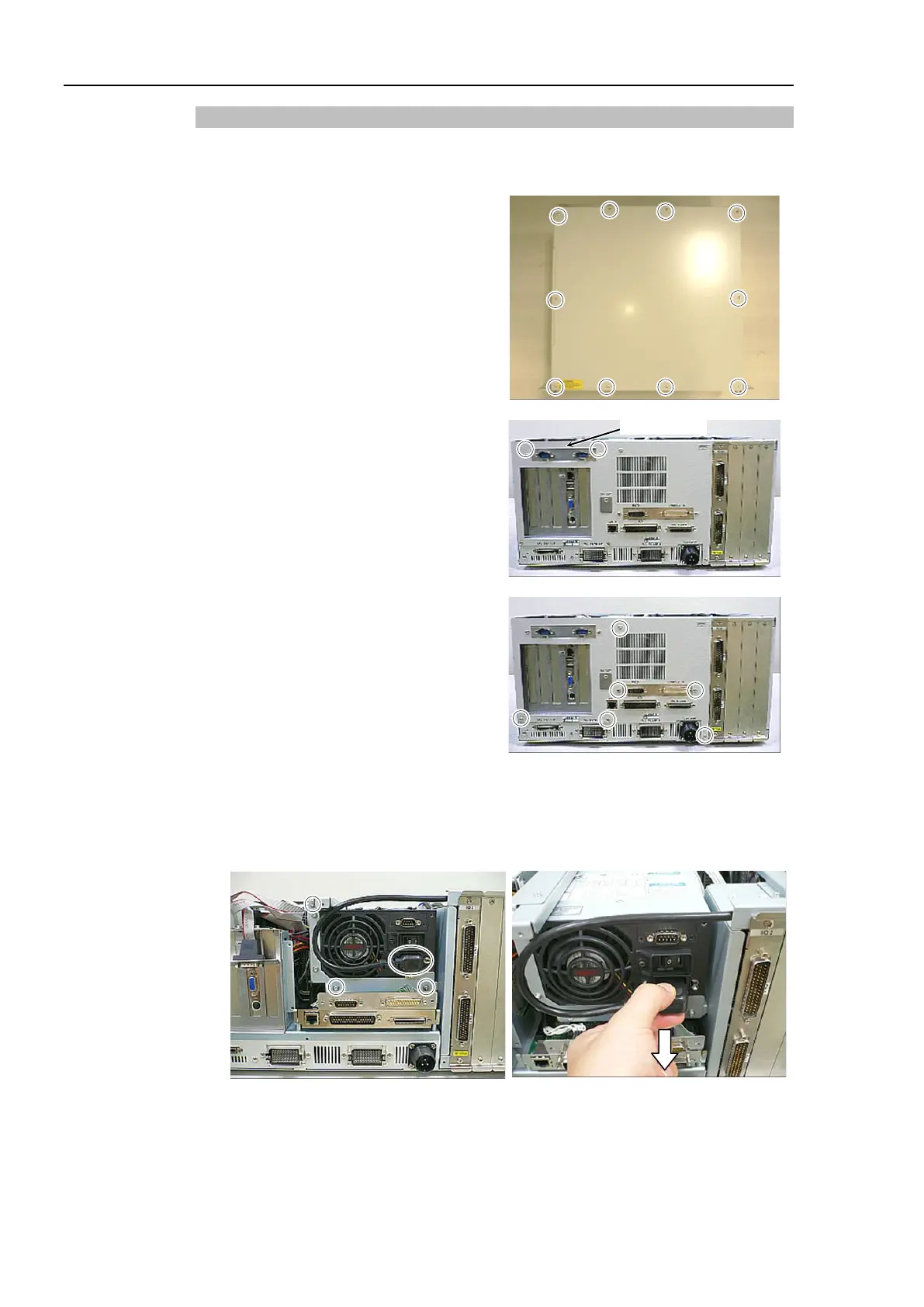
Turn OFF the Controller and unplug the power connector.
top panel.
COM panel is mounted:
Remove 2 screws for the COM
panel.
back panel.
Remove the Cable No. (6) connecting with the
Switching Power Supply (ATX
Refer to Maintenance: 3.2 Diagram of Cable Connections.



 To Next Page