Maintenance 6. Maintenance Parts Replacement Procedures
RC620 Rev.8 191
75W)
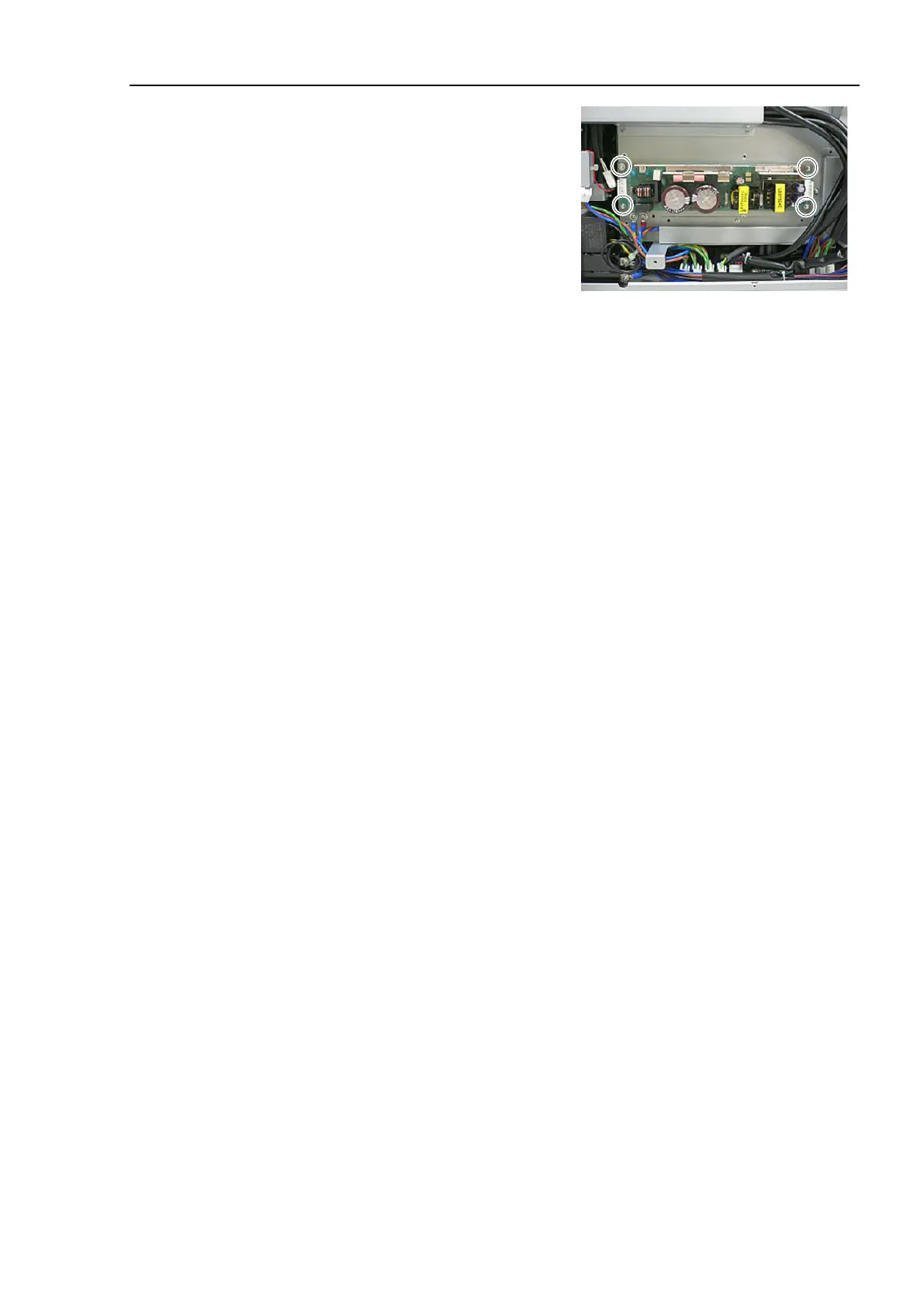
Switching Power Supply
75W) to the Controller using 4 screws.
Refer to the photo for the direction of
the Switching Power
Supply.
Connect Cable No. (5), (11) with the
Switching Power Supply (75W).
Refer to Maintenance: 3.2 Diagram of Cable Connections.
Place the bottom panel and secure it using
16 screws.
back to the original position.
Secure the fixing plate using 3 screws (
M4 pan head).
the power connector. Turn ON the Controller and make sure that
the
Controller starts properly without any vibration or abnormal noise.



 To Next Page