Maintenance 6. Maintenance Parts Replacement Procedures
RC620 Rev.8 173
6.4.2 Faster
6.4.2.1 CPU Board (Faster)
Some of the cables connecting with the CPU board can be connected even they are
180-degree turned in the opposite direction. Make sure that you can install the cables
correctly by taking pictures or notes during the replacement work.
Board
Turn OFF the Controller and unplug the power connector.
Disconnect the following external cables from the CPU
board if they are connected.
USB device LAN Display COM port
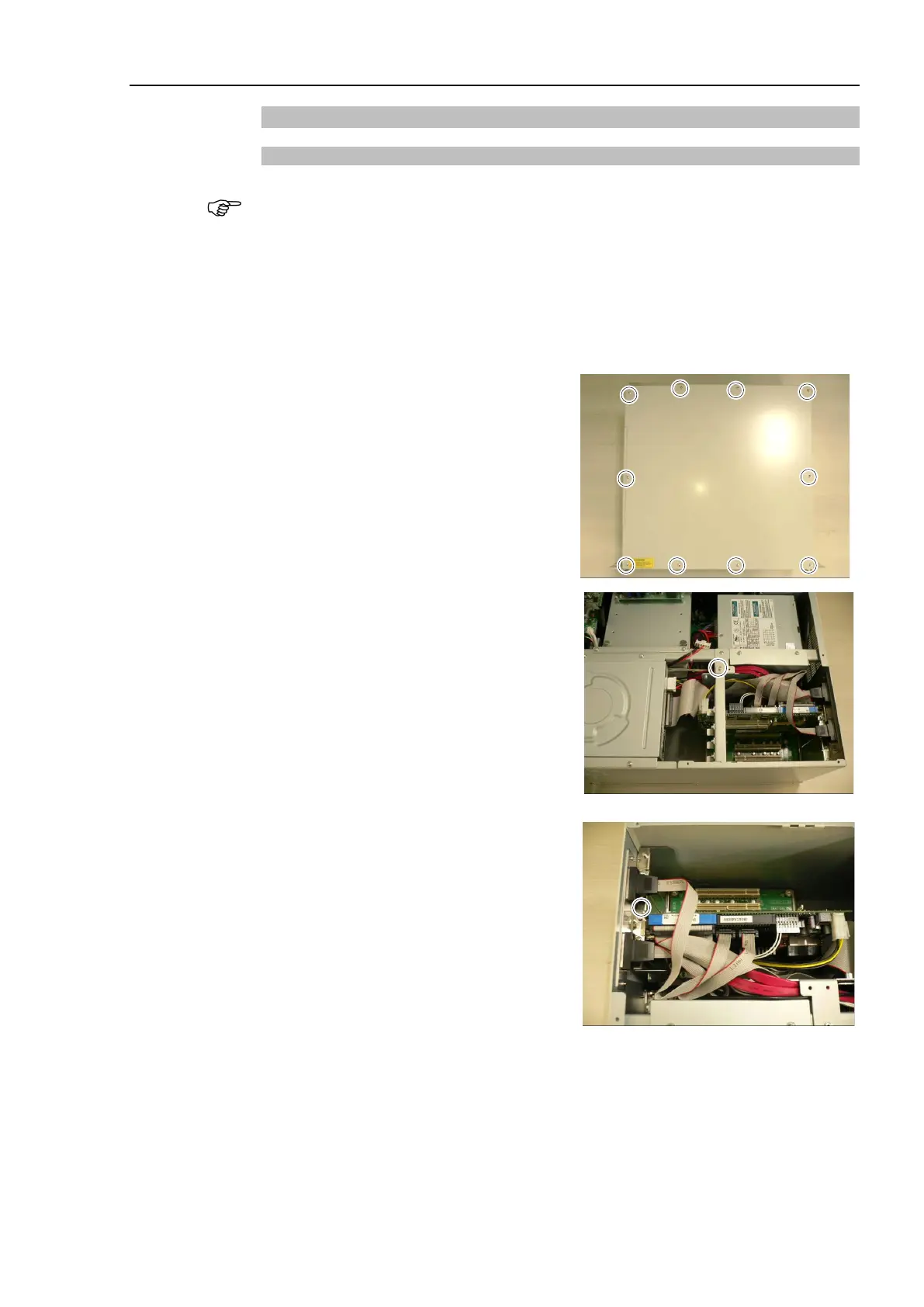
rews and the top panel.
for the CPU board
er assembly and remove the holder
.
Remove a screw securing the CPU
board in the controller rear side.



 To Next Page