Setup & Operation 14. Option : Teach Pendant TP1
86 RC620 Rev.8
14.1.5 Operation Panel (Key Description)
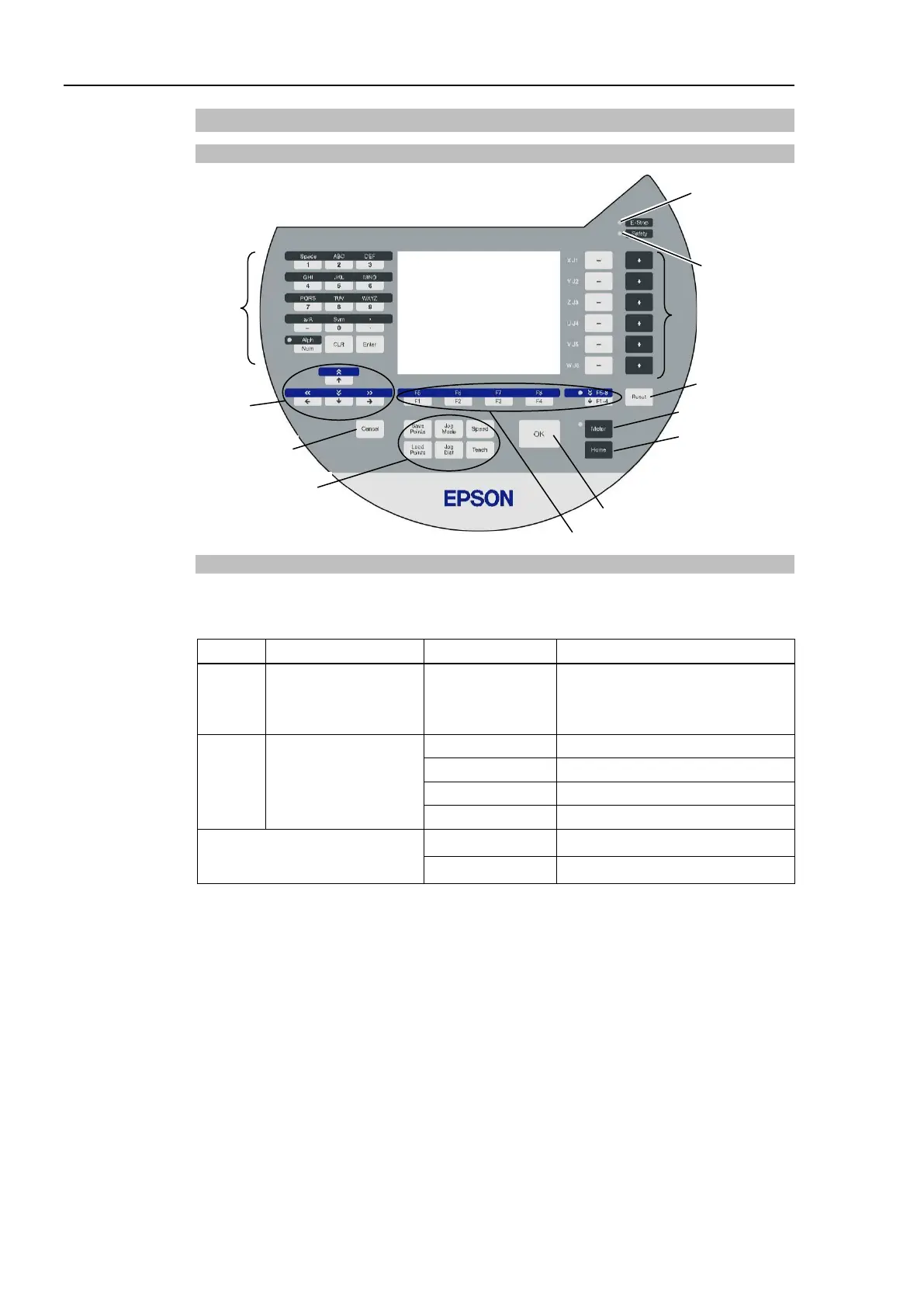
Key Description
Alphabet and Number
Input keys
Alphabet and Number Input Keys
Input mode alphabet/number switches by turning ON/OFF the “Alph” lamp.
Press the <Alph/Num> key to turn ON/OFF the “Alph” lamp.
OFF Number input mode
From 0 to 9
- (minus)
Number input
ON Alphabet input mode
Common
CLR Clear number and alphabet
Enter Set number and alphabet



 To Next Page