Setup & Operation 14. Option : Teach Pendant TP1
RC620 Rev.8 105
14.3.7 Free Joints
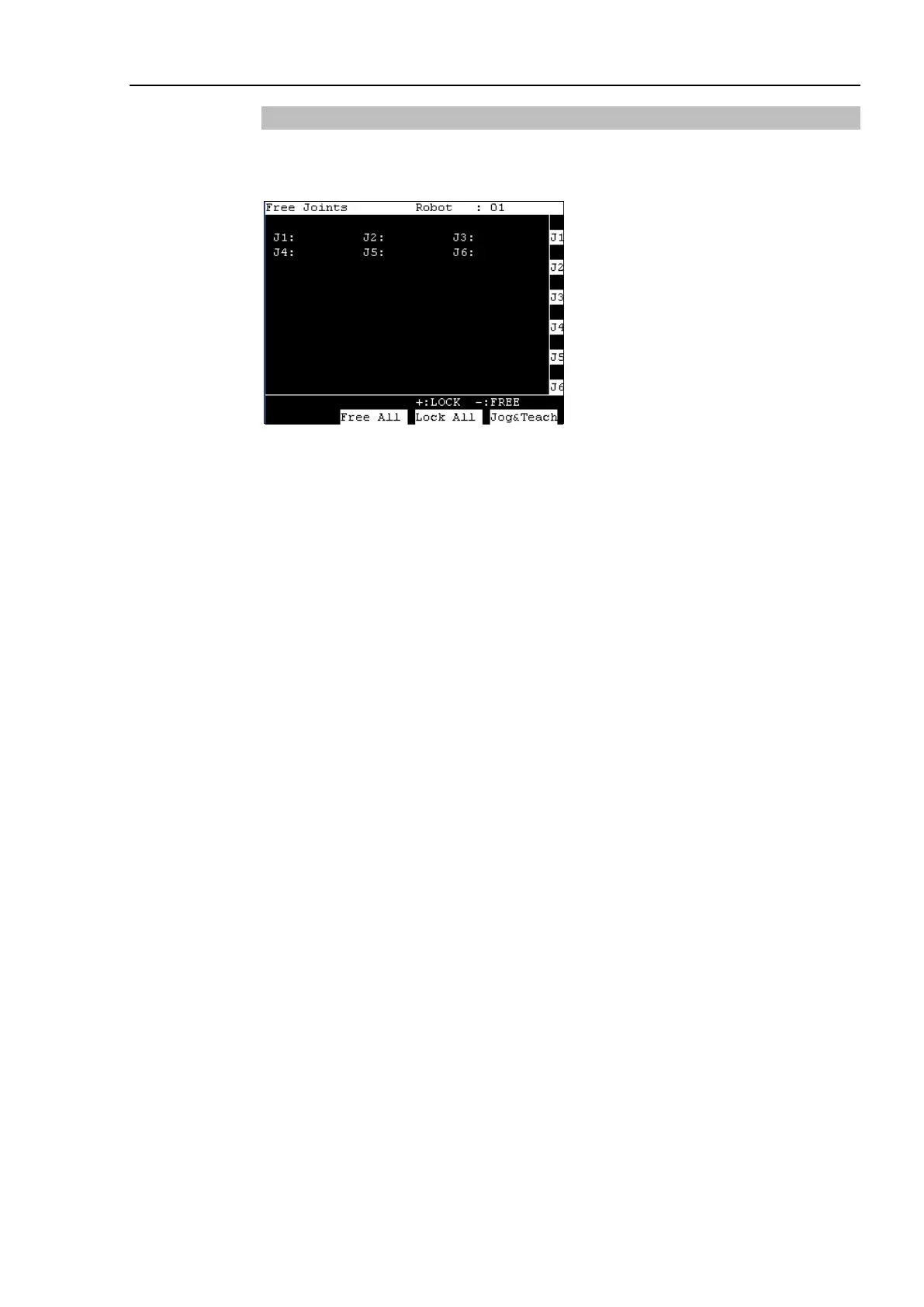
This section indicates settings in the [Free Joints] screen.
Press the <F6> key in the [Jog & Teach] screen. The following screen appears.
Specify On/Off for each joint.
When performing direct teaching (manually moving the robot by hand to perform
teaching), set the joint to Off.
Press the <Jog Dist> key and select “Free Joint” at [Jog Dist].
Set On/Off for each joint.
<+> key : Lock : Sets the joint to Off.
<
−
> key : Free : Sets the joint to On.
<F2> key : All Lock : Sets all joints to Off.
<F3> key : All Free : Sets all joints to On.
For the Jog keys operation, refer to Operation: 14.3.1 Jog & Teach - Jog key.



 To Next Page