Setup & Operation 14. Option : Teach Pendant TP1
RC620 Rev.8 103
14.3.5 I/O Command
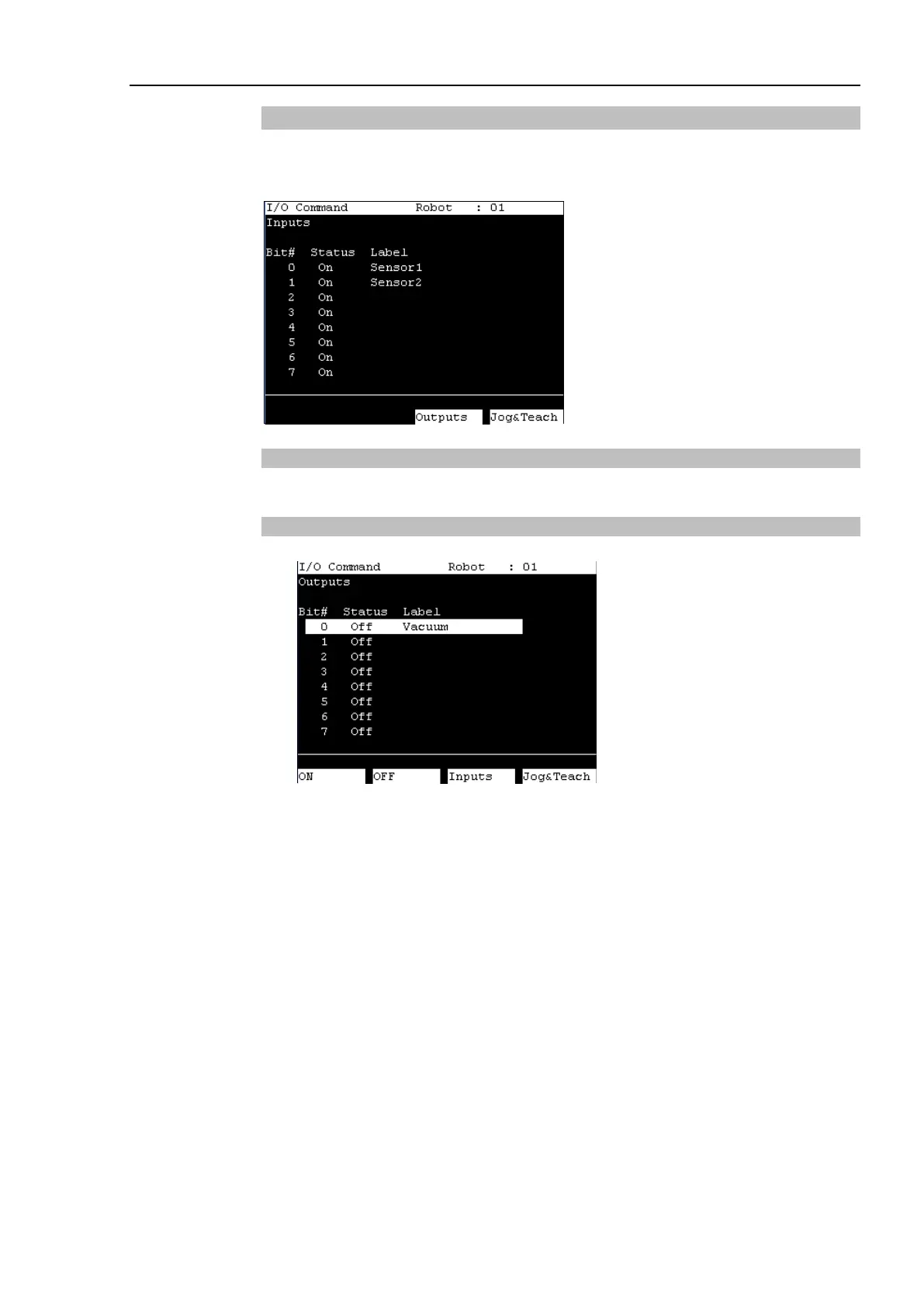
This section indicates settings in the [I/O Command] screen.
Press the <F4> key in the [Jog & Teach] screen. The following screen appears.
Switching Input/Output Status Display
Press the <F3> key to switch between the “Inputs” status and the “Outputs” status display.
Output Bit ON/OFF
(1) Press the <F3> key to display the “Outputs” status.
(2) Move the cursor to the output bit that you want to change.
(3) Switch the ON/OFF status of the output bit.
<F1> key: On
<F2> key: Off



 To Next Page