Setup & Operation 8. EMERGENCY
RC620 Rev.8 45
8. EMERGENCY
The details of safety requirements for this section are described in the Users Guide 2.
Safety. Please refer to them to keep the robot system safe.
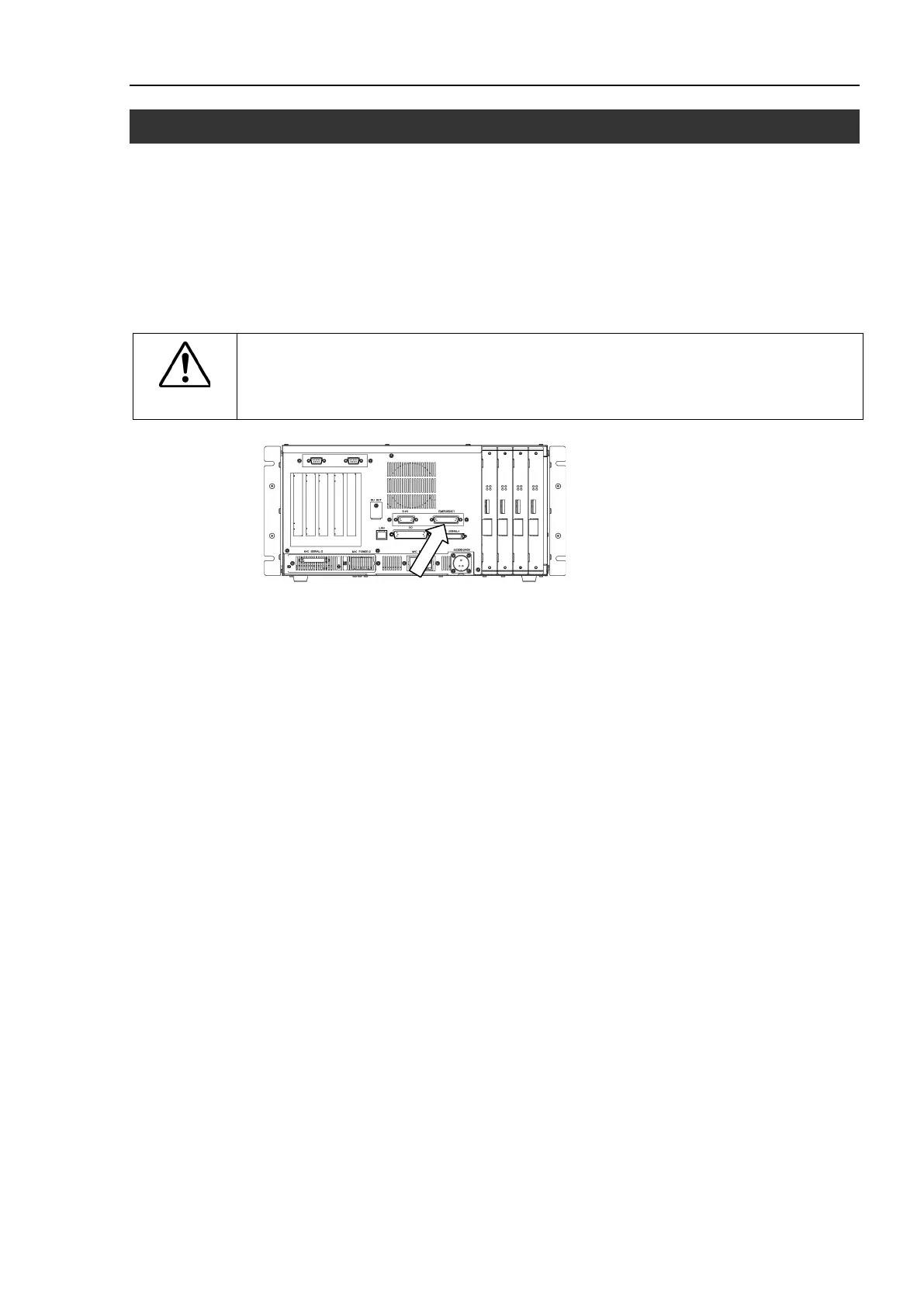
Connect a safeguard switch or Emergency Stop switch to the Controller EMERGENCY
connector for safety.
When nothing is connected to the EMERGENCY connector, the Controller does not
operate normally.
WARNING
■
Before connecting the connector, make sure
that
the pins are not bent.
Connecting with
the pins bent may damage the
connector and result in
malfunction of
the robot system.



 To Next Page