Setup & Operation 14. Option : Teach Pendant TP1
98 RC620 Rev.8
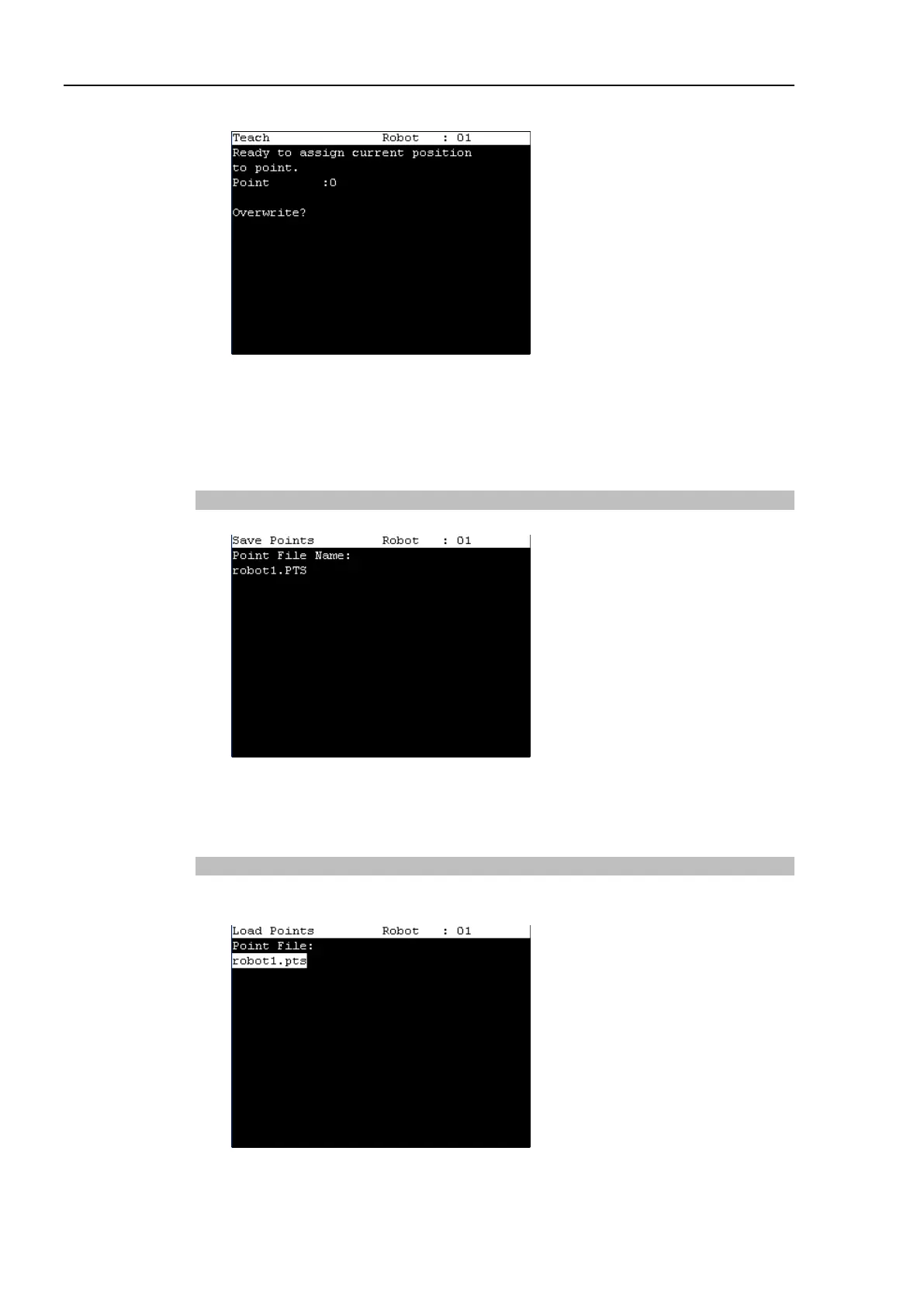
When the point number is already used, the following screen appears.
(2) Press the <OK> key to assign the point data.
(3) Press the <Save Points> key.
This can also be executed in the [Point Editor] screen.
Saving Point File
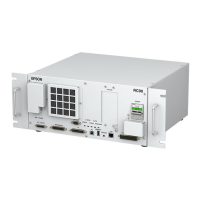
(1) Press the <Save Points> key. The following screen appears.
(2) Press the <OK> key to save the positions to the file.
This can also be executed in the [Point Editor] screen.
Loading Point File
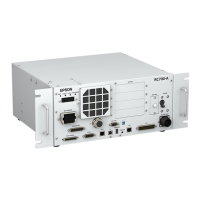
(1) Press the <LoadPoints> key. The following screen appears. Move the cursor to
select a file.


 To Next Page