Maintenance 7. Recovering the HDD
206 RC620 Rev.8
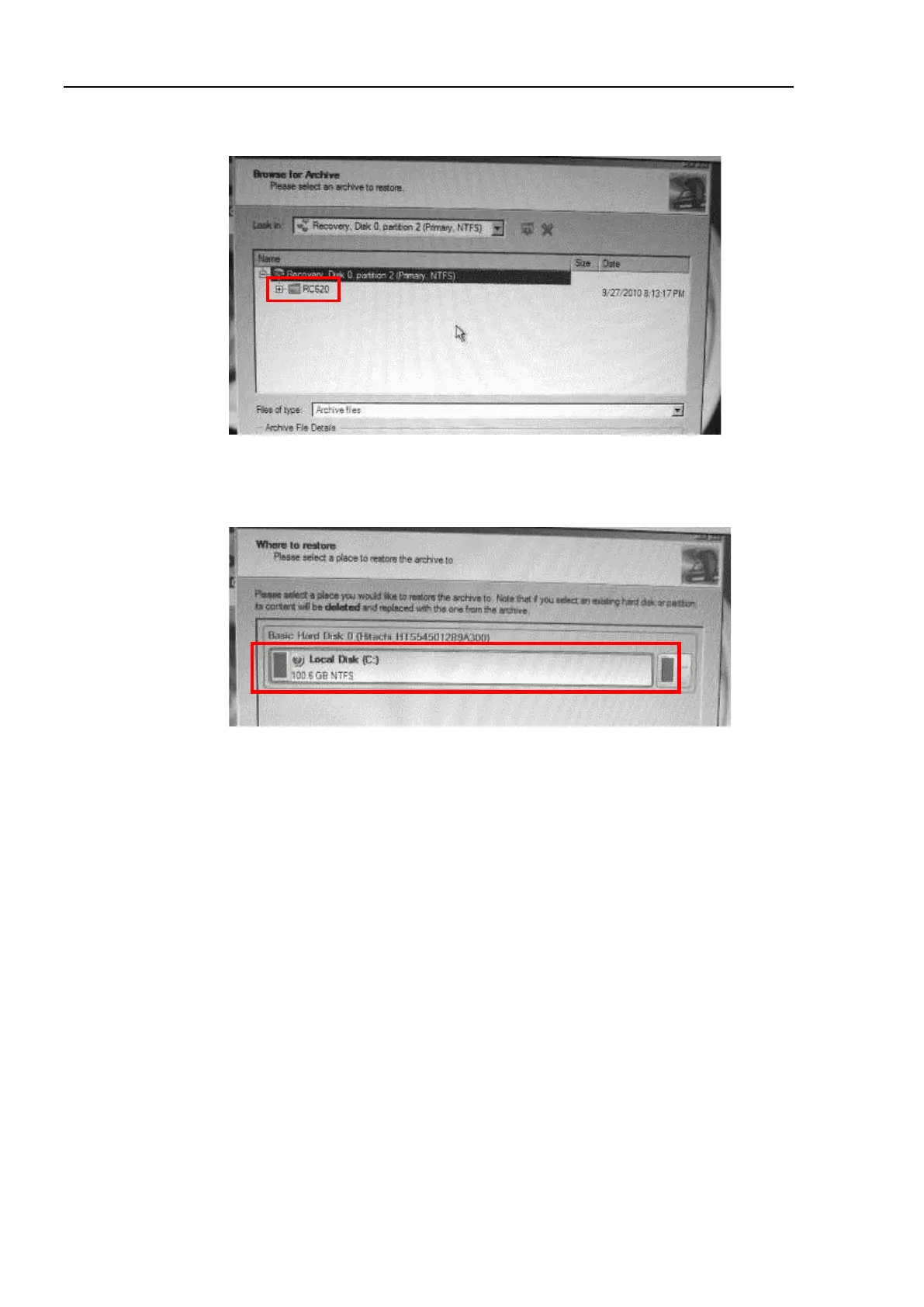
(15) Select “Recovery, Disk 0, partition 2 (Primary, NTFS)” - “RC620”.
The [Archive File Details] appears and click the < Next>.
(16) The [Which folders and files to restore] page appears. Click the <Next> button.
(17) The [Where to restore] page appears. Make sure that “Hard Disk 0” - “Local Disk
(C:)” is selected as the destination and click the <Next> button.
(18) The [Restore results] page appears. Confirm that the data is restored in the
destination selected in the step (17) and click the <Next> button.
(19) The [Ready to restore from the archive] page appears. Confirm the warning and
select “Yes, apply the changes physically” and click the <Next> button.



 To Next Page