Setup & Operation 14. Option : Teach Pendant TP1
96 RC620 Rev.8
Specifying Jog Speed
Press the <Speed> key and select the speed at [Speed]. (Low, High)
Low : Low jog speed
High : High jog speed
Jog key
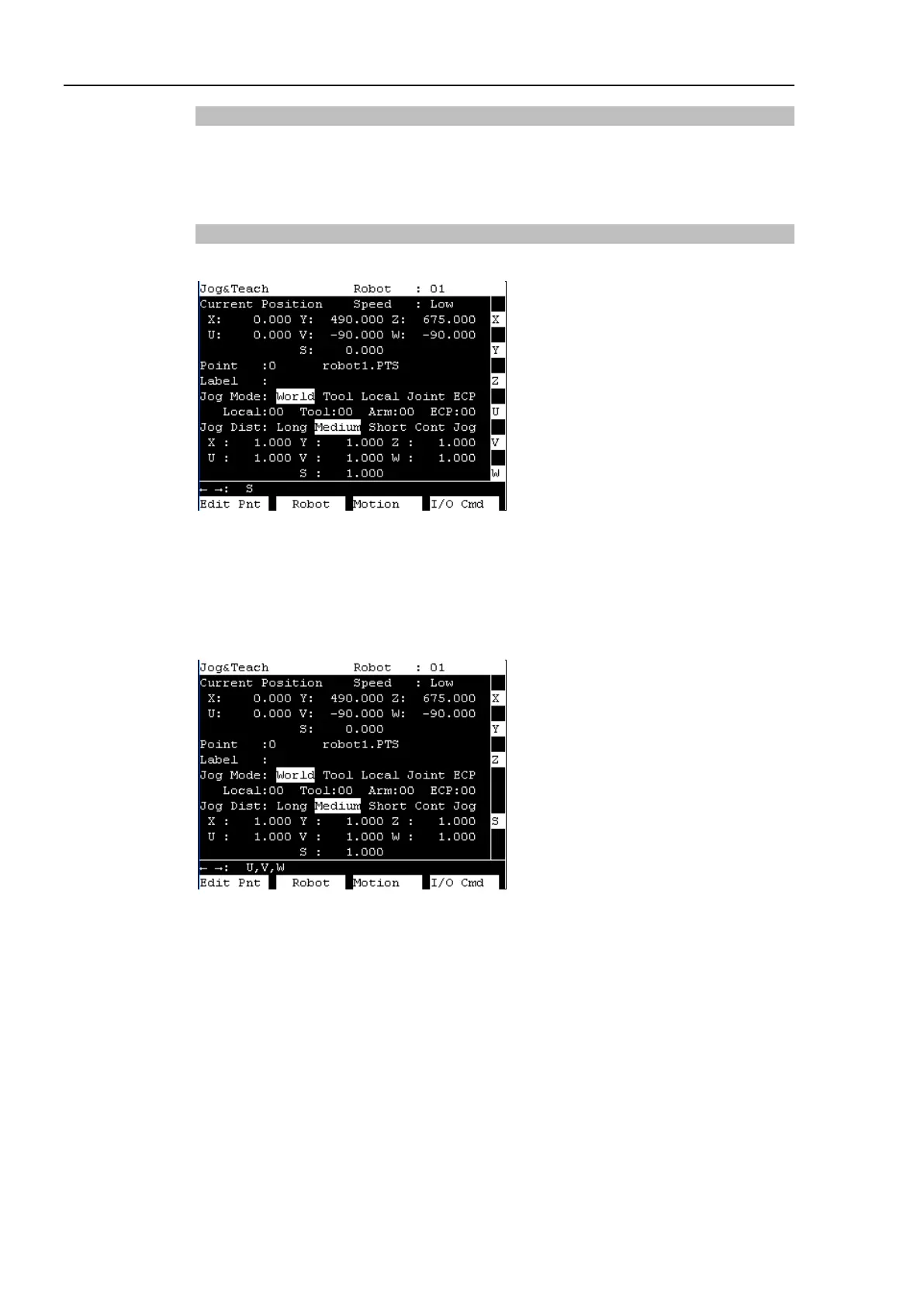
The moving direction or joint is displayed in the left side of the Jog key.
If the robot has 6 or more axes, the three keys shown below are switched when pressing
the <
> <
> keys.
Example: [U, V, W]
→
[R, S, T] / [J4, J5, J6]
→
[J7, J8, J9]
When the additional S axis is set on the 6-axis robot, the key display is changed as shown
below to move the additional S axis.
When the Jog keys are not displayed, the robot cannot move by pressing keys.



 To Next Page