Maintenance 6. Maintenance Parts Replacement Procedures
156 RC620 Rev.8
Battery
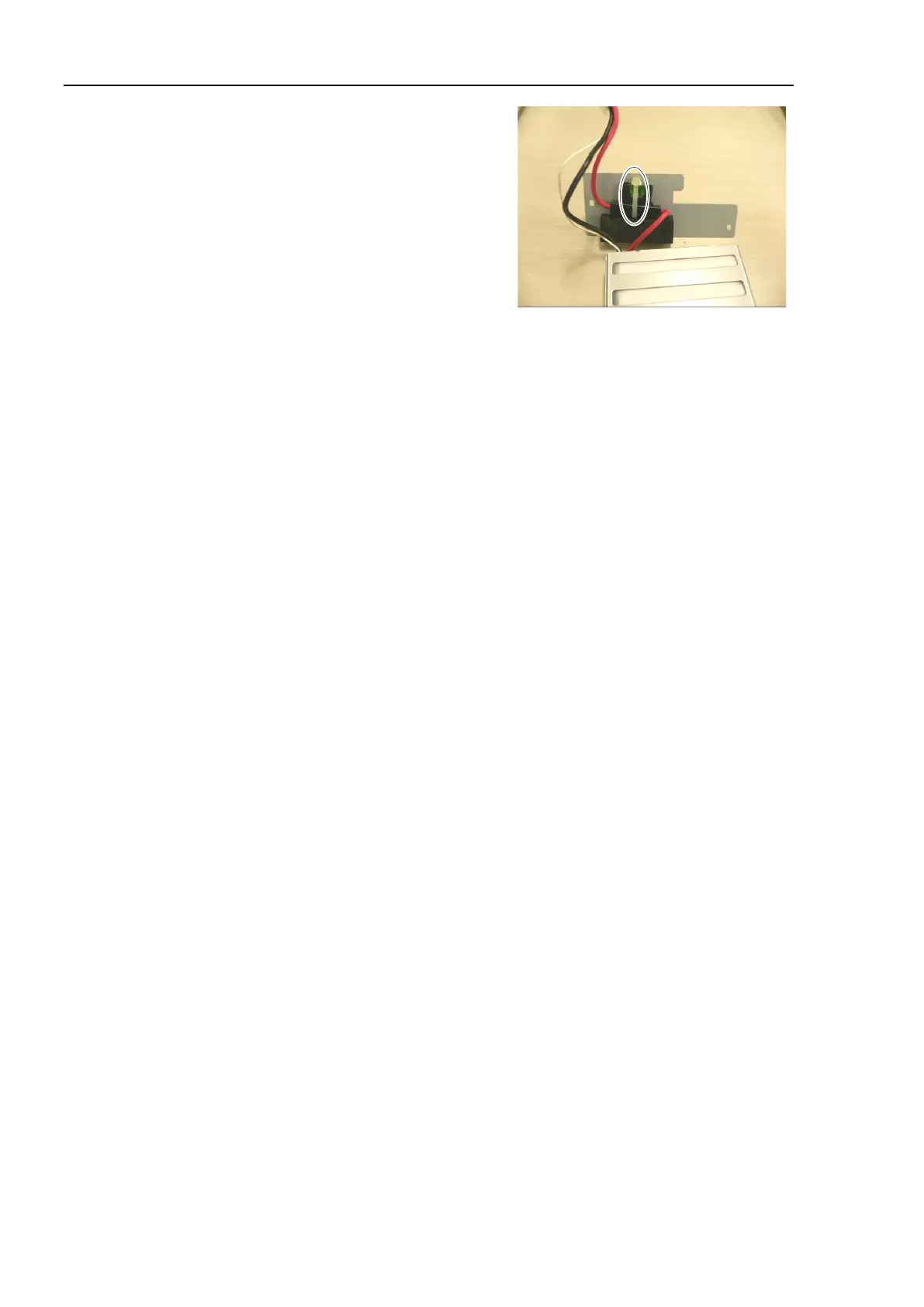
UPS battery fuse on the
battery fixing plate and secure it
an attached wire tie.
Position the cable tie as show in the
photo.
Cut off the redundant part of tie by
nippers.
Connect the relay connector.
UPS battery, fuse (with plate), and relay connector into the chassis.
Be sure not to catch cables and connectors.
If it is difficult to insert the cables and connectors, adjust the fuse position.
battery fixing plate using 2 screws to the main chassis.
Secure the front panel using 6 screws.
If you removed the cables from TP port and USB port, connect them again.
the power connector. Turn ON the Controller and make sure that the
Controller starts properly without any vibration or abnormal noise.



 To Next Page