Maintenance 6. Maintenance Parts Replacement Procedures
178 RC620 Rev.8
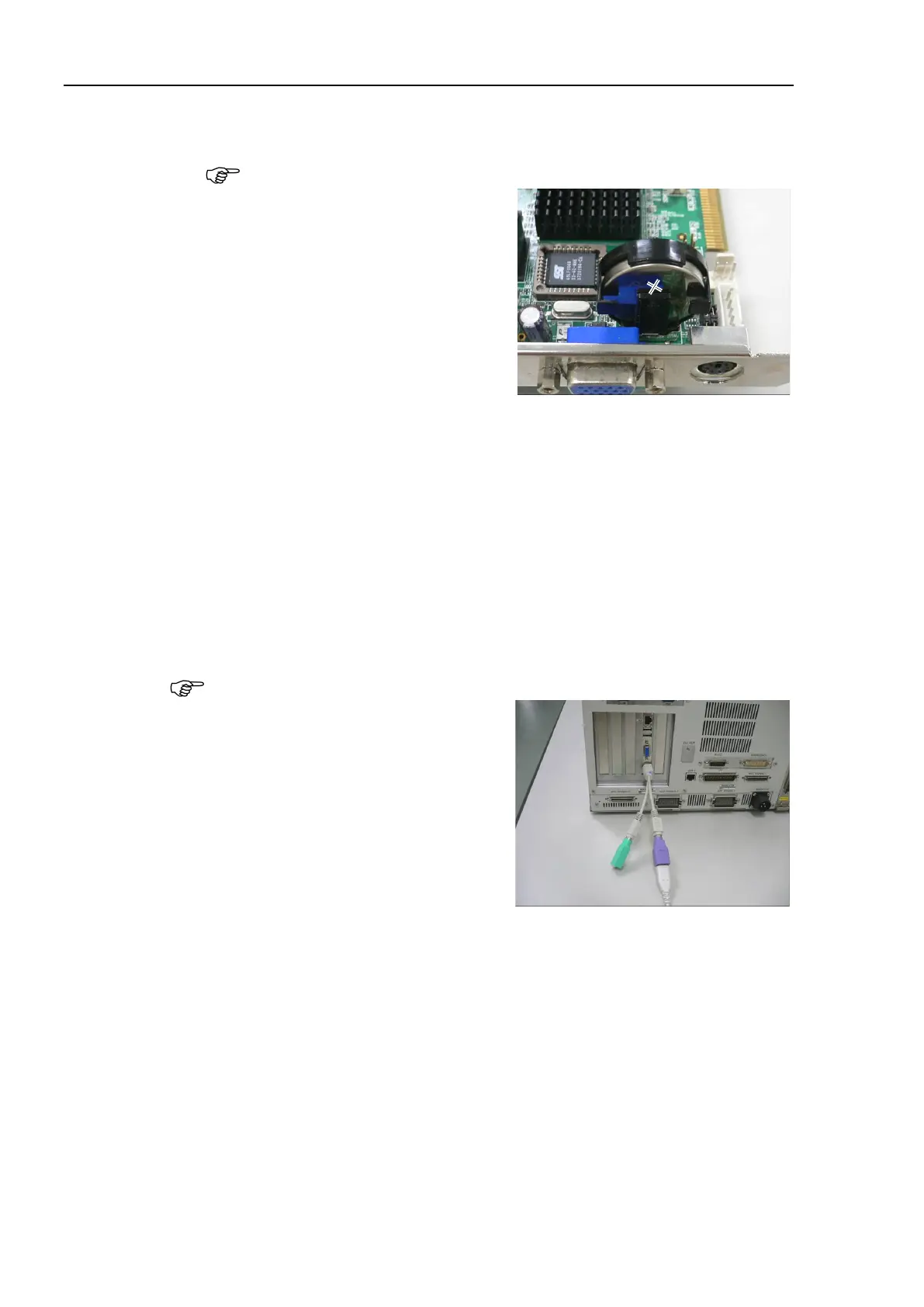
Insert the battery diagonally into the battery holder.
The battery has front and back sides. When inserting the battery, make sure
that “+” mark of the battery is visible.
Make sure that the battery is firmly inserted in the holder and mount the
CPU
Refer to Maintenance: 6.4.2.1 CPU Board (Faster).
Connect the following items to the Controller.
Keyboard Mouse
Display Power plug
Connect the keyboard with PS/2 port of the CPU board.
If you use the USB keyboard, connect it with PS/2 port using PS/2 branch cable
(attached to the Controller).
Turn ON the Controller power and keep pressing the <Delete> key.
BIOS window will be displayed.



 To Next Page