Maintenance 6. Maintenance Parts Replacement Procedures
RC620 Rev.8 185
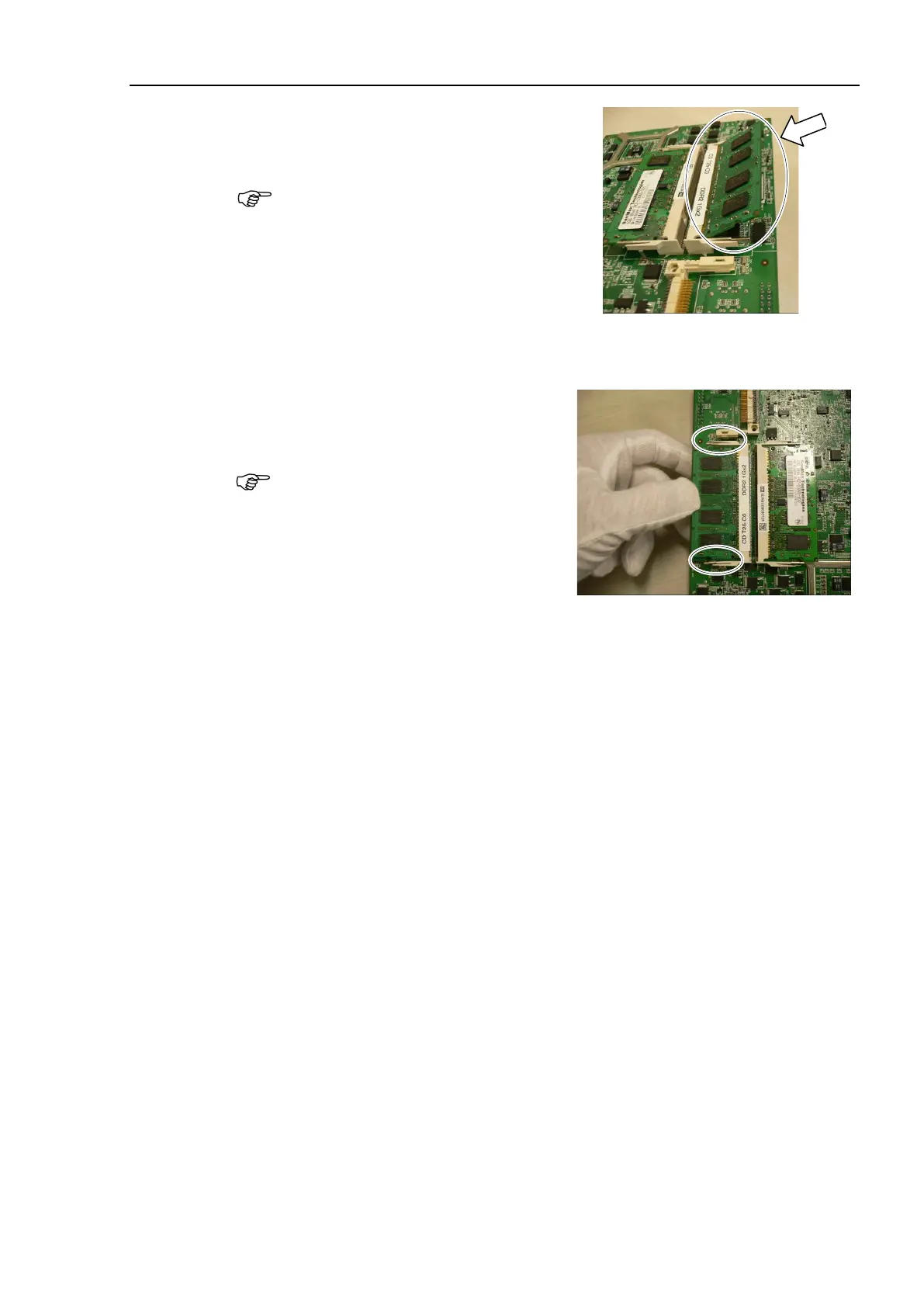
Refer to the photo and insert a new
memory slowly into the slot on CPU
board.
Do not apply too much force on the
memory, otherwise the connector area will
be broken.
Push the memory connector into the slot all the way.
Slowly lay flat the memory until it is
firmly secured with latches.
When the memory is laid flat, the
latches automatically catch and secure
the memory.
CPU board.
Refer to Maintenance: 6.4.2.1 CPU Board (Faster).
the power connector. Turn ON the Controller and make sure that
the
Controller starts properly without any vibration or abnormal noise.



 To Next Page