Maintenance 6. Maintenance Parts Replacement Procedures
RC620 Rev.8 189
Switching Power Supply
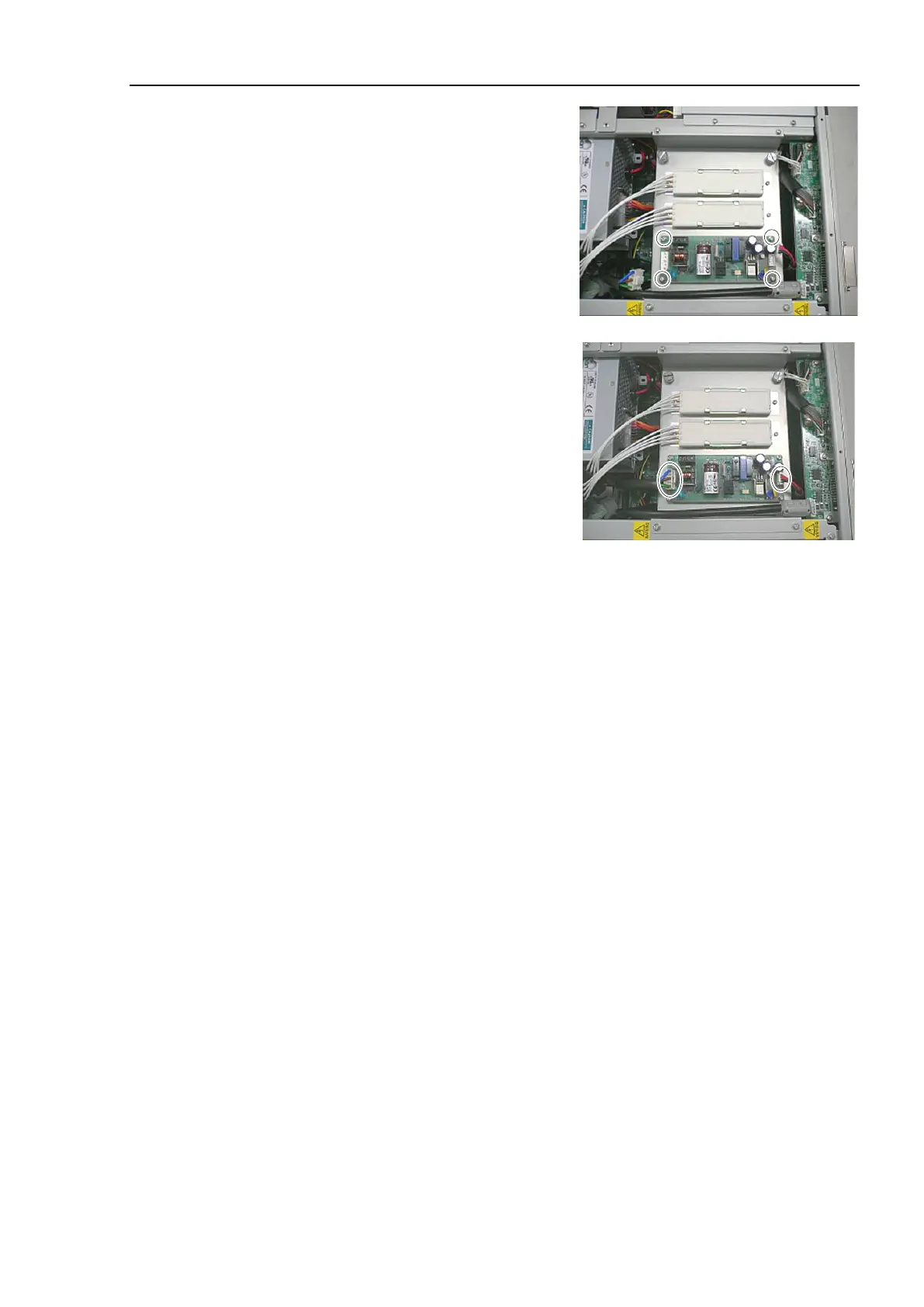
4 screws to the fixing plate
of the Switching Power Supply.
Connect the Cable No. (4), (10) with
the Switching Power Supply (
15W).
Refer to Maintenance:
3.2 Diagram of Cable Connections.
Place the top panel and secure it using 10 screws.
the power connector. Turn ON the Controller and make sure that
the
Controller starts properly without any vibration or abnormal noise.



 To Next Page