Maintenance 7. Recovering the HDD
202 RC620 Rev.8
(3) The message “Select the operating system” appears.
Use the up/down keys on the keyboard and select “RC620 Recovery”.
Then, press the <Enter> key.
In the “S
elect the operating system” timer is set.
Five seconds after the “S
elect the operating system” is displayed, the select window
automatically closes and the RC620 starts normally.
When recovering Windows, use the up/down keys on the keyboard as the RC620
starts and stop the timer of “S
elect the operating system”.
(4) The recovery tool runs and the message below appears.
Read the message and press the <Y> key. Then press the <Enter> key.
If you press the <N> key, Windows recovery does not start.
If you accidentally run the “RC620 Recovery”, press the <N> key and then <Enter>
key.
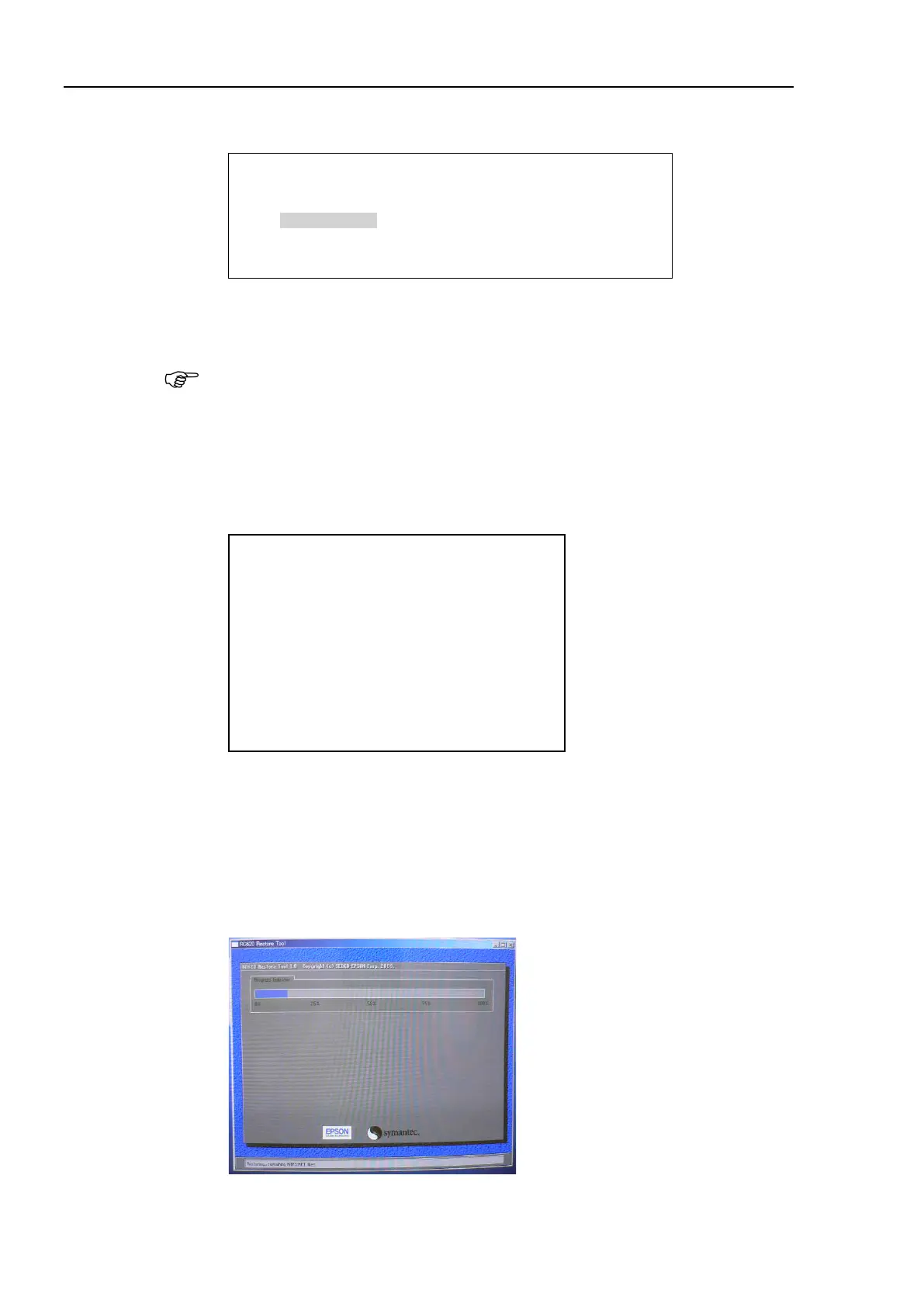
(5) Restoring starts.
Please select the operating system to start :
Microsoft windows XP Professional
RC620 Recovery
Use the up and down arrow keys to move the highlight to your choice.
RC620 Restore Tool, version 1.0
Copyright (c) 2009 SEIKO-EPSON Corp. and Symantec Corp.
------------------=== Warning! ===----------------------
Restoring the hard drive image will
erase all data on the entire drive.
Proceed only if you have saved all
recoverable data.
Continue to restore hard drive (Push “y” key)
Exit program (Push “n” key)
Enter selection:



 To Next Page