Setup & Operation 14. Option : Teach Pendant TP1
78 RC620 Rev.8
(6) Enable switch
This is a three-position switch. Motion and I/O output commands are available while
the switch is gripped when the Teach Pendant is operated in TEACH mode. The
switch turns ON when it is at the midpoint, and it turns OFF when it is fully gripped or
released.
(7) Handle
Use this part as the hand strap while operating the Teach Pendant
。
Standard Specifications
General
specifications
Electric power consumption
Weight
1075 g
(include EMERGANCY STOP switch and the
mode selector key switch, excluding cables)
Display
specifications
F-STN type Black and white LCD
Serial interface
Electrical characteristics Compliant with RS-422A standard
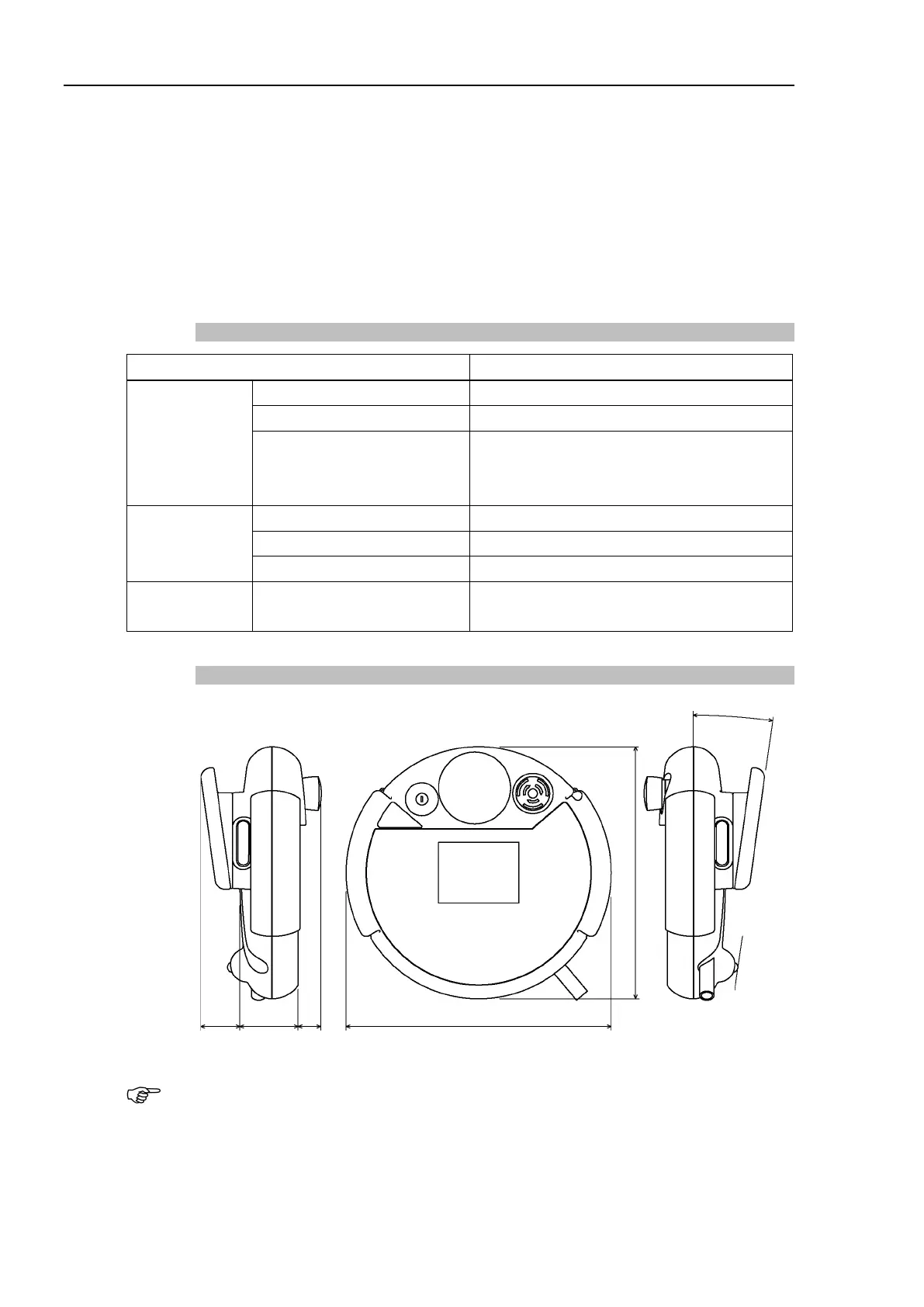
Outer Dimensions
Use the installation metal in the attachment when attaching the Teach Pendant to a panel,
or the like.



 To Next Page