Setup & Operation 14. Option : Teach Pendant TP1
RC620 Rev.8 81
Connection to the Controller
(1) Make sure that the Controller and the Robot is connected properly.
(2) Connect the connector of the Teach Pendant cable to the TP port of Controller RC620.
(3) Turn ON the controller RC620.
- Teach Pendant insert and removal from the Controller RC620 are available when the
Controller power is ON.
- When Teach Pendant connector is removed from the Controller RC620 with the mode
selector key switch of Teach Pendant that is in “Teach” position, the operation mode
will remain in TEACH mode. The operation mode cannot be switched to AUTO mode.
Make sure to remove the Teach Pendant after switching the operation mode to “Auto”
mode.
Power Supply
The power of the Teach Pendant is supplied via the TP port on the Controller RC620.
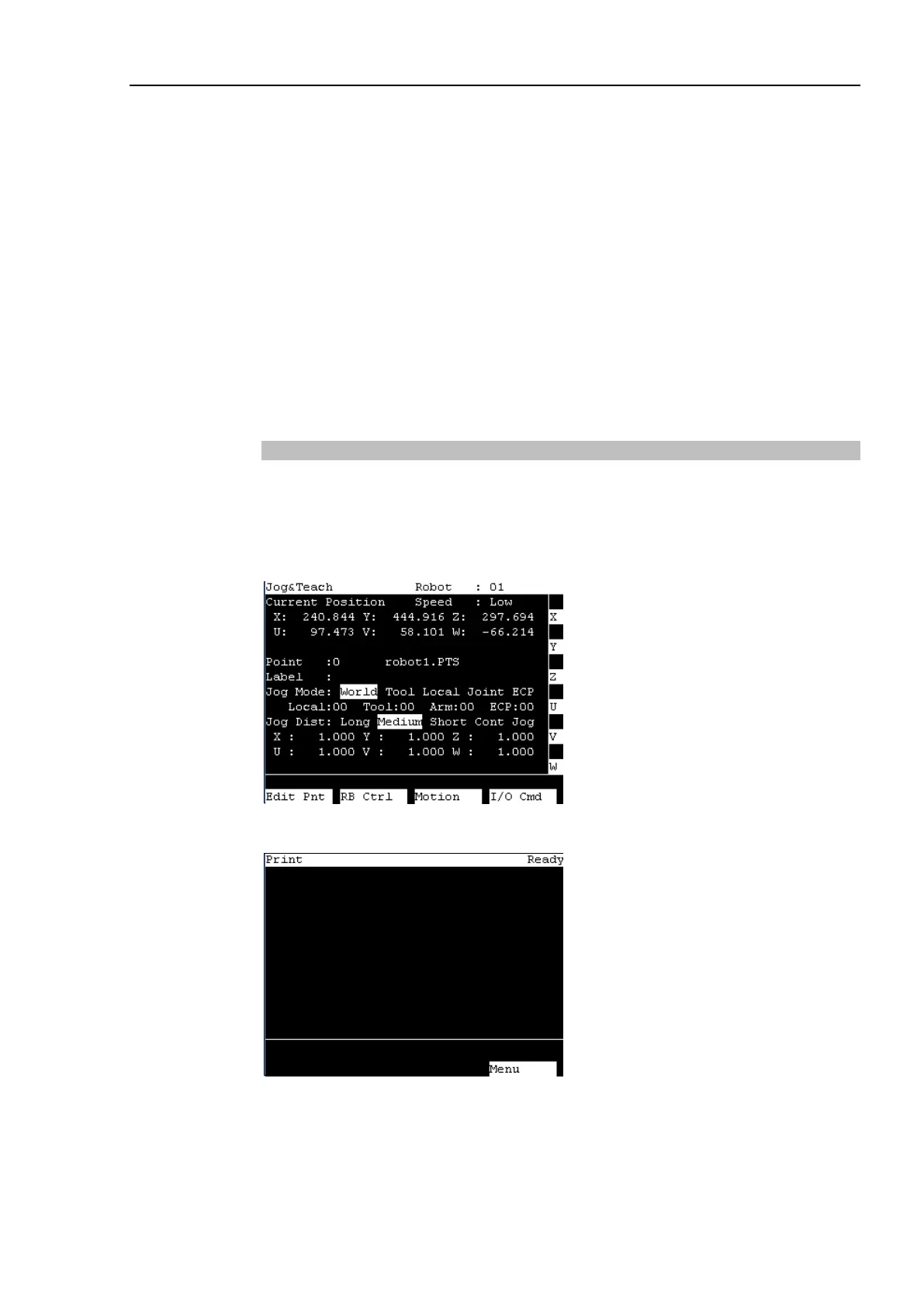
The Controller and the Teach Pendant communication, the following screen will appear on
the display of the Teach Pendant.
TEACH mode
AUTO mode



 To Next Page