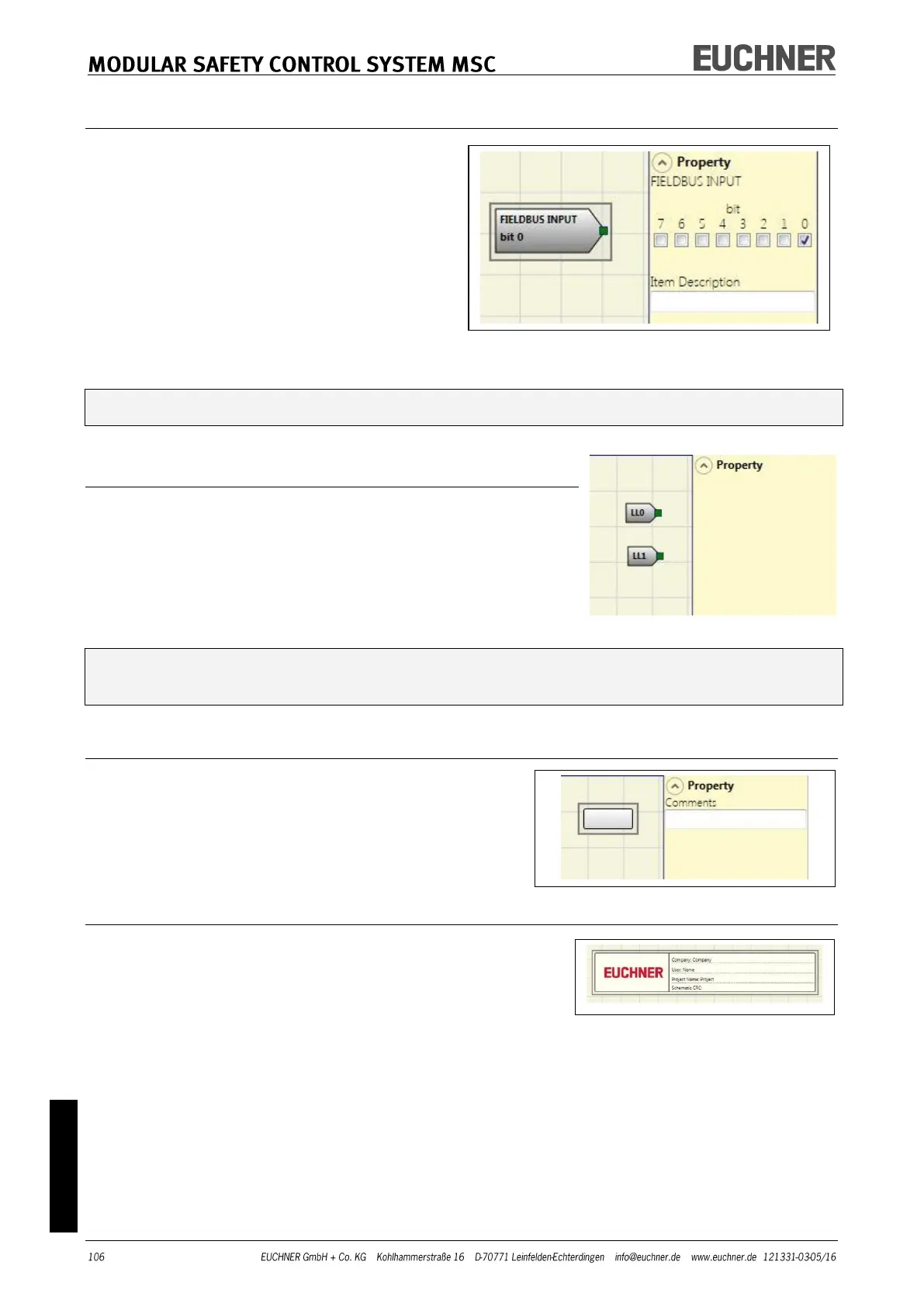
FIELDBUS INPUT
Using this element a conventional input can
be provided; the status of the input can be
changed via the fieldbus.
Up to eight virtual inputs can be provided;
for each input the bit on which the status is
to be changed must be selected.
The states are indicated on the fieldbus us-
ing one byte.
(You will find more detailed information in
the fieldbus manual on the CD-ROM
"EUCHNER Safety Designer".)
WARNING: FIELDBUS INPUT is NOT a safety input.
LL0-LL1
Using these elements a logic level can be supplied to the input
of a component.
LL0 -> logic level 0
LL1 -> logic level 1
IMPORTANT: LL0 and LL1 cannot be used to deactivate the logic connections in the
program.
COMMENTS
Using this option you can enter a description and
position it at any point in the program.
TITLE
Adds a field for the name of the manufacturer, system
planer, project name and checksum (CRC).



 To Next Page