EDITING CONFIGURATION (layout of the various modules)
You can edit the system layout by selecting the button.
The Configuration window is displayed again (Figure 29).
Editing user parameters
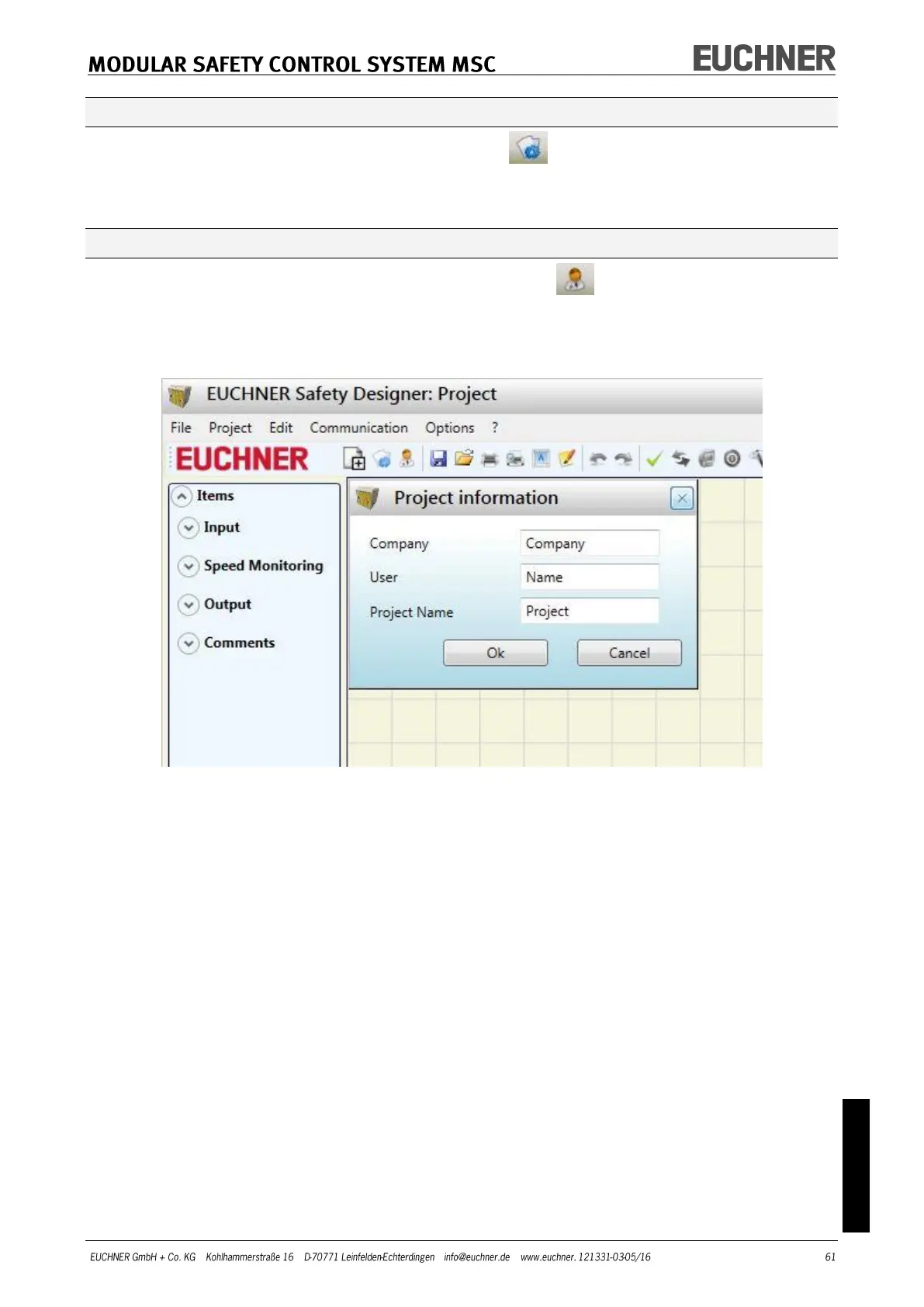
You can edit the project information by selecting the button.
The dialog box for entering the project information appears (Figure 33). It is not neces-
sary to log off from MSC for this action. As a rule this feature is used when a new user
needs to prepare a new project (also on the usage of a project prepared previously).
Figure 33



 To Next Page