Password change
Click the button to change the PASSWORD after the connection has been established
using the level 2 password.
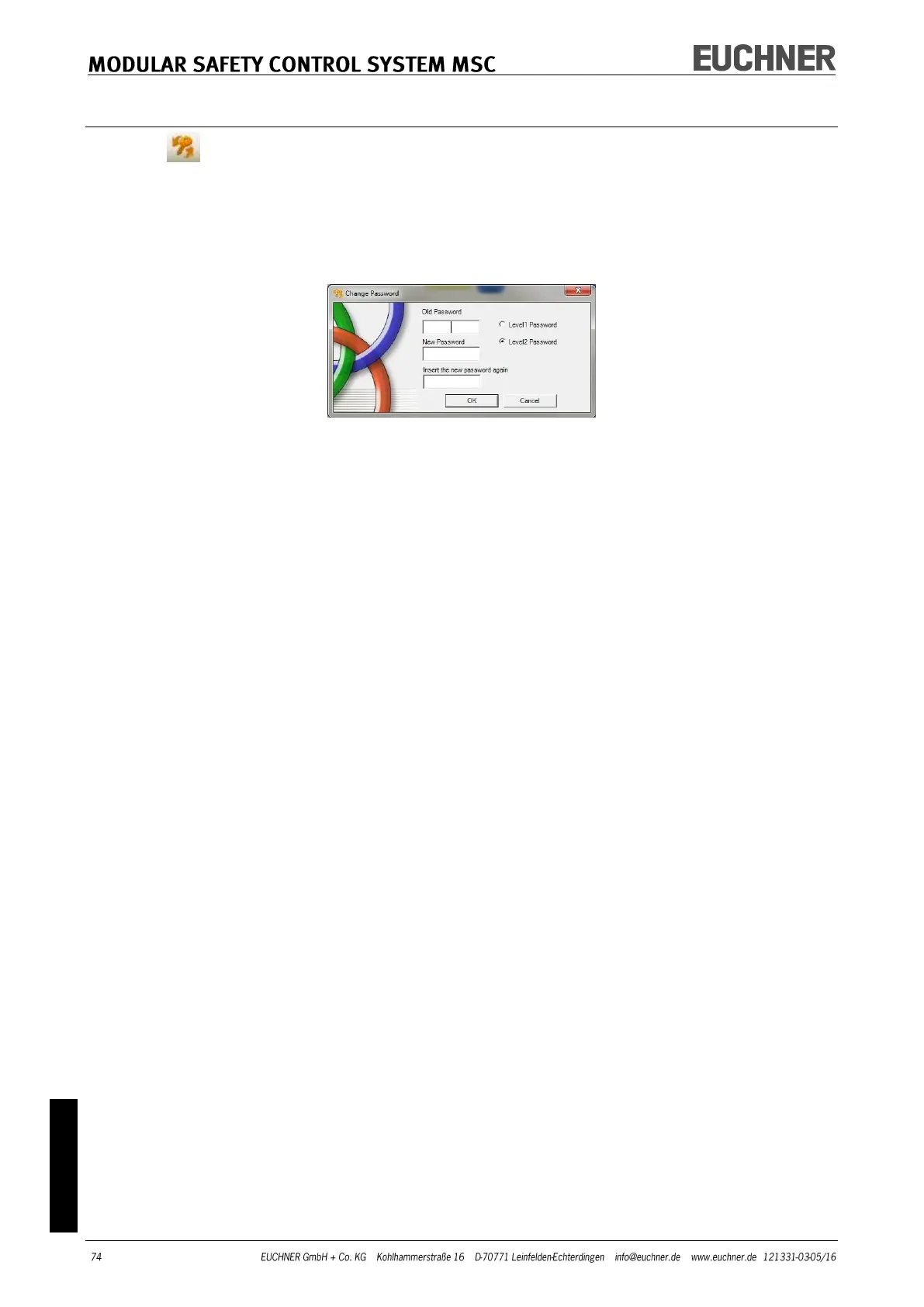
A window (Figure 45) appears in which the new password can be selected. Type old and
new password in the related fields (max. 8 characters). Click OK.
At the end of the process, disconnect to restart the system.
If an M-A1 memory card is fitted, the new password is also saved on this memory card.
Figure 45



 To Next Page