This definition of the PL and the other related parameters as per EN ISO 13849-1 re-
late only to the functions that have been implemented by EUCHNER Safety Designer
in the MSC system, whereby it is assumed that the configuration has been undertak-
en correctly.
The data for all devices connected to the MSC in the application must be taken into
account in the actual PL of the entire application and the related parameters.
This task is only allowed to be undertaken by the design engineer or the installer.
Connecting to MSC
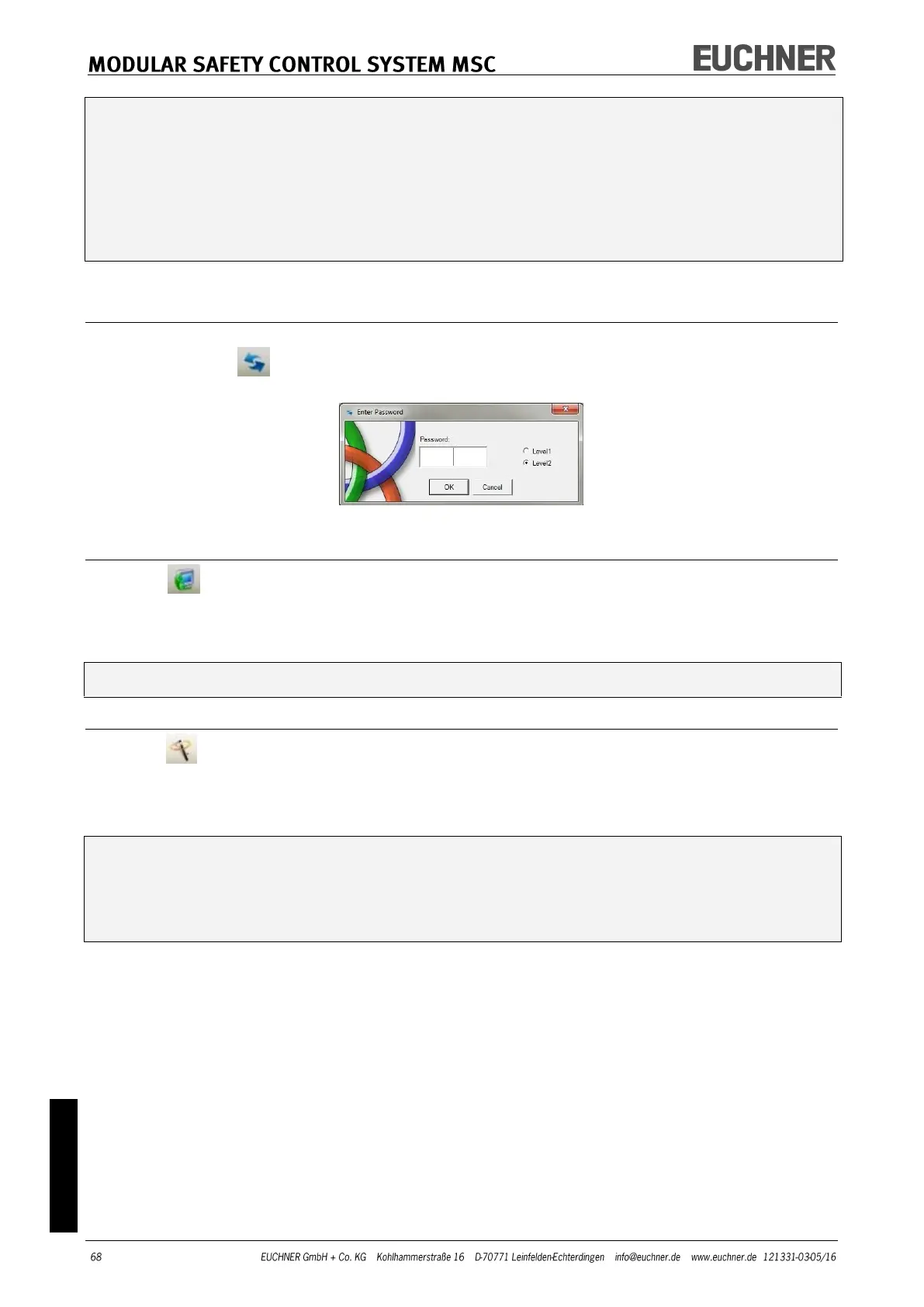
After you have connected the module MSC-CB to the PC via the USB cable, establish con-
nection using the button. A window with a password prompt appears. Type password
(see "Password protection").
Figure 39
Sending the configuration to the MSC system
Click the button on the default toolbar to send the saved configuration from the PC
to the MSC-CB after the related command is executed. In the MSC-CB the project is saved
in the internal memory and (if fitted) on the M-A1 memory card (password required: level
2).
This function is only available after the successful validation of the project.
Downloading a configuration file (project) from MSC-CB
Click the button on the default toolbar to download a project from the MSC-CB to the
configuration software EUCHNER Safety Designer.
EUCHNER Safety Designer displays the project saved in the MSC-CB (password level 1 is
adequate).
If the project is to be used for other modules of type MSC-CB, the components con-
nected in each case are to be checked (see "System layout" on page 70).
Then undertake a "Project validation" (page 66) and a "CHECKING the system"
(page 75).



 To Next Page