FUNCTION BLOCKS IN THE "OPERATOR" WINDOW
All inputs on these operators can be inverted (logical NOT). To invert, click the input that
is to be inverted using the right mouse button. A small circle then appears on the invert-
ed input. To clear the inversion, click the same input pin.
The maximum number of function blocks is 64.
LOGICAL OPERATORS
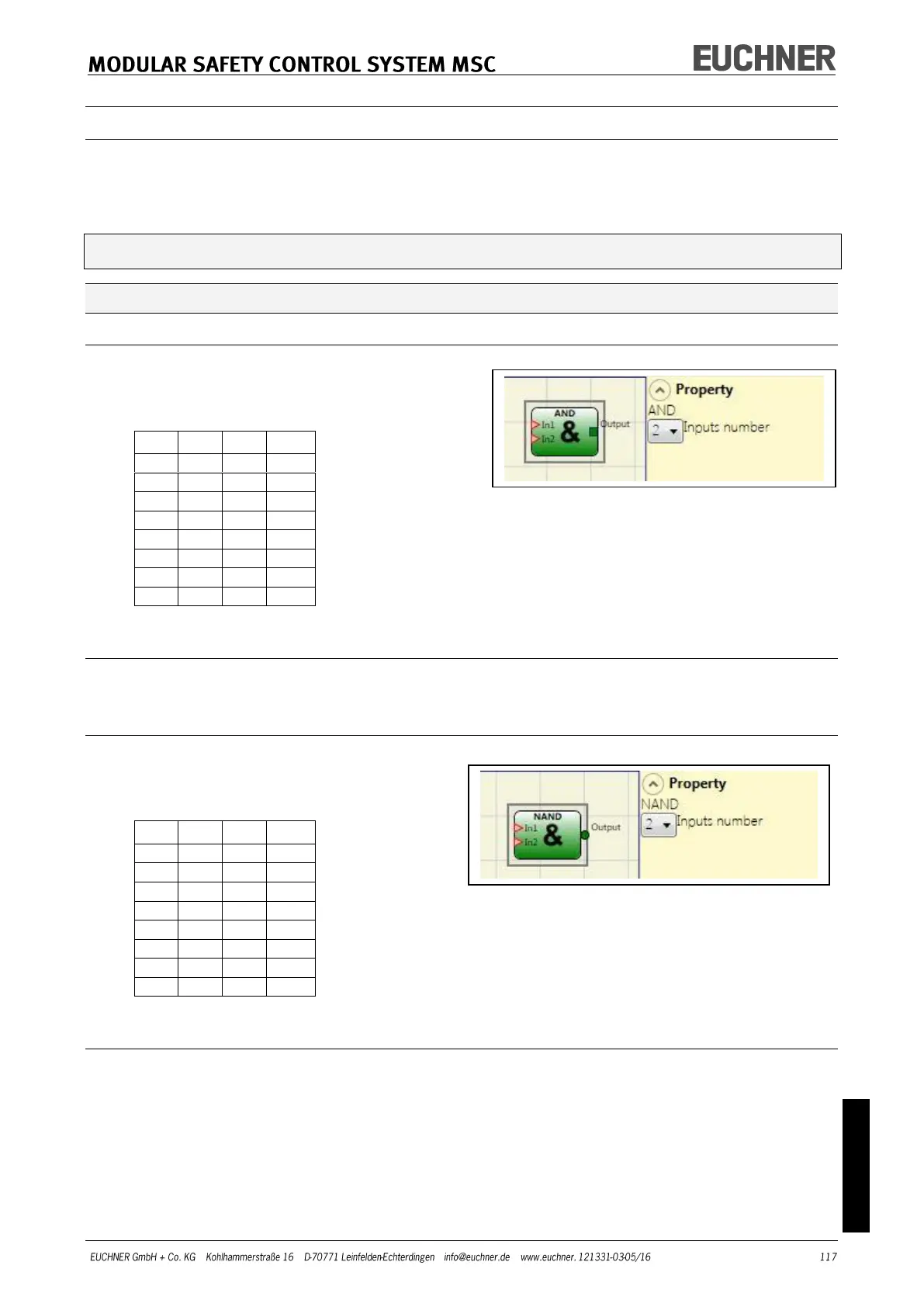
AND
A logical AND produces an output of "1"
(TRUE) if all inputs are "1" (TRUE).
Parameters
Inputs number: You can set 2 to 8 inputs using this option.
NAND
A logical NAND produces an output of "0"
(FALSE) if all inputs are "1" (TRUE).
Parameters
Inputs number: You can set 2 to 8 inputs using this option.



 To Next Page