Project validation
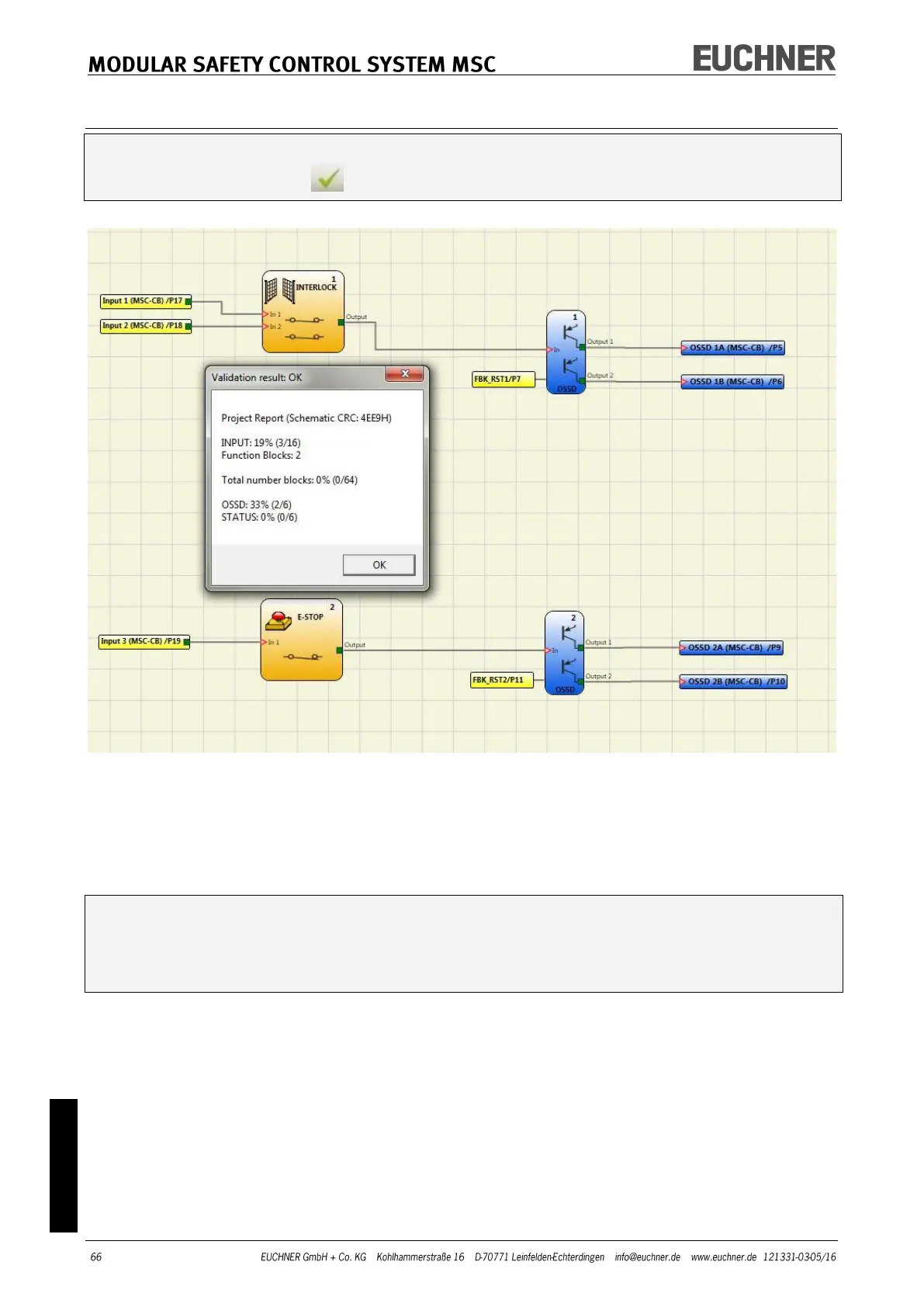
The completed project must now be validated. This check is made by running the
VALIDATE command ( button on the default toolbar).
Figure 38
If the validation is successful, a sequential number is assigned to the input and output of
the project. This number then appears also in the REPORT and in the MONITOR in
EUCHNER Safety Designer.
The configuration is only transferred after successful validation.
The validation function only checks whether the programming is appropriate for the
properties of the MSC system. However, this check does not guarantee that the de-
vice has been programmed such that all safety requirements for the application are
met.



 To Next Page