Driving systems
129
Controls in detail
Menu guidance
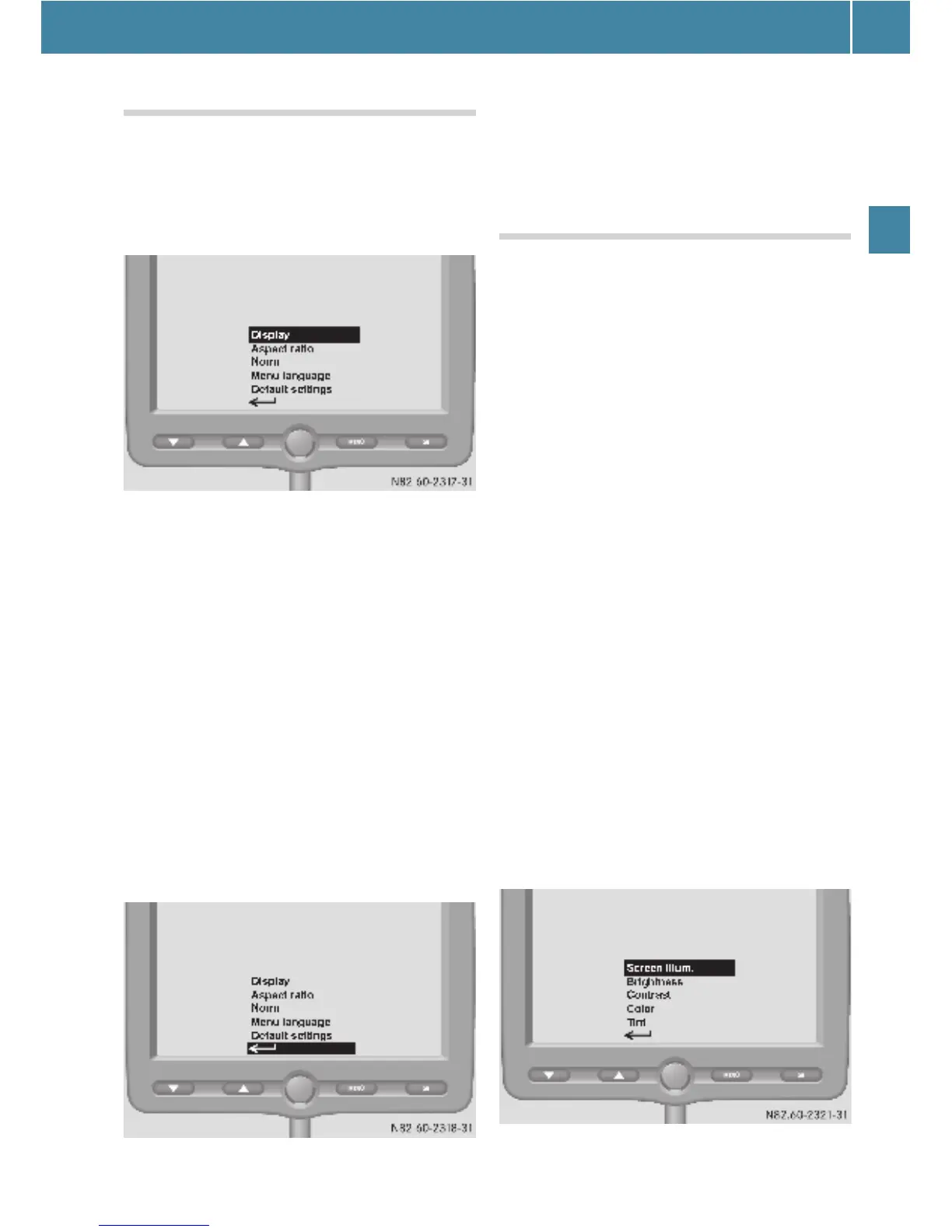
Selecting the main menu
E Press the t button.
The menu selection for the main menu
(menu level 1) is displayed.
E Press the : or 9 button until the
menu you want is highlighted.
E Press the t button.
The desired menu is selected.
You can select the following settings and
menus:
O Display (e page 129)
O Aspect ratio (e page 131)
O Norm (e page 131)
O Menu language (e page 132)
O Default settings (e page 132)
O Back S (e page 129)
Returning to the previous menu
E Press the : or 9 button until
S is highlighted.
E Press the t button.
The higher-level menu is displayed.
Display menu
You can customize the monitor display in
the Display menu.
You can select the following submenus:
O Screen illumination
O Brightness (e page 130)
O Contrast (e page 130)
O Color (e page 130)
O Tint (e page 131)
O Back S
Screen illumination submenu
You can adjust the background illumina-
tion of the monitor in the Screen illum.
submenu.
E Press the t button.
The main menu (menu level 1) is dis-
played (e page 129).
E Press the : or 9 button until the
Display
menu is highlighted.
E Press the t button.
The Display menu is selected.
The submenus (menu level 2) are dis-
played.
E Press the : or 9 button until the
Screen illum. submenu is highlighted.
ee



 To Next Page