Common Settings
297
Setups
10
Common Settings
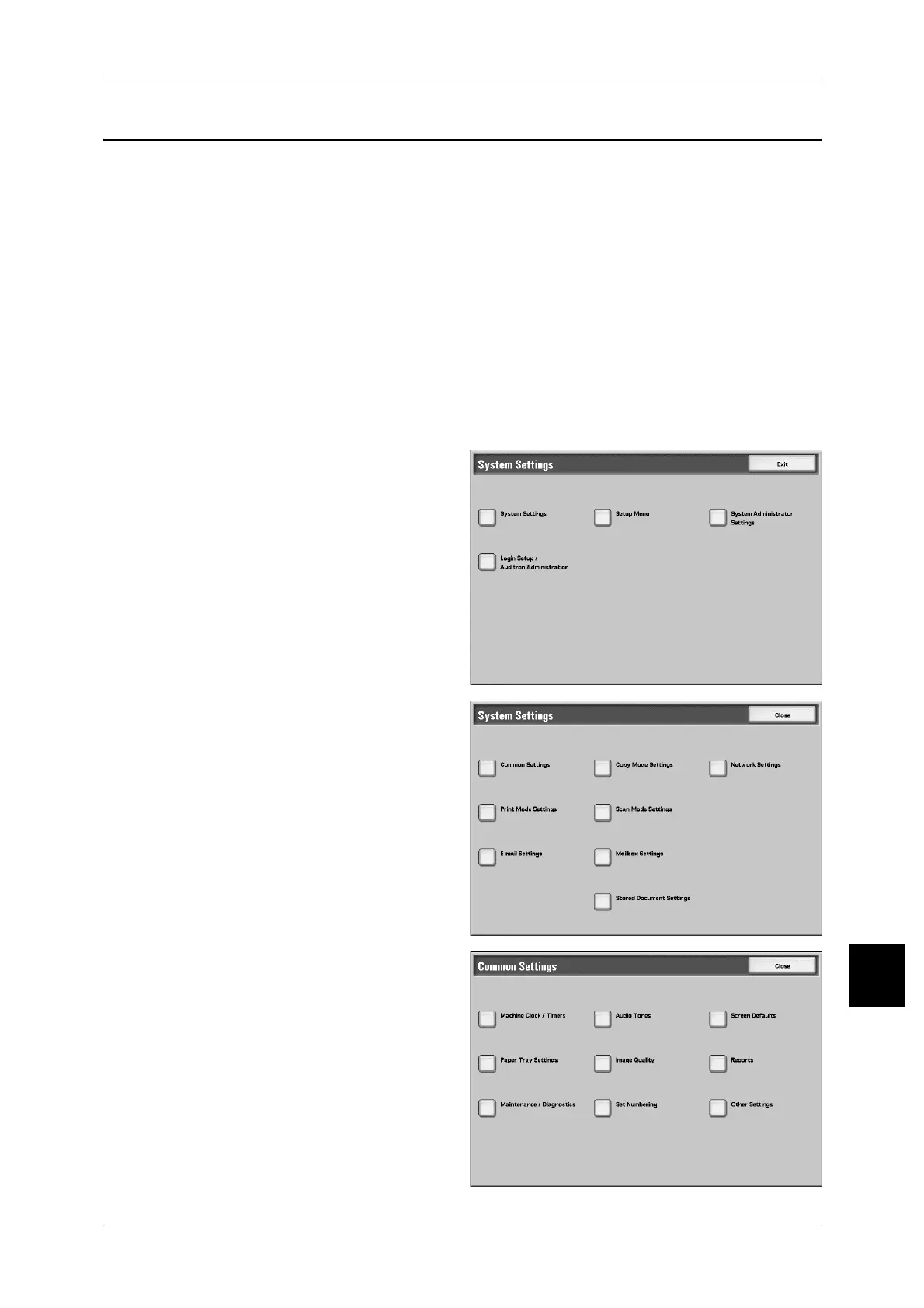
In [Common Settings], you can make settings relating to the machine itself. The
following are the places to reference for details of each item.
Machine Clock/Timers............................................................................................................. 298
Audio Tones ............................................................................................................................. 302
Screen Defaults ........................................................................................................................ 304
Paper Tray Settings .................................................................................................................. 307
Image Quality Adjustment ....................................................................................................... 313
Reports ..................................................................................................................................... 314
Maintenance ............................................................................................................................. 314
Set Numbering.......................................................................................................................... 316
Other Settings........................................................................................................................... 317
1 In the [System Settings] screen,
select [System Settings].
For the method of displaying the [System
Settings] screen, refer to "System Settings
Procedure" (P.284).
2 Select [Common Settings].
3 Select the item to be set.



 To Next Page
 Loading...







