8 Computer Operations
250
Computer Operations
8
Overview of Features
Describes an overview of features available on the computer.
print driver
In order to print from your computer, a print driver must be installed on the computer.
For instructions on installing the print driver, refer to the manual contained in the CentreWare Utilities
or Driver CD Kit CD-ROM.
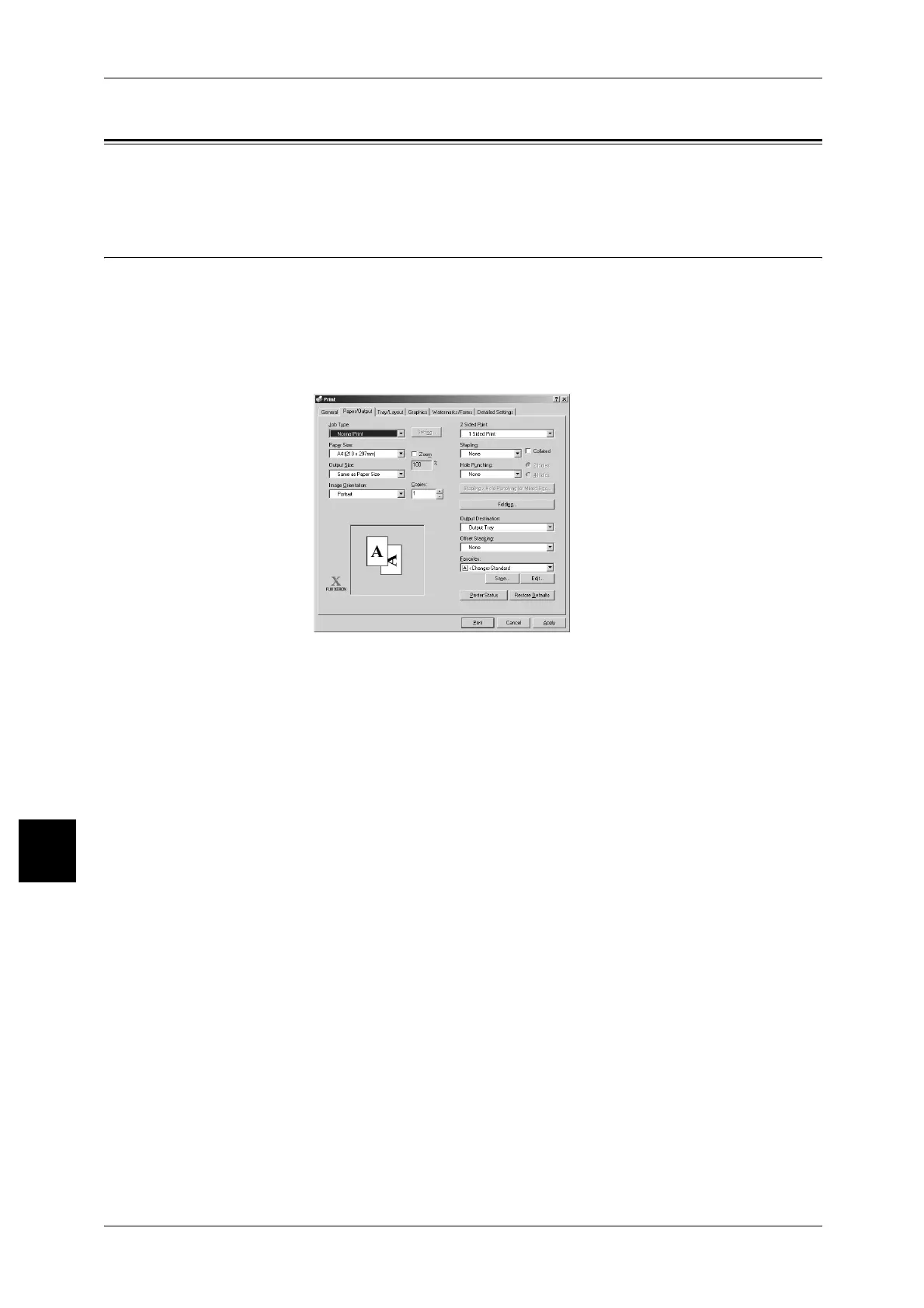
print driver Screen
Main Print Features
Describes the major print features.
To learn about print features, click on [Help] in the print driver screen and refer to the print driver’s
online help. For information about how to print, refer to "Printing" (P.256).
Note • In the [Printer Configuration] tab, there are some features that cannot be used without
configuring optional settings. Unavailable features are disabled in gray.
Multiple Up
Prints multiple pages onto 1 sheet of paper.
2 Sided Print
Prints multiple pages onto both sides of paper.
Poster
Splits 1 page of print data into multiple sheets of paper and expands the printed image
to fit the size of each sheet. Used when making large posters, etc.
Booklet Creation
Prints multiple pages side by side on both sides of each page to create a booklet with
the pages in the correct order.



 To Next Page
 Loading...







