5 Check Mailbox
220
Check Mailbox
5
Configuring/Starting Job Flow
Job Flow is a feature for executing a series of registered actions.
A Job Flow operates on documents stored in a mailbox, and are started in the following
ways: 1) manually or automatically start a Job Flow when a document is stored to a
mailbox, or 2) select a Job Flow to act on documents stored in the mailbox.
To start a Job Flow, you must first link a mailbox with the Job Flow. When set to start
automatically, documents are automatically processed by the Job Flow when stored in
the mailbox.
Important • Job Flows created from [Check Mailbox] can only be used/edited/duplicated/deleted from
within that mailbox. These types of Job Flows are not displayed in the [Job Flow Sheets]
screen.
Note • Print documents are not operated in [Job Flow Settings].
Features that can be registered are listed below.
Forward
Multiple forward recipients can be configured for each forwarding method.
Important • These forwarding methods are only supported by DocuCentre 9000 with Scanner.
z
FTP
Forward via FTP. Up to 2 recipients can be specified.
z
SMB
Forward via SMB. Up to 2 recipients can be specified.
z
Mail
Forward via E-mail. Up to 100 recipients can be specified.
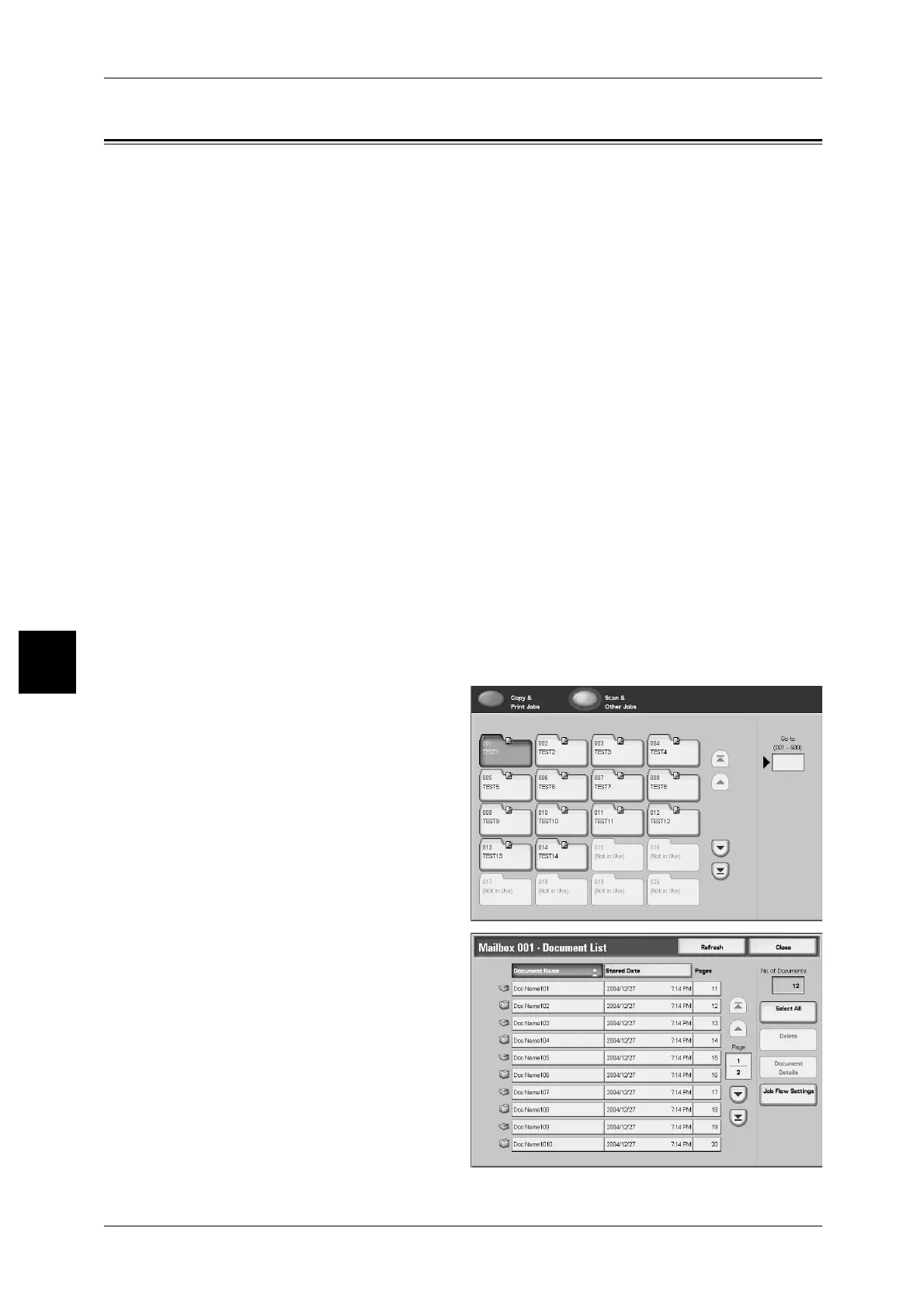
1 Select a box.
2 Select [Job Flow Settings].



 To Next Page
 Loading...







