3 Copy
70
Copy
3
2 Sided Copying (Making 2 sided Copies)
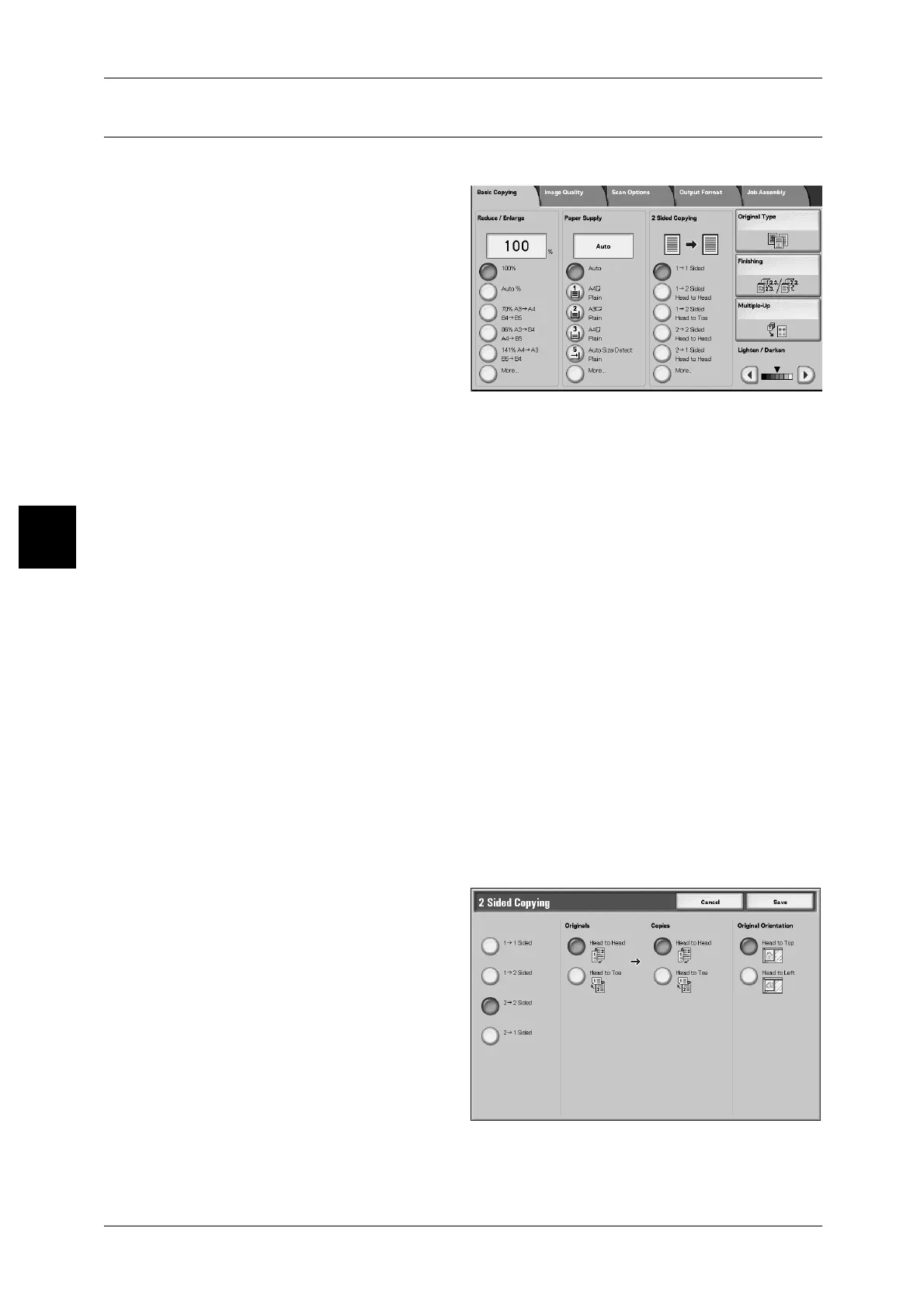
Copies of 1 sided and 2 sided documents can be made on one side or both sides.
1 Select any items at 2 sided screen.
1 → 1 Sided
Makes a copy of a 1 sided document on one side of the paper.
1 Sided → 2 Sided (Head to Head)
Makes a copy of a 1 sided document on both sides of the paper in the same direction.
1 Sided → 2 Sided (Head to Toe)
Makes a copy of a 1 sided document on both sides of the paper in the opposite
direction.
2 Sided → 2 Sided (Head to Head)
Makes a copy of a 2-sided document on both sides of the paper in the same direction.
2 Sided → 1 Sided (Head to Head)
Makes a copy of a 2-sided document on 1-sides of the paper in the same direction.
More...
Displays the [2 Sided Copying] screen.
For more information, refer to "[2 Sided Copying] screen" (P.70).
[2 Sided Copying] screen
Specify how the two sides of the 2-sided documents and copies are printed / to be
printed.



 To Next Page
 Loading...







