10 Setups
370
Setups
10
Setup Menu
In [Setup Menu], you can create mailboxes and job flow, and create and update
address book entries.
The following are the places to reference for details of each setting.
Mailbox .....................................................................................................................................371
Job Flow Sheets ........................................................................................................................374
Address Book............................................................................................................................380
Paper Tray Attributes................................................................................................................383
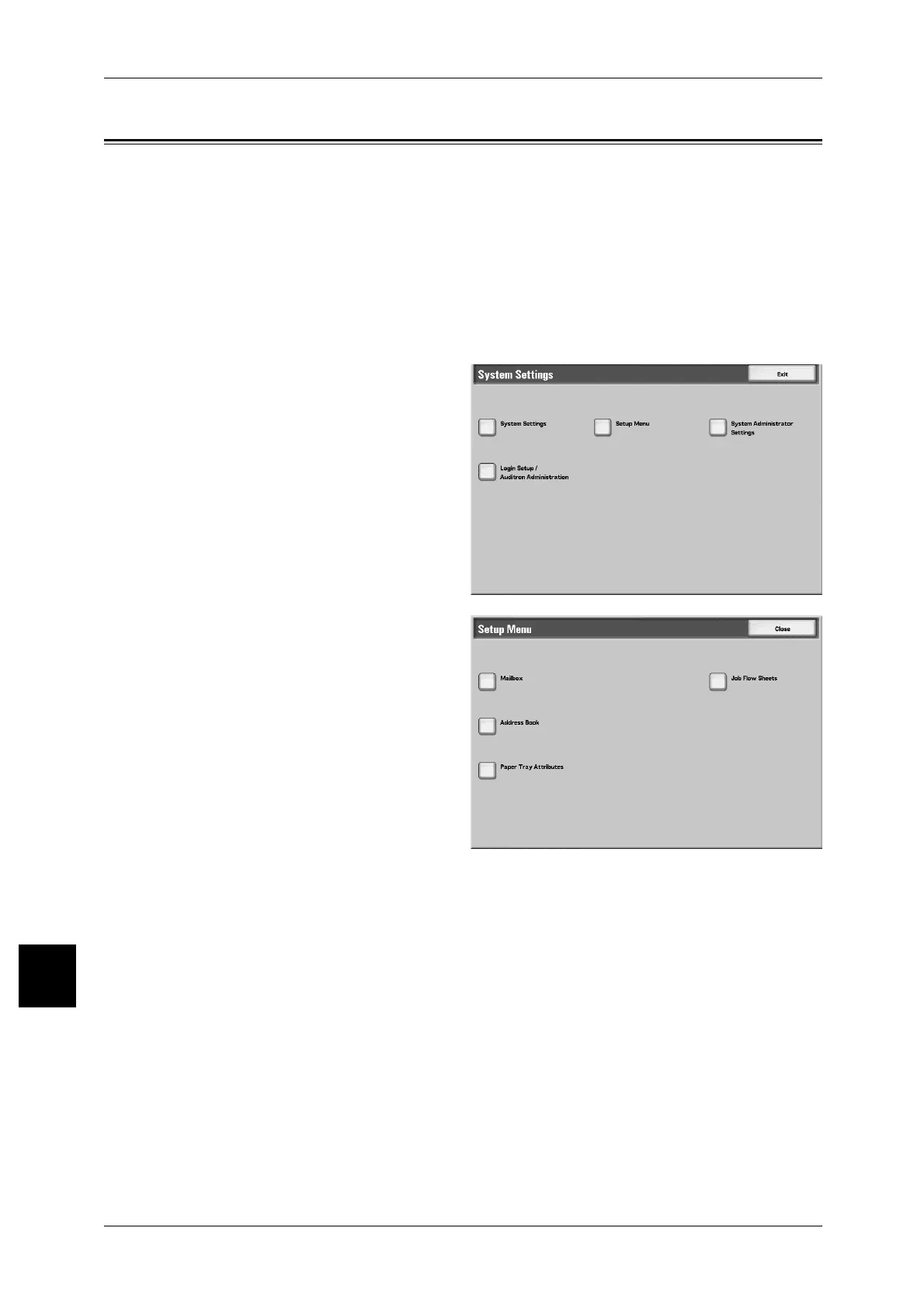
1 In the [System Settings] screen,
select [Setup Menu].
For the method of displaying the [System
Settings] screen, refer to "System Settings
Procedure" (P.284).
2 Select the item to be created (or
changed).



 To Next Page
 Loading...







