6
fi-6010N Network Scanner Operator's Guide 307
6.2 Using Touch Panel Screens: Regular User
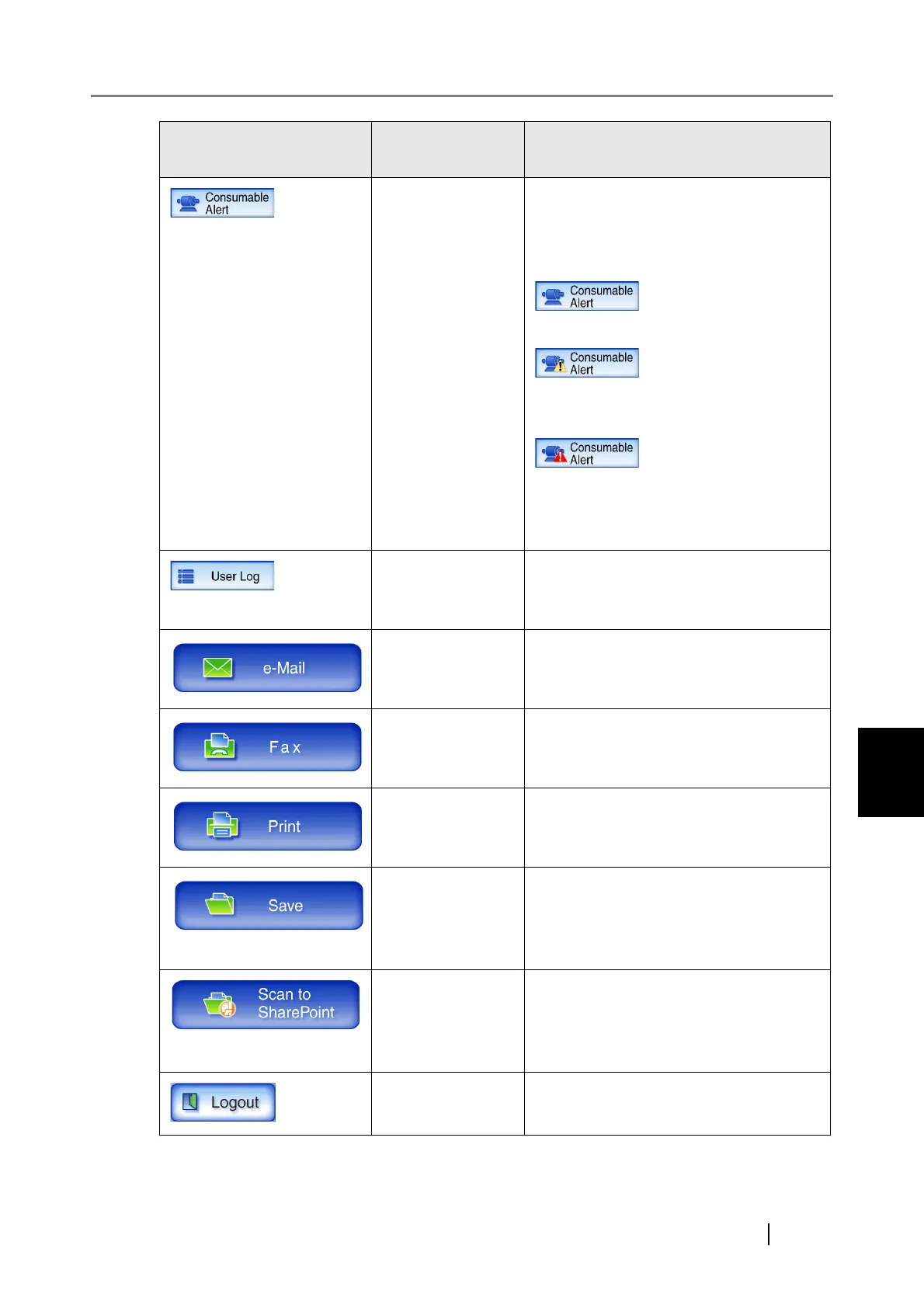
[Consumable
Alert] button
Access the "Consumable Alert" screen.
A colored alert indicator is used to warn
that a "consumable replacement" is pend-
ing.
Replacement is not required.
Parts need to be replaced soon. Contact a
system administrator.
Parts need to be replaced now. Replace
the necessary part. For details, refer to
"7.6 Replacing Parts" (page 436).
[User Log] button Access the "User Log" screen.
For details, refer to "6.12 Checking the
User Log" (page 410).
[e-Mail] button Access the "Send e-Mail" screen.
For details, refer to "6.4 Sending the
Scanned Data by e-Mail" (page 314).
[Fax] button Access the "Send Fax" screen.
For details, refer to "6.5 Sending the
Scanned Data by Fax" (page 330).
[Print] button Access the "Print" screen.
For details, refer to "6.6 Printing the
Scanned Data" (page 339).
[Save] button Access the "Save" screen.
For details, refer to "6.7 Saving the
Scanned Data to a Network Folder" (page
352).
[Scan to
SharePoint] button
Access the "Scan to SharePoint" screen.
For details, refer to "6.8 Saving the
Scanned Data in a SharePoint Folder"
(page 357).
[Logout] button Logout the current user.
Icon
Shown in manual
as...
Used to ...










 To Next Page