6
fi-6010N Network Scanner Operator's Guide 339
6.6 Printing the Scanned Data
6.6 Printing the Scanned Data
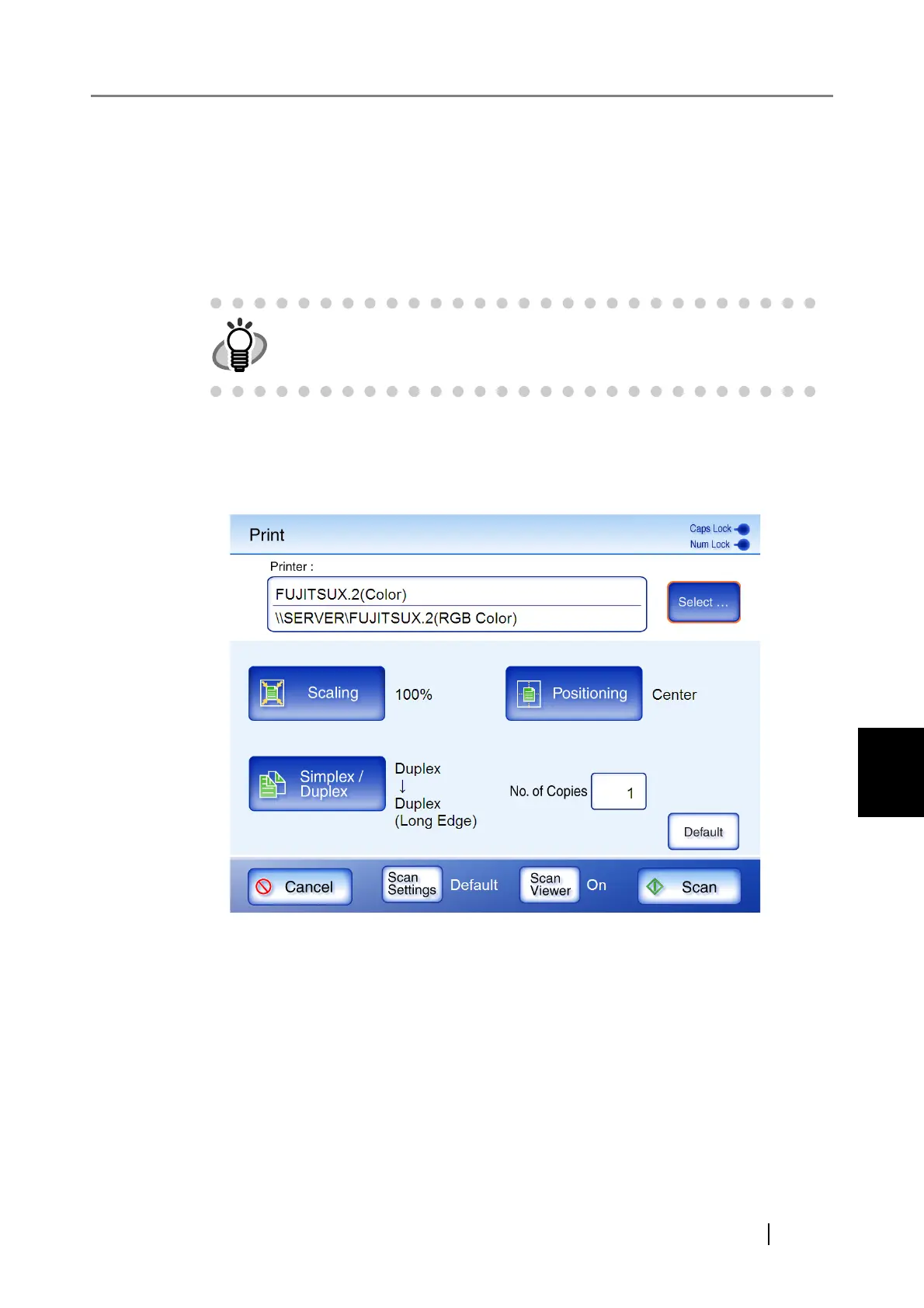
1. On the "Main Menu" screen, press the [Print] button.
The "Print" screen appears.
Network printer preferences are saved for each user, and will be shown each time that
user logs in.
2. To change the printer, press the [Select] button.
At the first login, the network printer registered by the administrator in "Printer" is dis-
played. After the first login, each time a user logs in, the name of the last network printer
used is displayed.
The "Printer List" screen appears.
The scan information can be changed by pressing the [Scan Settings] but-
ton.
For more details, refer to "6.9 Setting the Scan Options" (page 365).










 To Next Page