6
fi-6010N Network Scanner Operator's Guide 309
6.2 Using Touch Panel Screens: Regular User
Icon
Shown in manual
as...
Used to...
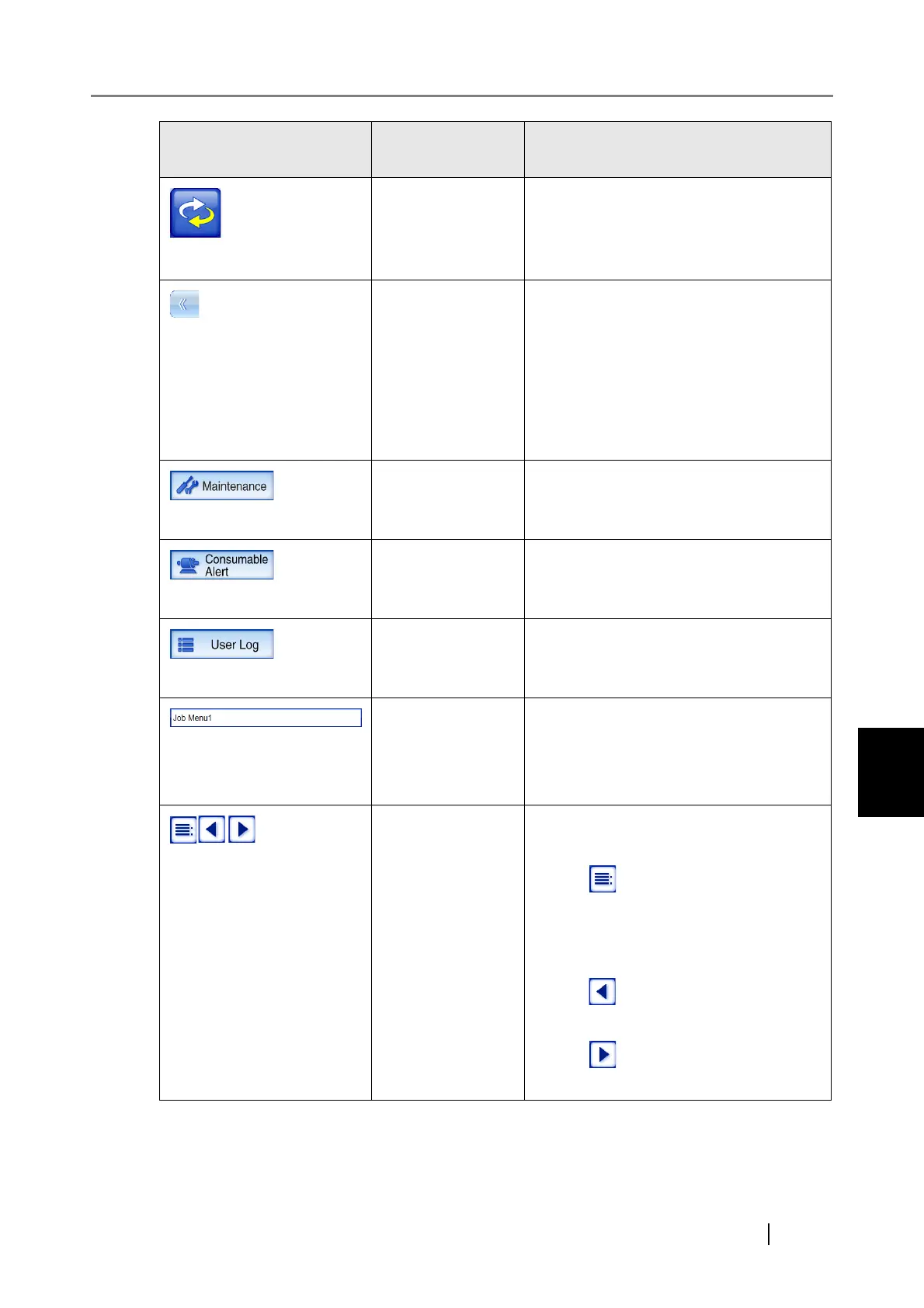
[Menu Mode] but-
ton
Switch between the "Multi-Function
Main Menu" and the "Job Menu".
For more details refer to, "6.2.3 Main
Menu Screen" (page 306)
[Switch Menu]
button
Switch between the following menus.
zThe menu containing the [Mainte-
nance], [Consumable Alert], and [User
Log] buttons
zThe menu containing job menu switch
buttons (shown when a regular user
belongs to multiple job groups)
[Maintenance] but-
ton
Access the "Maintenance" screen.
For details, refer to "6.2.3 Main Menu
Screen" (page 306).
[Consumable
Alert] button
Access the "Consumable Alert" screen.
For details, refer to "6.2.3 Main Menu
Screen" (page 306).
[User Log] button Access the "User Log" screen.
For details, refer to "6.2.3 Main Menu
Screen" (page 306).
Job menu name
field
This field appears only when a regular
user belongs to multiple job groups. The
currently selected job menu name is
shown in this area.
Job menu switch
buttons
These buttons appear only when a regular
user belongs to multiple job groups.
zPress to show a list of job groups
to which a regular user belongs. When
a job menu is selected, the correspond-
ing "Job Menu" screen appears.
zPress to move to the previous "Job
Menu" screen.
zPress to move to the next "Job
Menu" screen.










 To Next Page