6
fi-6010N Network Scanner Operator's Guide 397
6.9 Setting the Scan Options
Page
Orientation
Status
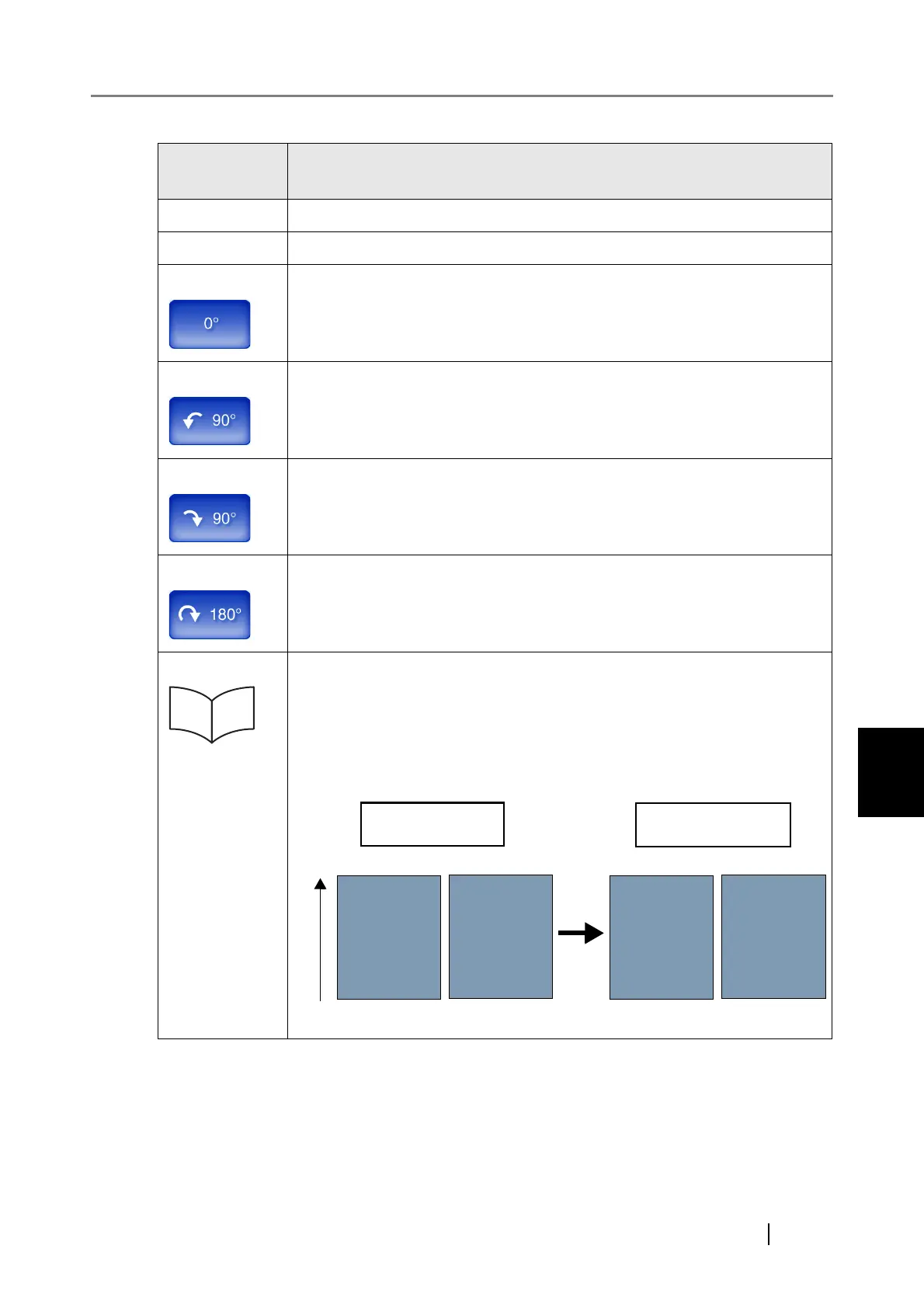
Off Scanned page is not automatically rotated.
Auto Automatically rotates scanned page.
Top-feed Scanned page is not rotated.
Left-feed Rotates scanned page 90 degrees left.
Right-feed Rotates scanned page 90 degrees right.
Bottom-feed Rotates scanned page 180 degrees.
Long Edge This setting can only be used if the [Top-feed], [Left-feed], [Right-feed], or
[Bottom-feed] button is selected.
Select this setting when scanning a document with opposing left and right
pages.
The scanned data is output with the same orientation as the original docu-
ment.
ABC
DEF
ABC
DEF
Reverse side
Scanned dataOriginal document
Front side Front side Reverse side
Feed direction










 To Next Page