viii
Important Notes for Maintaining Power Supply
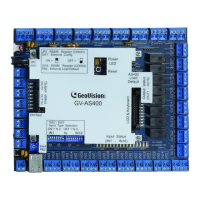
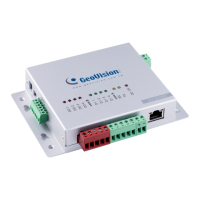
To make sure GV-AS / EV Controllers can function properly during a power outage, be sure
to replace the internal battery on the controllers when needed. It is also recommended to
install a backup battery for compatible GV-AS Controllers.
Refer to the following sections for instructions on how to install a backup battery:
GV-AS100 / 110 / 120 through GV-ASBox: See 9.1.4.F Connecting Backup Battery.
GV-AS100 / 110 / 120 through GV-ASNet: See 9.2.4.F Connecting Backup Battery.
GV-AS210 / 2110 / 2120: See 4.2.4 Connecting Backup Battery.
GV-AS410 / 4110 / 810 / 8110: See 5.2.4 Connecting Backup Battery.
GV-EV48: See 6.2.3 Connecting Backup Battery.
The table below lists the types of internal batteries used by different GV-AS / EV Controllers.
Type of Battery GV-AS / EV Controllers
Replaceable Button Cell
GV-AS100 / 2110 / 2120 / 4110 / 8110
Built-in Battery
GV-AS1010 / 110 / 1110 / 120 / 210 / 410 / 810
GV-EV48
Replaceable Button Cell (GV-AS100 / 2110 / 2120 / 4110 / 8110)
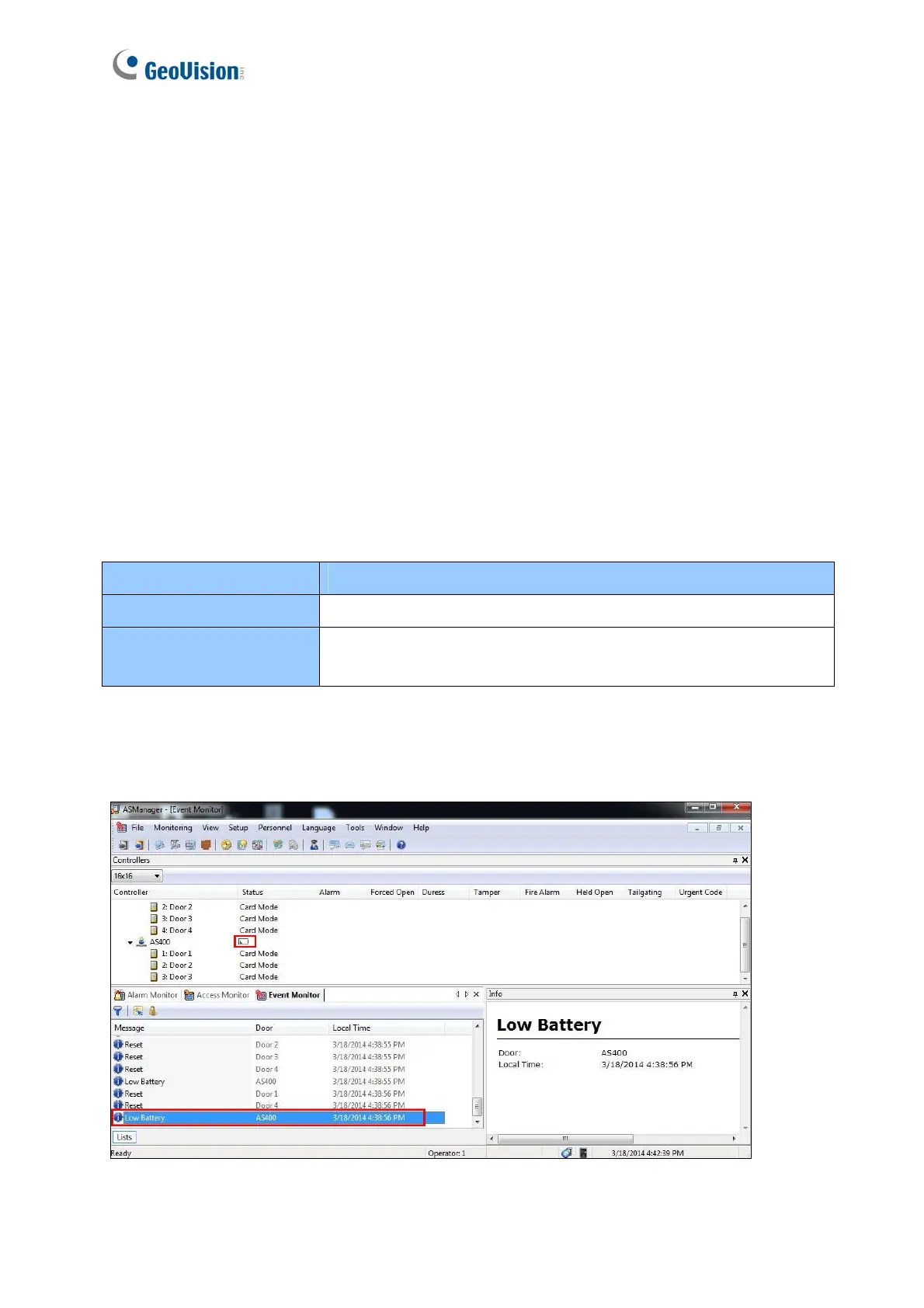
For GV-AS100 / 2110 / 2120 / 4110 / 8110, you can replace the battery on your own when
you see low battery messages and icons in GV-ASManager.


 To Next Page
 Loading...