9 CHANNEL 2.4GHz AIRCRAFT COMPUTER RADIO SYSTEM
117
Idle Down (ACRO )
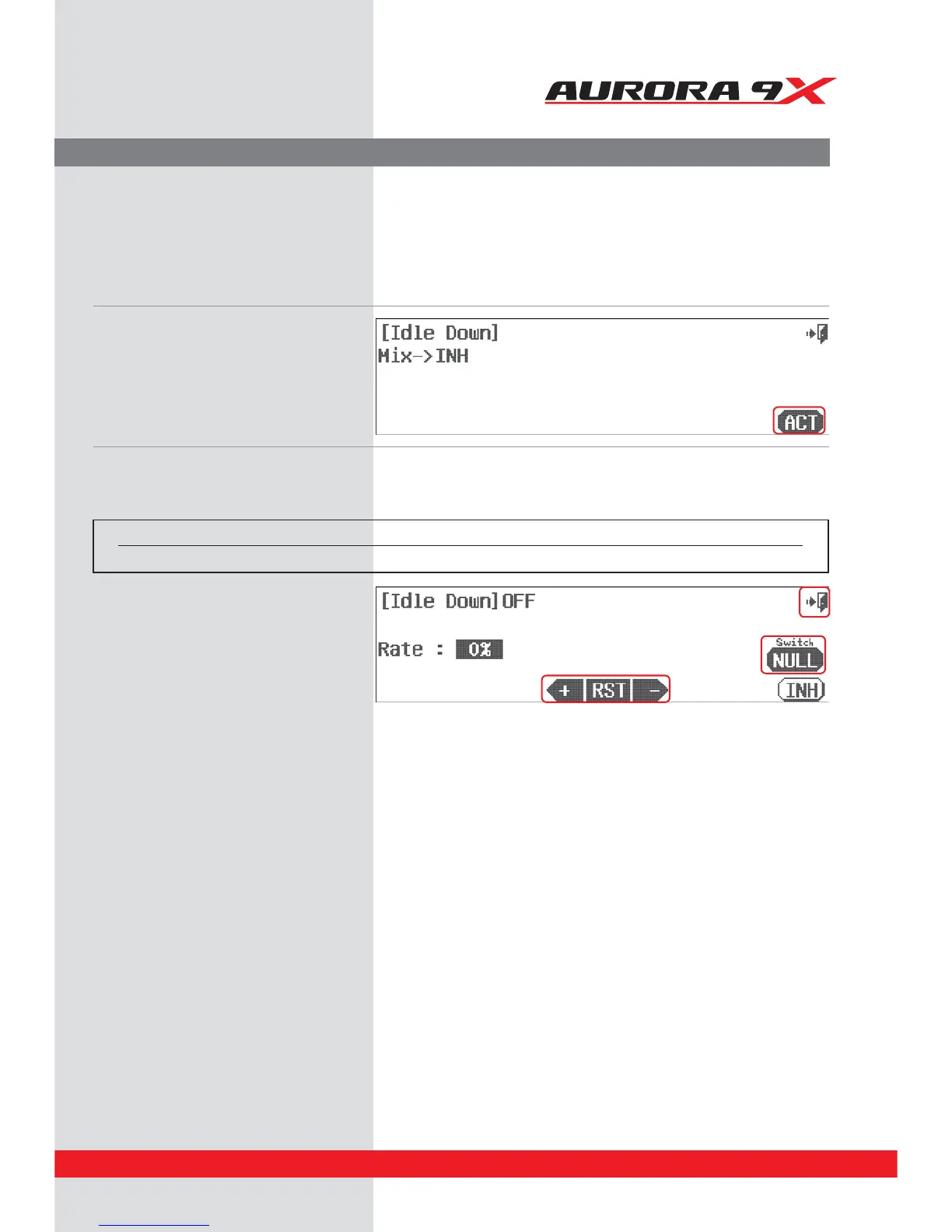
a. Select Idle Down from the model menu.
b. Press ACT to activate the idle down
function menu.
d. Using the +RST- icons, set the throttle down
position desired. A positive value will be
“above”, while a negative value “below”, the
“normal” low throttle stick position.
e. Press the Exit icon to return to the model menu.
Idle Adjustment.
The Idle Down function will apply a rate value to the throttle channel raising or lowering the throttle to a position
determined by the user when a switch is activated. This position will become the low throttle point for as long as the
switch is selected.
Switch Option
c. To select a two position switch that will activate the idle down feature and a throttle trim link, press NULL and follow the switch
activation process.
Switch type Function Trim link
2 position On or O Yes, Adjust to trim



 To Next Page