9 CHANNEL 2.4GHz AIRCRAFT COMPUTER RADIO SYSTEM
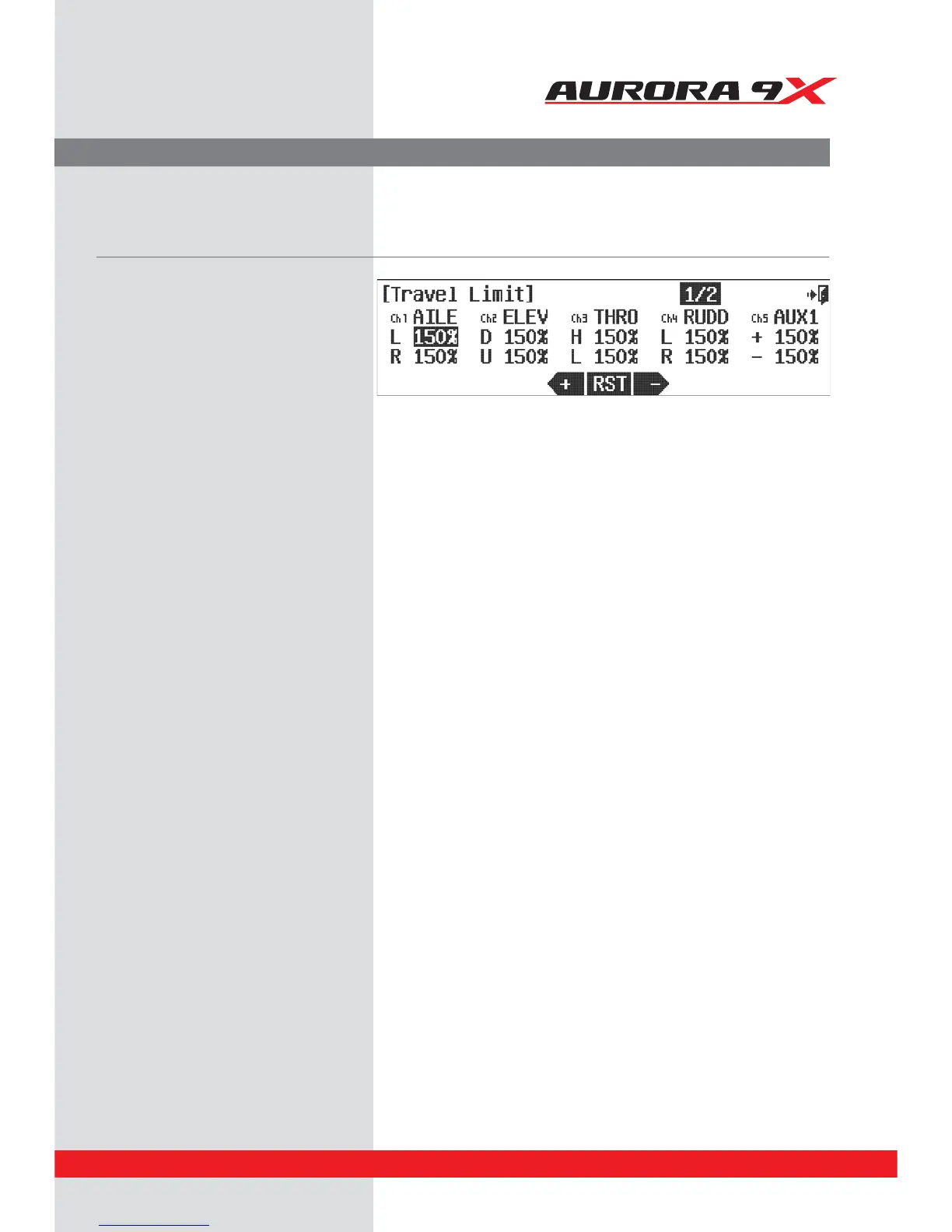
T.Limit (Travel Limit)
a. Select T.Limit in model menu.
b. Select the servo channel that you want to
set up.
c. Locate the Trim in L position by moving the
aileron stick all the way to left.
E*OQVUUIFWBMVFUIBUZPVXBOUCZVTJOH
+ RST -*DPO
e. Repeat the above steps to set other channels.
f. When you are nished, click the Exit icon to
return to the model menu
This function is to set the maximum End Point of the servo.
89



 To Next Page