9 CHANNEL 2.4GHz AIRCRAFT COMPUTER RADIO SYSTEM
This section contains the following information:
IMPORTANT PROGRAMMING TIPS
Additional menus. Custom and Adjustment features
Adjustment menu
The Switch selection process Selecting a switch
The adjust function switch set-up
Camber and Launch menus
)FMJDPQUFSUISPUUMFBOEQJUDIDVSWFBEKVTUGVODUJPOIPWFSUSJNNPSF
Trim link
Adjust to trim
T.APP
Cut Postion
Launch cut
Model menu features common to all model types (airplane, glider and heli)
Reset
"TZPVQSPHSBNBNPEFMJOUPBOZDPNQVUFSSBEJPFTQFDJBMMZPOFBTTPQIJTUJDBUFEBTUIF"VSPSB9JUJTFBTZUPNBLFBNJTUBLF*GiUIJOHTw
just are not working the way they should, start over. There are thirty model memories in the Aurora 9X. Start a new model or Reset the
current one in the System-MDL Sel. menu. You will lose all the programming you have done for that model up to that point, but starting
over is the best “cure” for 90% of all “problems” modelers have with programming issues.
8JUIWFSZDPNQMFYNPEFMTJUXPVMECFXJTFUPiTBWFwBQSPHSBNNJOHTFRVFODFCZQFSJPEJDBMMZVTJOHUIF$PQZPQUJPOJOUIFNPEFMTFMFDU
menu.
Switches
The functions that you program into the Aurora 9X will be “on” all the time, noted as NULL on the specic features menu screen. All these
features can be toggled on or o using a two position switch, or several dierent values can be applied to some features using three
position switches. Other functions like Camber are applied to a slider and their movement is dialed-in as needed.
All these dierent methods for selecting and formatting switches and other control functions are described on page 68 in the manual
rather than being repeated throughout the document on every other page.
Flight Conditions
Arguably one of the most powerful features of the 9X is the multitude of dierent options including the Flight Condition features which
BQQMZUPUIFQSPHSBNNJOH8FFODPVSBHFZPVUPFYQMPSFIPXUIFøJHIUDPOEJUJPOTDBOJOøVFODFBMNPTUFWFSZGFBUVSFPGUIF"VSPSB9
Of major note will be the C (combined) and S (separate) options that deliver an almost innite number of programming combinations.
Selecting a Servo or Channel to Adjust the Value
There are three ways to select a servo or channel to adjust its travel values.
t6TFUIFDPOUSPMTUJDLUPNBLFUIFBEKVTUNFOU3JHIUBOEMFGUVQBOEEPXOUPTFMFDUUIFEJSFDUJPOZPVXBOUUPBEKVTU5IJTXBZZPVTFF
the results of your input if the aircraft is turned on.
t1SFTTUIFWBMVFJDPOGPSBOZTJOHMFTFSWPTPOFEJSFDUJPO
t1SFTTUIFOBNFJDPOPGUIFDPOUSPMUPCFBEKVTUFEBOEBEKVTUCPUIEJSFDUJPOTBUUIFTBNFUJNF
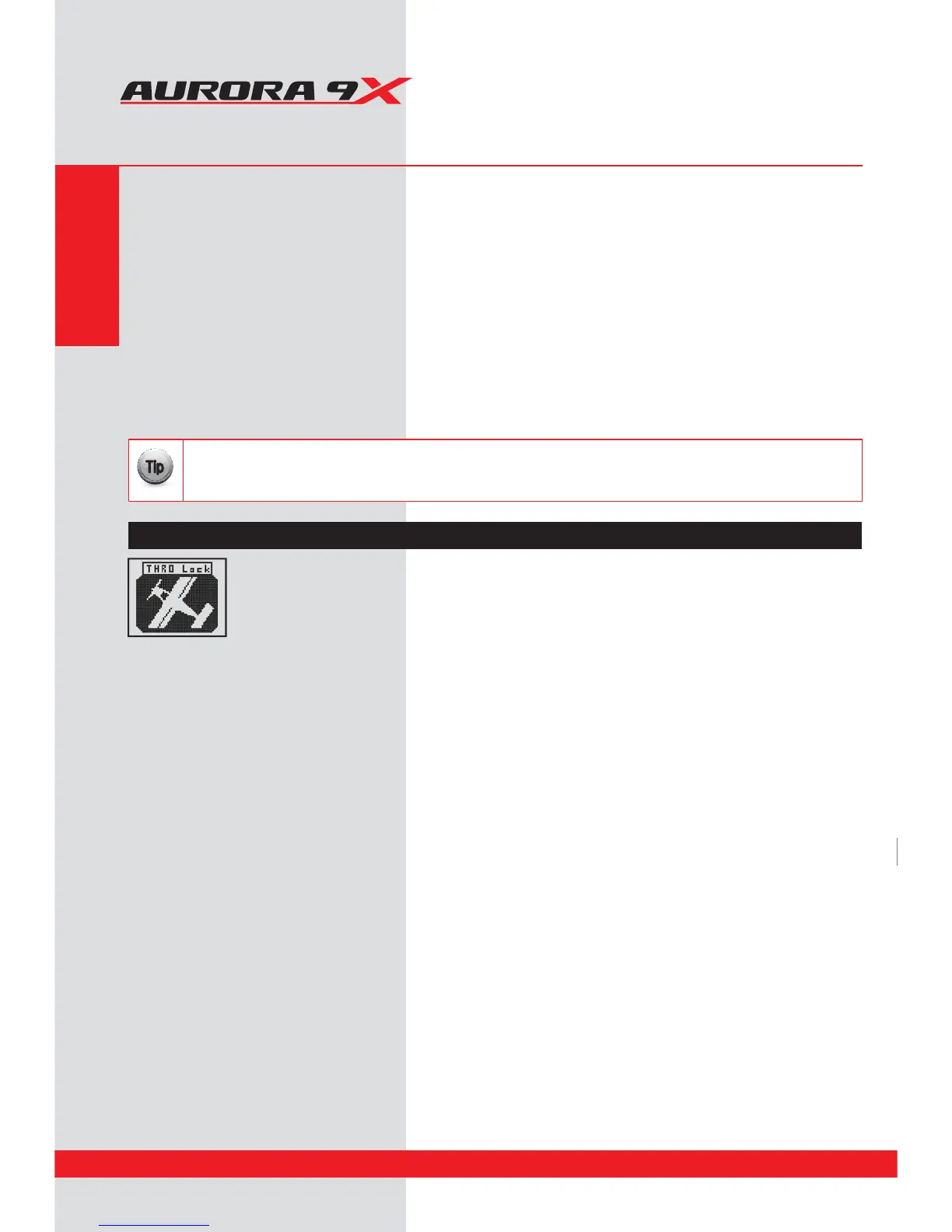
Throttle Lock
During the set-up process, when the transmitter is transmitting to the aircraft, you can see
what the eects of changing values are on the control surfaces. On the home page press the
Model icon and hold it for two seconds. This action will start and stop the throttle lock.
Once again, we encourage using the quick start guide to program your rst aircraft before you journey into the model
menu functions. There are many basic, fundamental lessons to be learned in spending 20 minutes using the quick start
guide. Doing so will certainly speed you through the Aurora 9X learning curve.
{{
Tip
************
IMPORTANT PROGRAMMING TIPS
************
Model Menu and More Special Hints
Section Five
74



 To Next Page