9 CHANNEL 2.4GHz AIRCRAFT COMPUTER RADIO SYSTEM
FLT.COND (HELI)
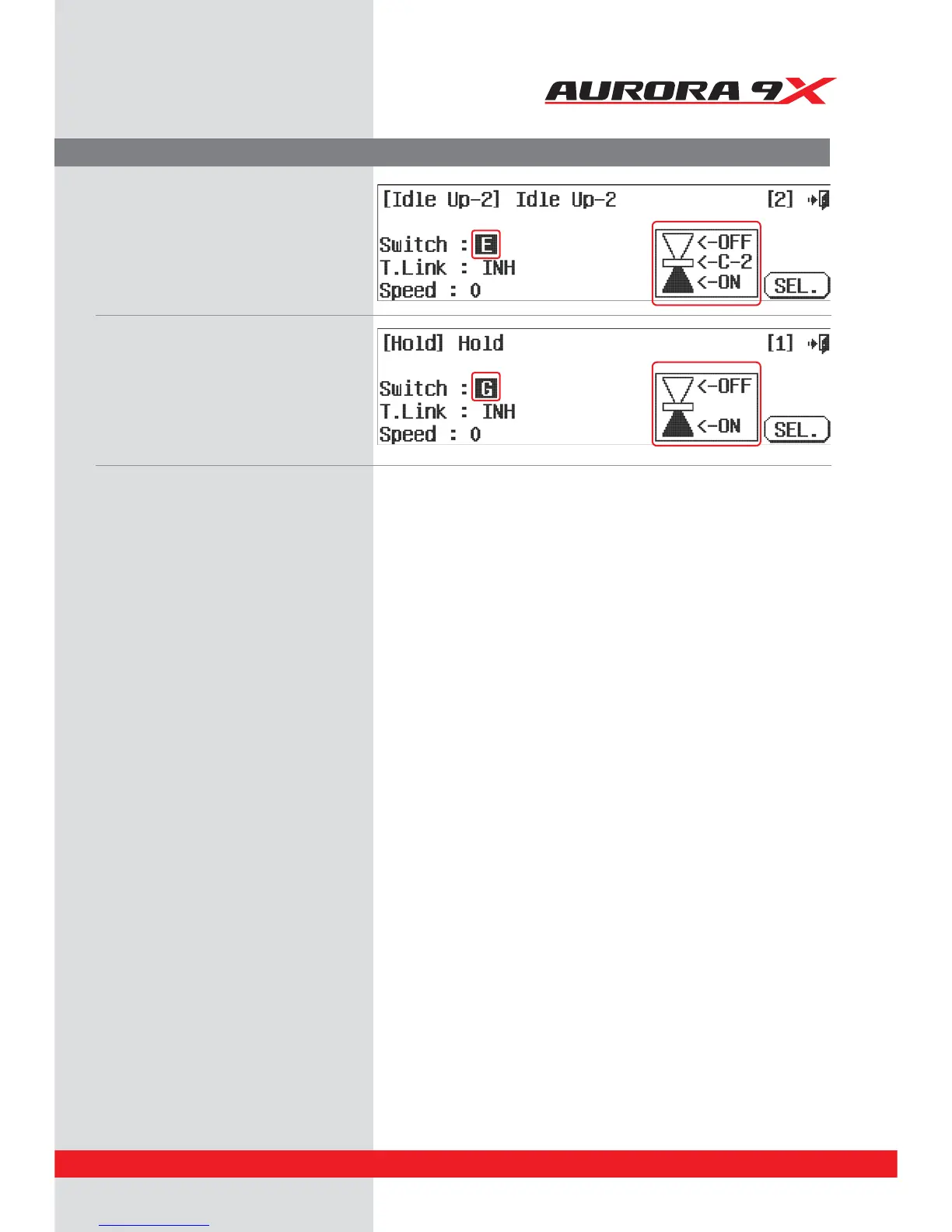
c. Idle-up 2 has been set by default as follows:
d. Hold has been set by default as follows
e. Click to the Exit icon to return to model menu.
At this point we can choose to modify the existing ight conditions we made:
1. Delete any of the ight conditions you made.
2. Renaming an existing ight condition to reect its purpose.
3. Add more ight conditions and apply them to other switches.
4. Change the selected ight conditions priority.
5. Decide if you want the added ight conditions to have a “trim link”.
6. Add a time delay to the activation of the ight conditions.
129



 To Next Page