9 CHANNEL 2.4GHz AIRCRAFT COMPUTER RADIO SYSTEM
93
Gyro (on/o and Sensitivity Adjustment)
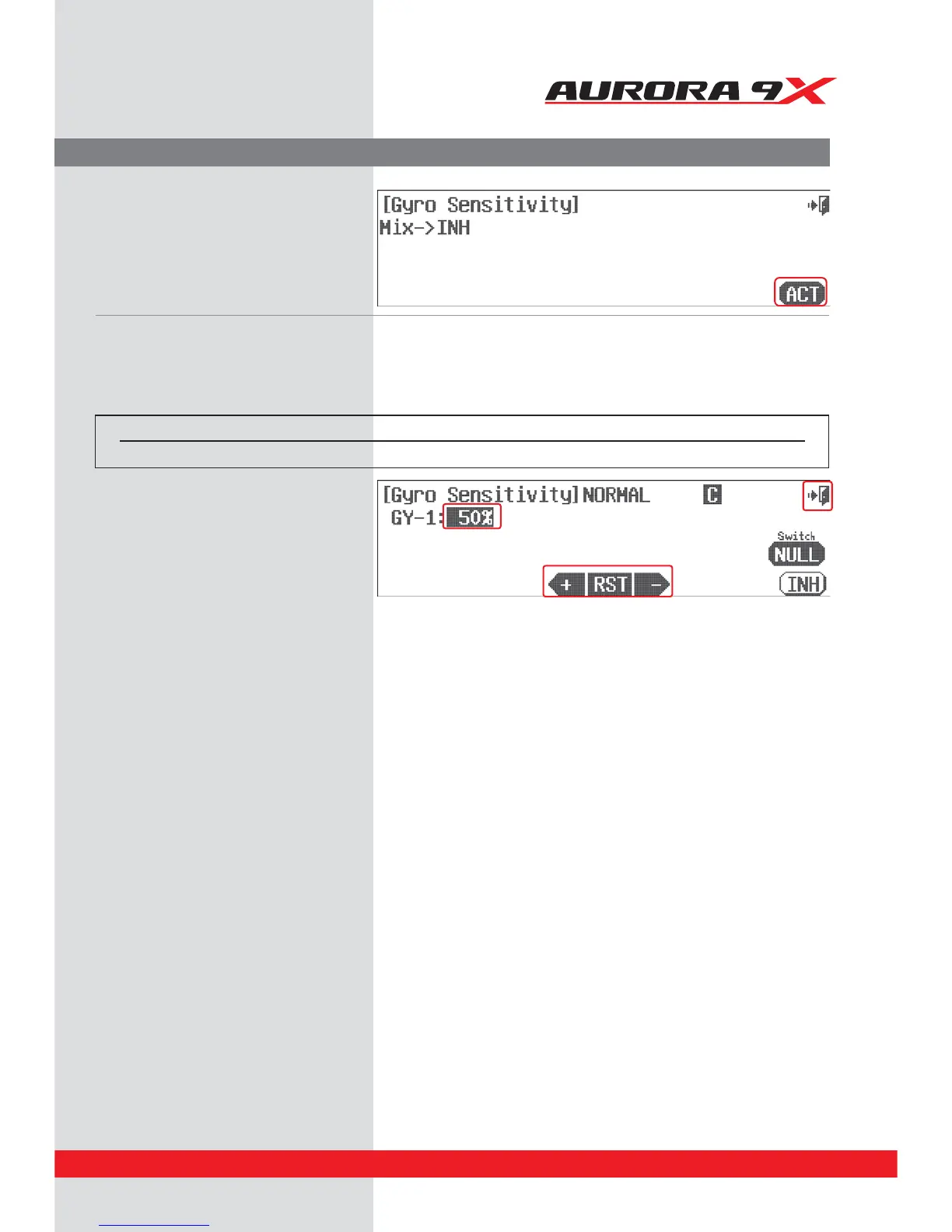
j. Press ACT to activate the gyro sensitivity menu.
Switch Option
k. Here we can choose a two or three position switch to apply dierent sensitivity values.
l. The default sensitivity value is 50%. Follow the
gyro manufacturer's guidelines and apply an
appropriate % value with the + RST – icons
to all the dierent switch positions for the
switch you have selected.
m. Select the Exit icon to return to the model menu.
Switch type Function
2 or 3 position Multiple values



 To Next Page