HT2000H_en_n.doc Page 112 of 167
Tap one of these options to enter the respective sub menu.
To move to the Quick Start User Interface, see paragraph 4.2.4.3 “Setup configuration: Run”).
7.1.2 Home screen: Quick Start User Interface
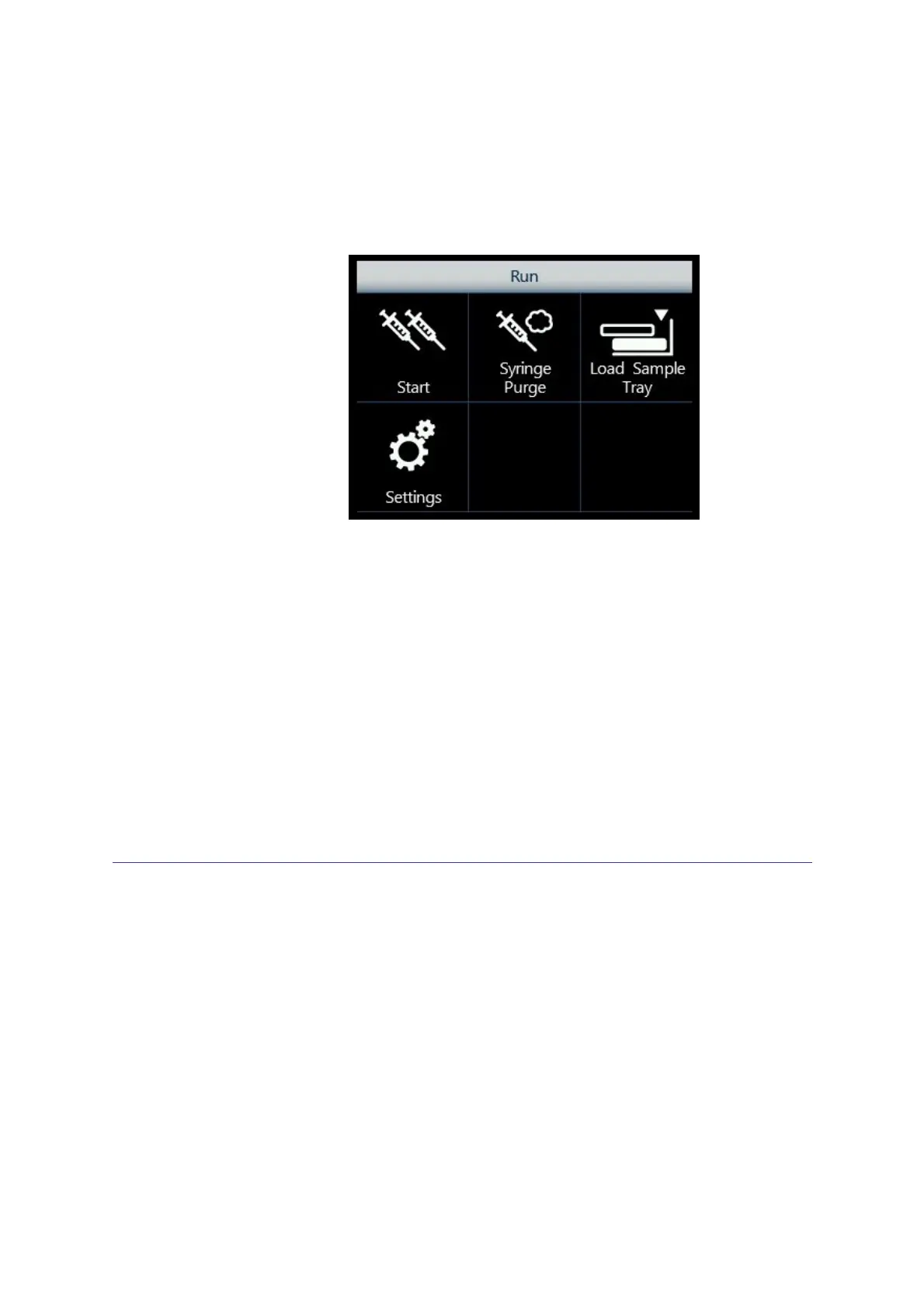
Figure 101: Home screen: Quick User Interface
From here, it is possible to access the following functions:
• Start: the autosampler will run all the stored sequence steps (see 5.3.1 “Sequence Menu “)
processing all the vials set in each sequence step (note that after detecting two empty
positions it will automatically stop).
• Syringe Purge: purges the syringe with gas (see paragraph 7.4);
• Load Sample Tray: opens the tray to load/unload the samples (see paragraph 7.5).
• Settings: accesses other autosampler functionalities and menus (see paragraph 7.6). Tap
one of these options to enter the respective sub menu.
To move to the standard User Interface, see paragraph 4.2.4.3 “Setup configuration: Run”).
7.2 Single injection
This function is used to carry out one or more injections from a single vial. Access sequence:
RUN>SINGLE INJECTION.
In the “Single Injection” screen you need to define the injection parameters:
• Method: (from 0 to 9);
• Sample: the vial position of the sample to be injected (e.g.: A.2).
Select “Start Injection” to perform the single injection. During the single injection, the status
information is displayed. Tap “STOP” to stop the procedure and then “ABORT” to confirm or
“RESUME” to continue the single injection procedure.
Select “Exit” to exit from the “Single Injection” screen and return to the home screen.



 To Next Page