HT2000H_en_n.doc Page 76 of 167
4 Set Up operations
The HT2100H set up operations can only be performed using a PC, and the “HTA Autosampler
Manager”. HT2000H/HT2000HT set up operations are performed by using the touch screen
display, as described in the paragraphs below.
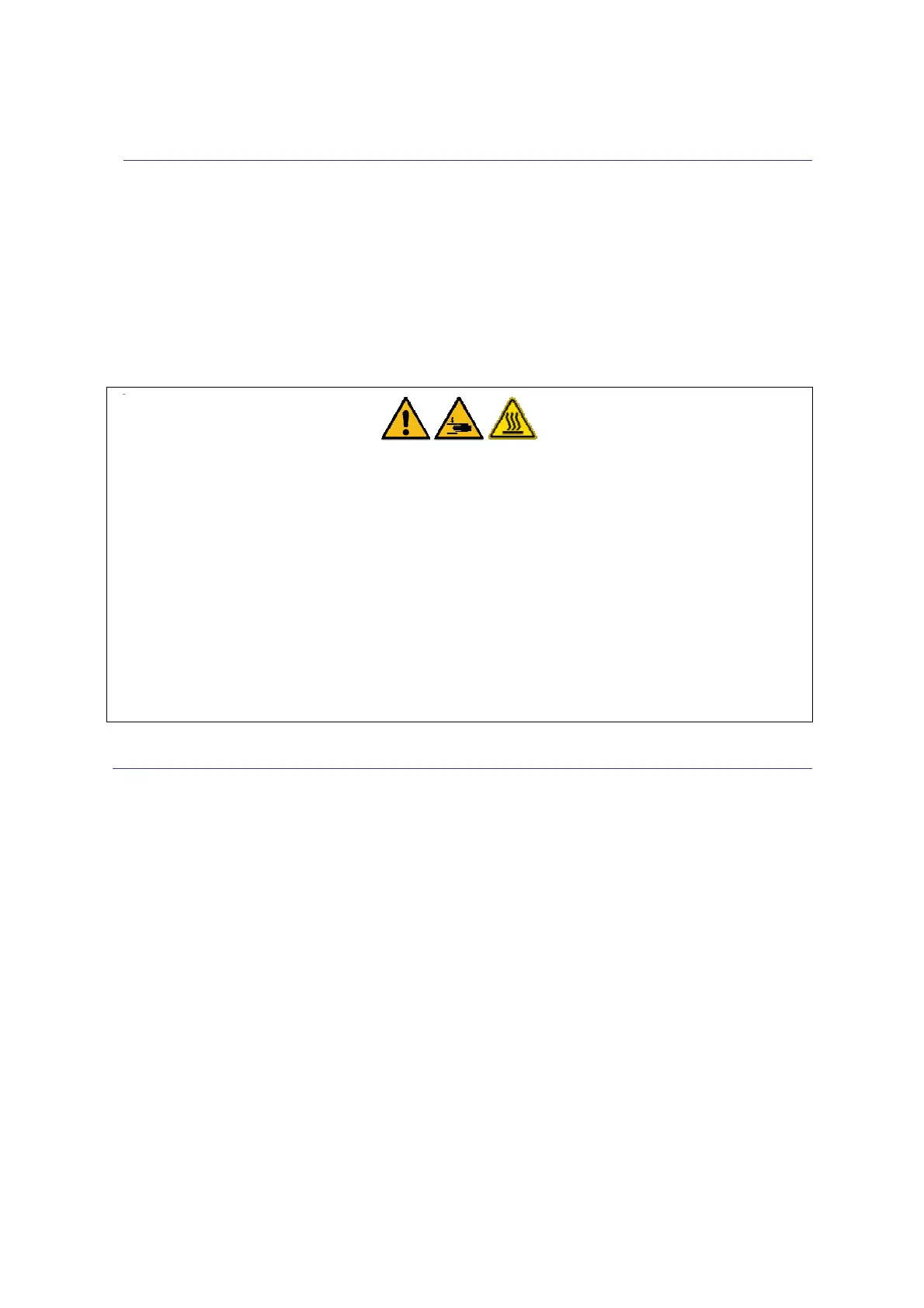
Warning
Set-up must be completed by competent personnel, properly trained regarding the procedures
described in this manual: any missing or different execution of the described procedures can
cause damage to the autosampler or to the person operating it.
However, in particular, you should pay attention to the moving parts such as the sledge,
syringe , needle, the cover of the oven etc...Some parts of the autosampler (oven, syringe,
needle or vials) can work at high temperatures. Be careful to avoid burns. Allow these parts to
cool down before handling them.
Wrong settings could cause damage to the syringe and/or to the autosampler.
4.1 View Parameters
Access sequence: RUN>SETTINGS>VIEW PARAMETERS
This information is organized on multiple pages: press NEXT to change the page. View parameters
shows the following information:
• Syringe Volume: nominal volume of the installed syringe;
• Tray Type: the tray type installed. This shows the number of vial positions, dimension of
sample vials and needle draw depth inside the vial;
• Analyzer Brand: shows the analyzer brand (see paragraph 4.2.1.1 “Alignment: Analyzer
Default “);
• Analyzer Model: shows the analyzer model (see paragraph 4.2.1.1 “Alignment: Analyzer
Default “);
• Front Injector Depth: shows the needle insertion depth into the front injection port;
• Front Injector Insertion Speed: shows the needle insertion speed into the injector;



 To Next Page