HT2000H_en_n.doc Page 35 of 167
the enabled buttons use a white font and the disabled buttons use grey font; a button could
be disabled because the associated action is not allowed or because other actions must be
completed first;
when a button has been tapped, the background becomes blue for a while.
2.4.2 Screen templates
The screens can be grouped according to type. These are:
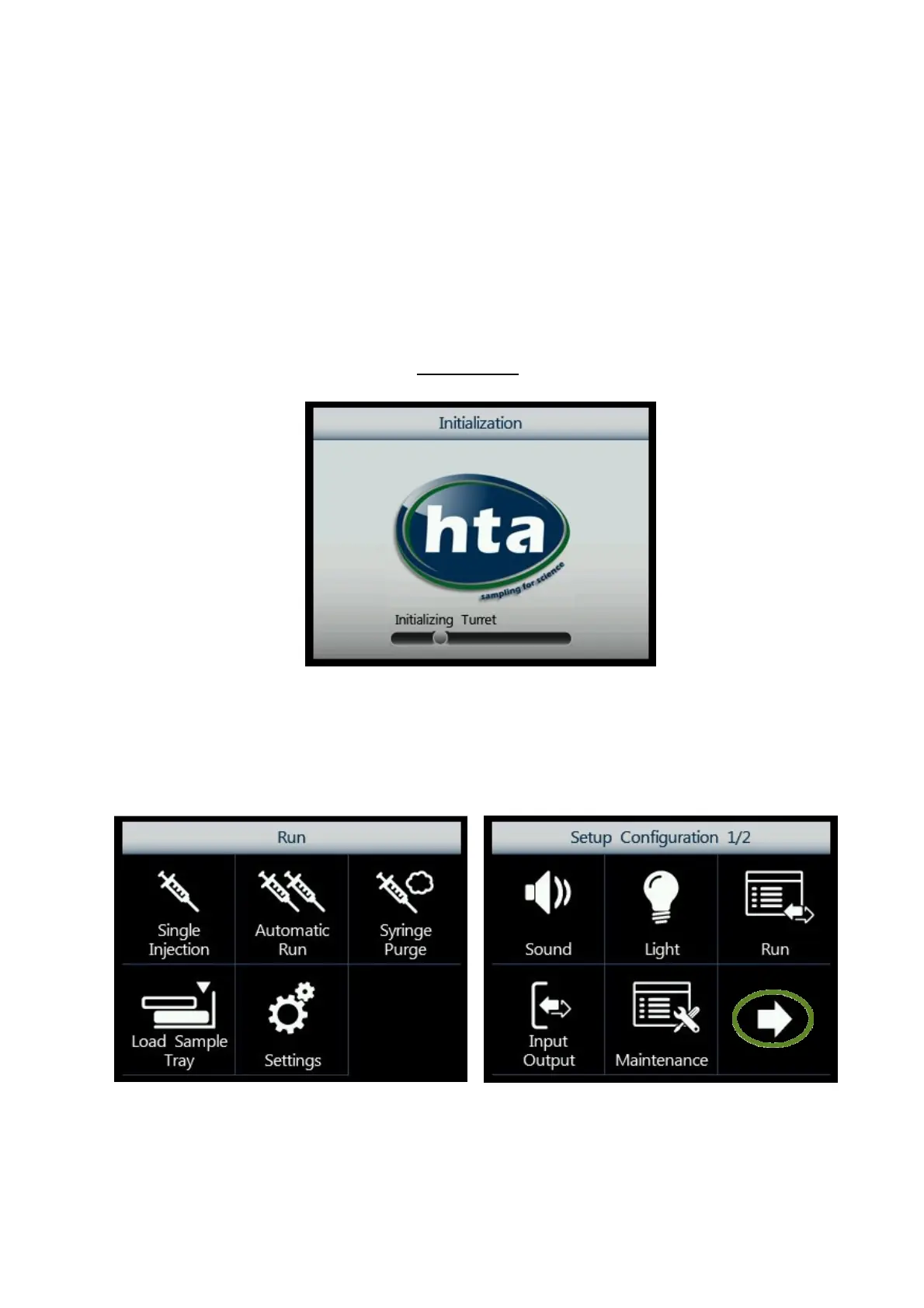
2.4.2.1 Screen type 1: Screen saver
Screen type 1:
Figure 28: Screen type 1
See paragraph 3.4 “Start-Up”.
2.4.2.2 Screen type 2: Menu
Figure 29: Screen type 2_example A Figure 30: Screen type 2_example B



 To Next Page