HT2000H_en_n.doc Page 131 of 167
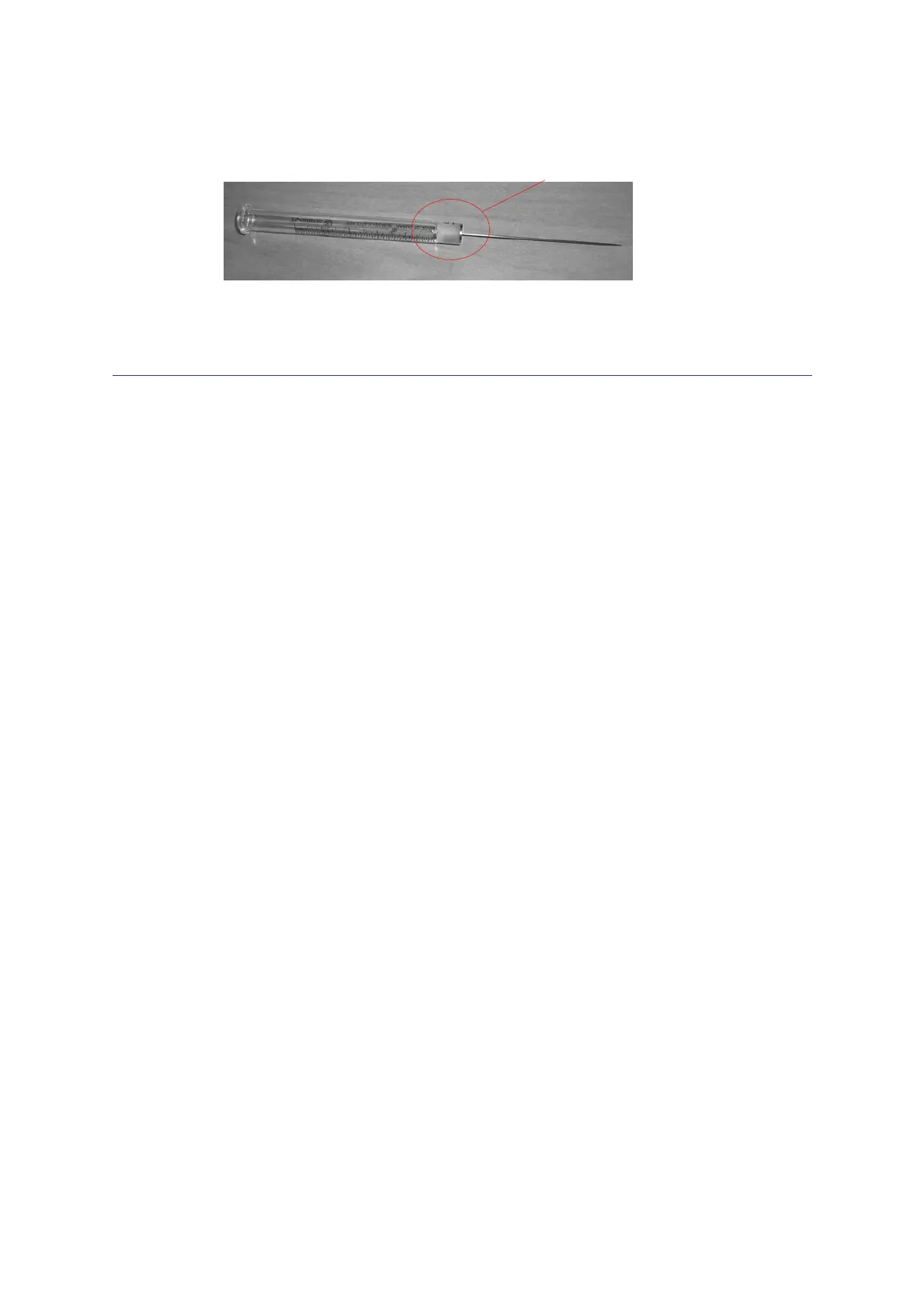
Bend here if necessay
Figure 104: Syringe inspection
8.16 Tray emergency release
Applies only to HT2000H/HT2000HT.
If the tray doesn't open automatically (and samples are inside), please proceed as follows:
• Switch autosampler OFF;
• Wait 30 sec;
• Switch it ON again;
• Try to open the tray by selecting the “Load sample tray” icon in the home screen. If it is not
possible to access the home screen, try to access the manual operation screen;
• If this fails, switch autosampler OFF;
• Disconnect it from the mains power;
• Pull the tray gently out by hand (see paragraph 8.16.1 “Tray opening by hand”). Do not pull
the tray out with the power switched on.
8.16.1 Tray opening by hand
The tray opening must be performed by hand only if it is strictly necessary. Do not pull the tray out
with the power switched on.
Pull out the tray using both hands, as shown in the Figure 105 (images 1 and 2). Do not pull the
tray with only one hand, as shown in the third image of the figure.



 To Next Page