HT2000H_en_n.doc Page 34 of 167
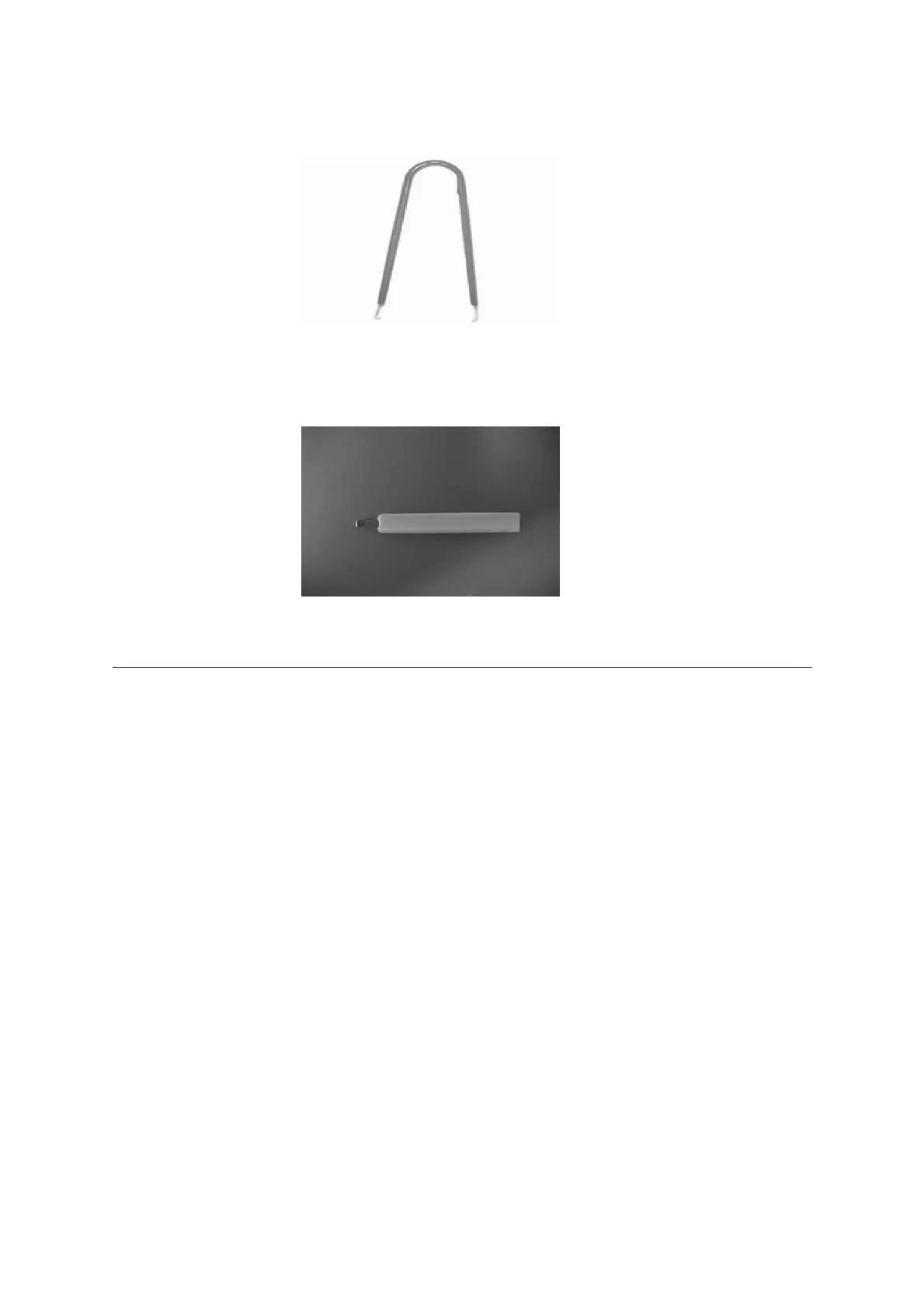
Figure 26: Tweezer_type 1
2. Tweezers type 2 used to extract the relative spacer:
Figure 27: Tweezer_type 2
2.4 Touch screen display description (HT2000H/HT2000HT)
2.4.1 Touchscreen use
HT2000H/HT2000HT uses touchscreen displays. These can be controlled using your finger tip or
with a dedicated stylus.
Only use a stylus approved by HTA as using any other stylus (or a pen or pencil), may scratch and
damage the touchscreen.
The touch screen recognizes the following actions:
• single tap: gently press the area of interest to select a menu option or press any button
area.
• prolonged tap: gently keep the area of interest pressed for short time. It is used with the
increase/decrease buttons to increase/decrease the selected value faster.
In all the screens:
the areas that can be tapped have a black background (tapping the other areas of the
screen will have no effect);



 To Next Page