HT2000H_en_n.doc Page 28 of 167
1
“X” marks the rubber feet, these are important for the installation procedure (see paragraph 3.3.1.1
“Unlock the autosampler from the mounting kit”).
2.1.2.5 HT2100H Control panel: keypad
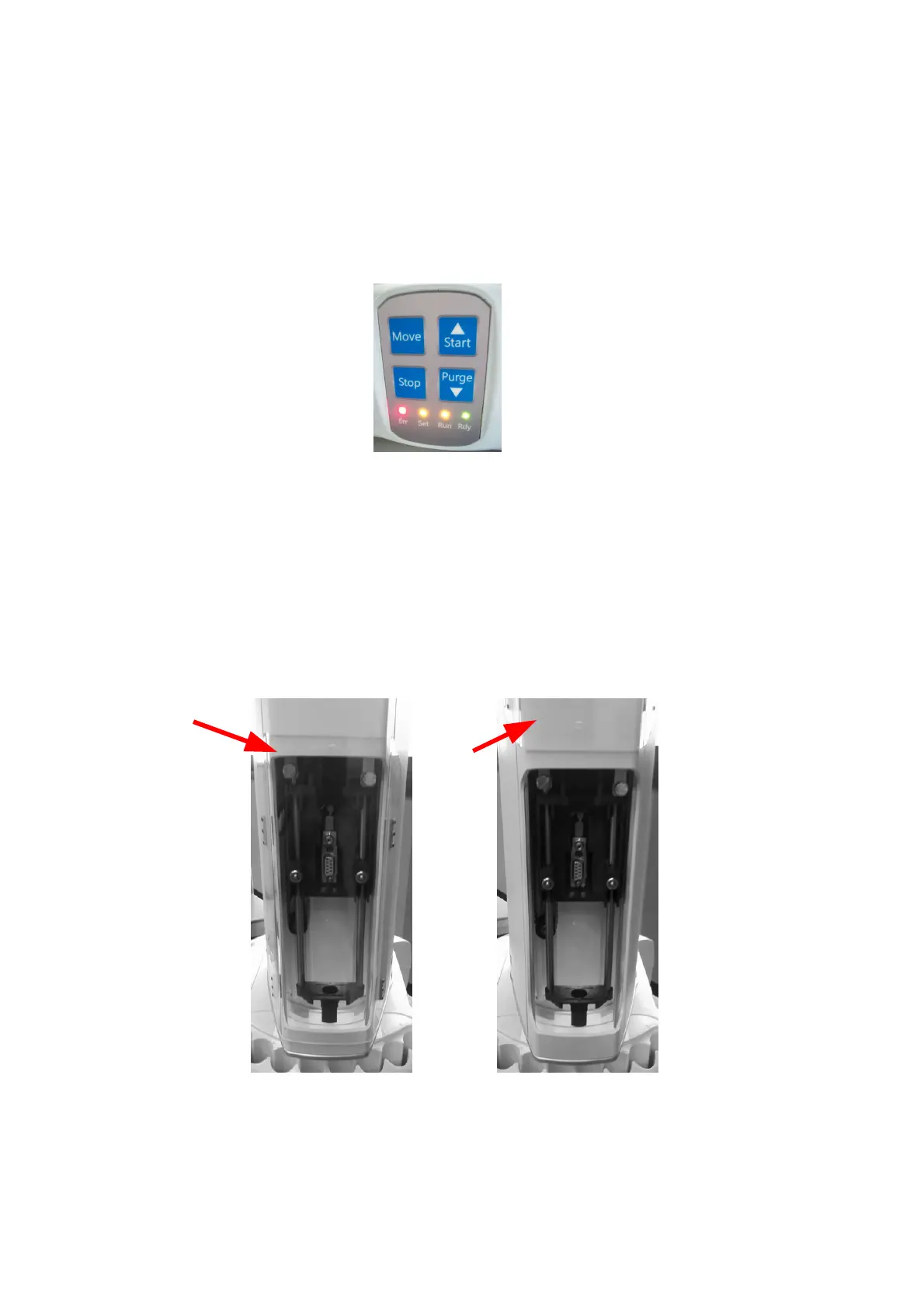
In the front of HT2100H there is the keypad.
Figure 14: Keypad (HT2100H)
The HT2100H uses a keypad with 4 keys (Move, Start, Wash, Stop) and 4 status LEDs (Err,
Ready, Setup, Run). This keypad is used for sample execution and basic maintenance/setup tasks.
The method, sample list and set up editing is performed exclusively by a PC. For further
information on the HT2100H keypad, please refer to chapter 6 “HT2100H operations”.
2.1.3 Syringe location
The syringe is located in the turret. To access the syringe, push up the sliding lid (red arrow in the
figure below).
Figure 15: Sliding lid down Figure 16: Sliding lid up



 To Next Page