HT2000H_en_n.doc Page 134 of 167
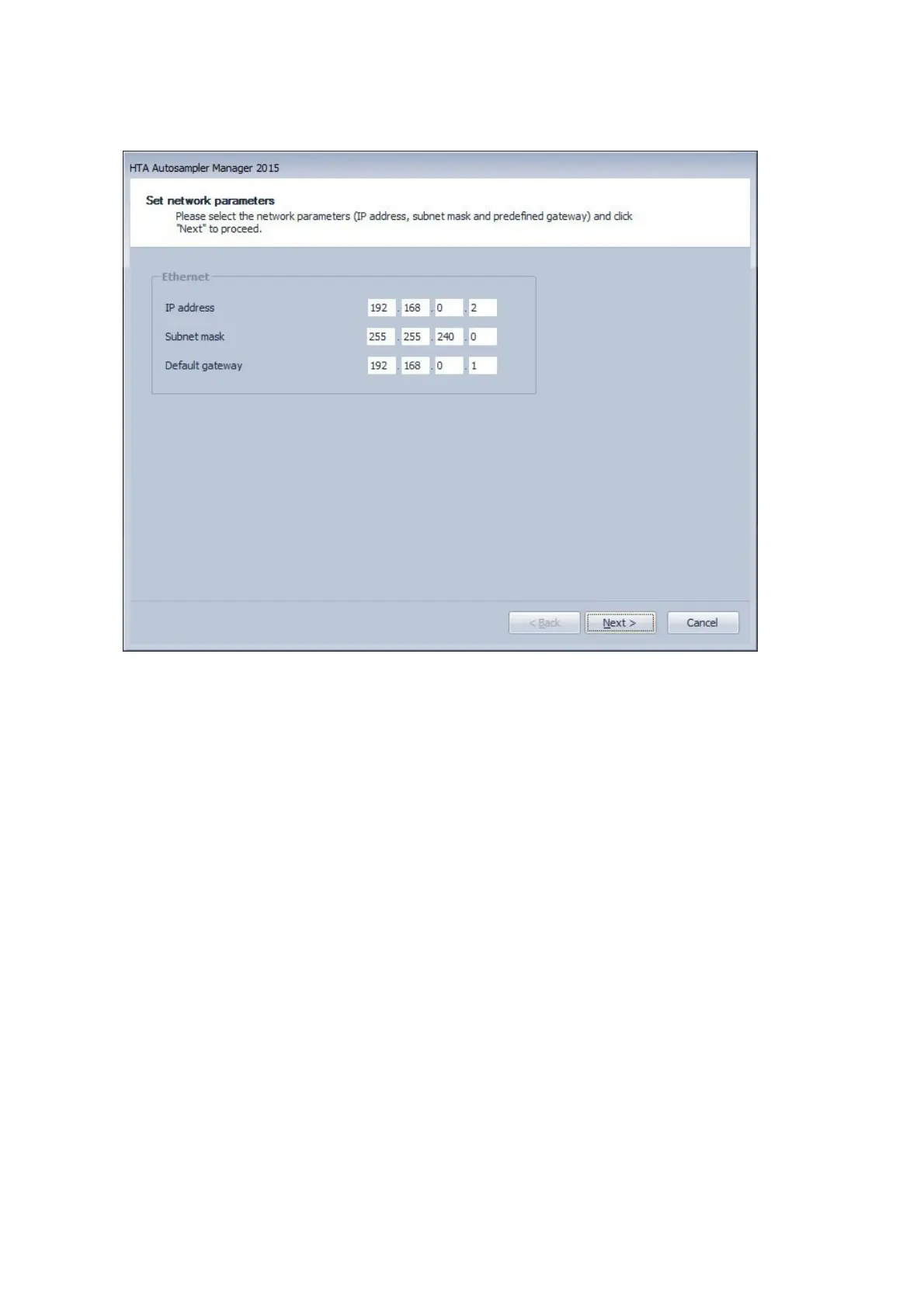
Figure 107: Set network parameters
3. The IT/ network administrator must check that the suggested network parameters (IP
address, Subnet mask, gateway) are actually compatible with your network.
4. If the checking passes, click on “Next” to start the automatic assignment of the new
network configuration of your autosampler.



 To Next Page