HT2000H_en_n.doc Page 46 of 167
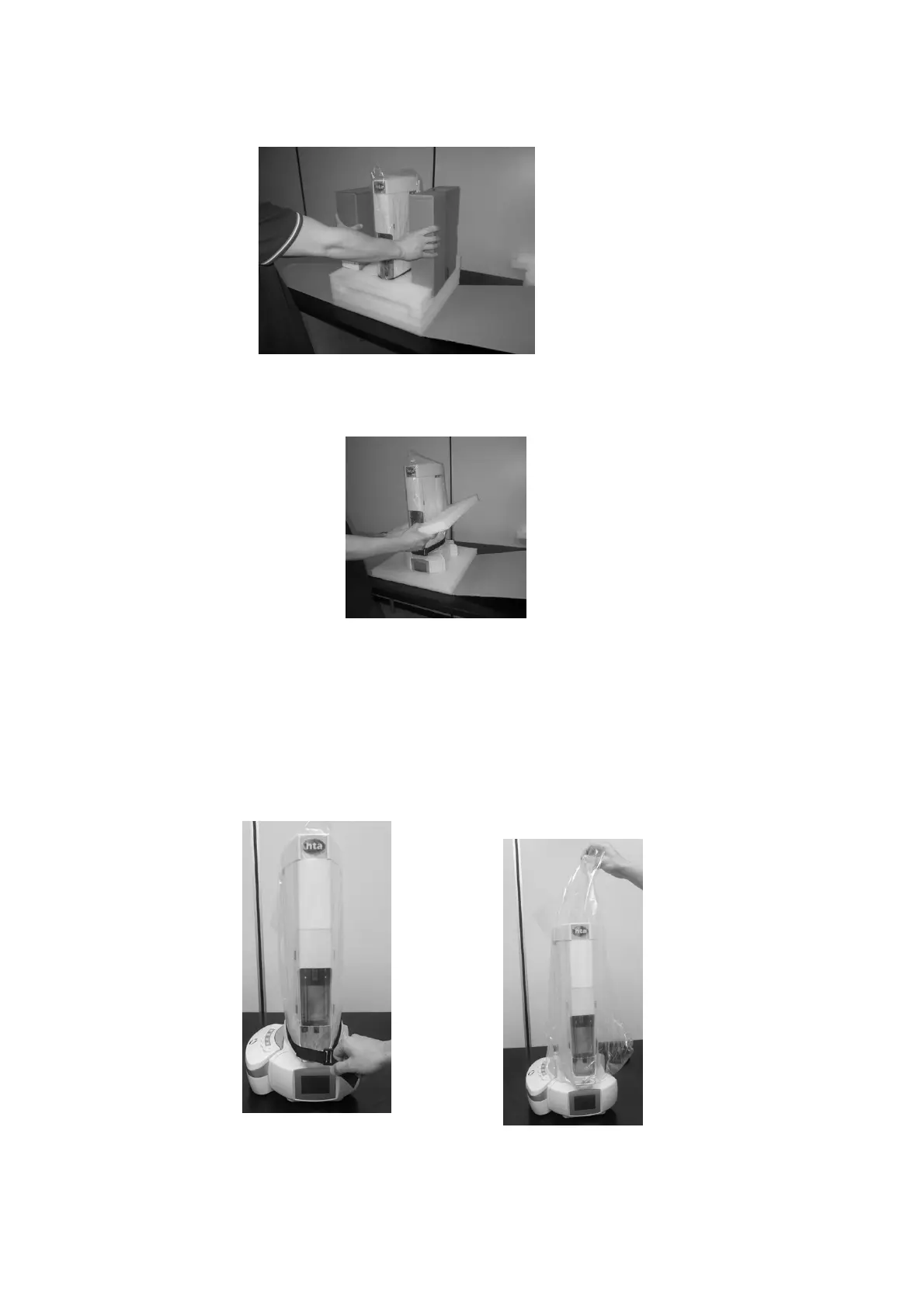
Figure 43: Remove the accessory boxes
7. Remove the lower protective cushions.
Figure 44: Remove the cushions
8. Check the product sheet to verify that the autosampler configuration (left or right) is consistent with
your GC (see paragraphs 2.1.1.5 “HT2000H /HT2000HT Autosampler base” and 2.1.2.4
“HT2100H Autosampler base”). If the configuration of the autosampler is not correct with respect to
your GC specification, please contact your local supplier.
9. Remove the protection belt and polythene bag from the tower.
Figure 45: Remove the protection belt Figure 46: Remove the polythene bag



 To Next Page