Editing a User Waypoint (continued)
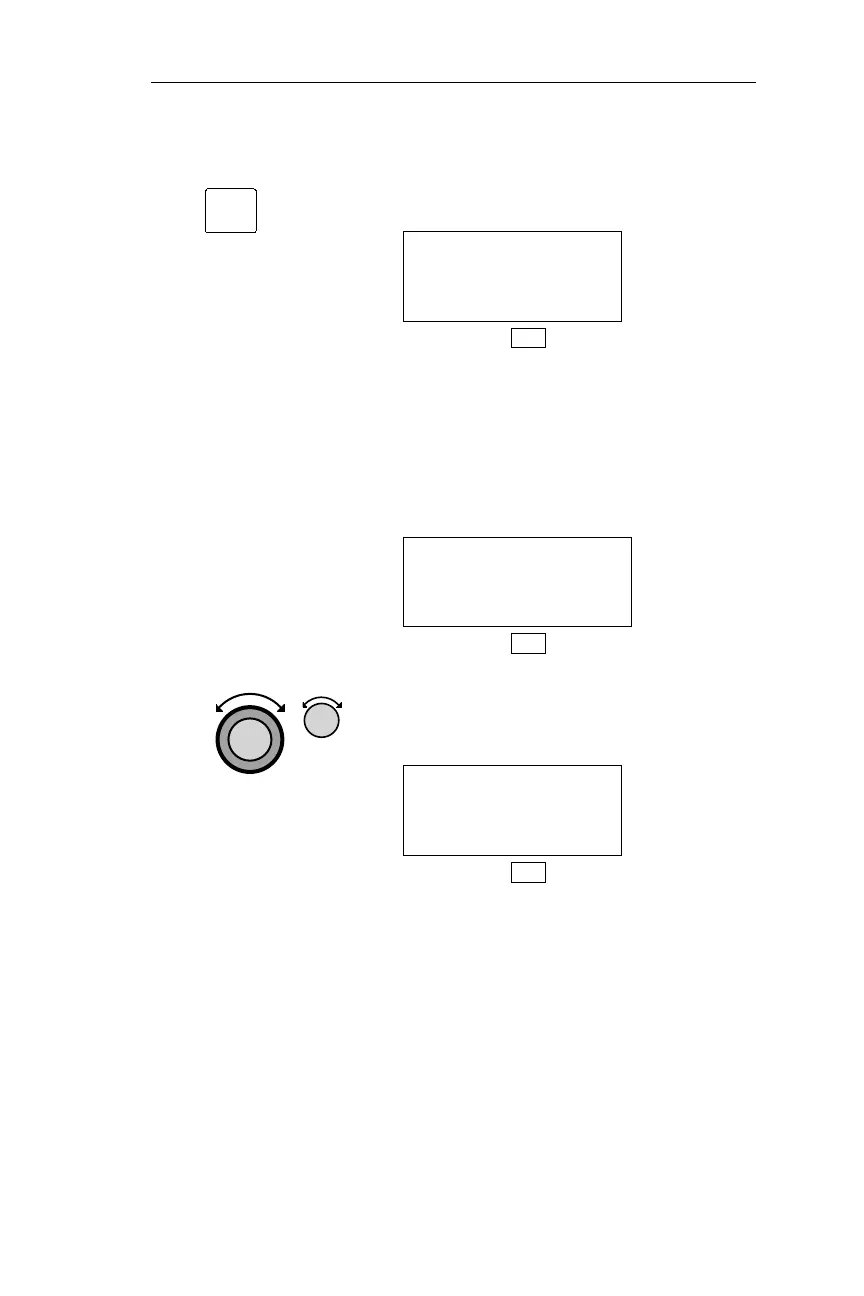
3. Pressing ENT retrieves the waypoint,
and activates editing.
HOME USER
44°54.58N RWLEN
123°00.08W 0000
DB
If the waypoint is in the Active flight
plan, it cannot be modified, and the
display below appears for
approximately 3 seconds. The Find
Waypoint to Modify page is then
displayed.
WAYPOINT IS IN
ACTIVE PLAN
CANNOT MODIFY
DB
4. Use the Large and Small knobs as
necessary to edit the identifier,
Latitude/Longitude, and runway length.
HOME USER
44°54.58N RWLEN
123°00.10W 2300
DB
137
Operations DB Mode Procedures
ENT



 To Next Page